Practical guide for UK iridology course providers: is an iriscope iridology camera right for your training centre?
Quick answer
Yes — an iriscope comparable provider camera (for example our MK-12 / MK-9822U series) is suitable for UK comparable provider course providers who need consistent, repeatable iris images for classroom demonstration, student practice and scripted case exercises. It is not a medical diagnostic device; use it for image capture, documentation and educational reporting only. Key verifiable points to check before you buy are sensor type (CCD), image resolution (12 MP / up to 3840×2880), illumination control (LED ring, 2/4‑lamp options), supplied software compatibility (MaikongCVAdvanceEnglishWiFiV3401) and declared certifications such as CE. These details determine whether the system will integrate smoothly into your course workflow and teaching materials. (data-citation-section=”direct-answer”)
Contents
Direct answer to the buyer question
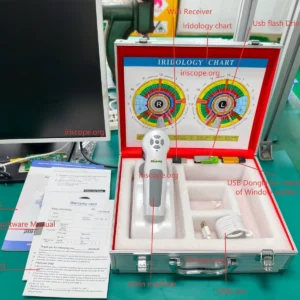
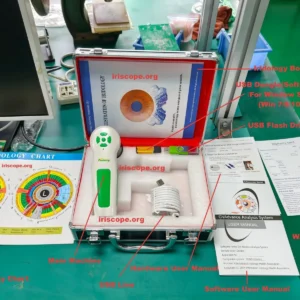
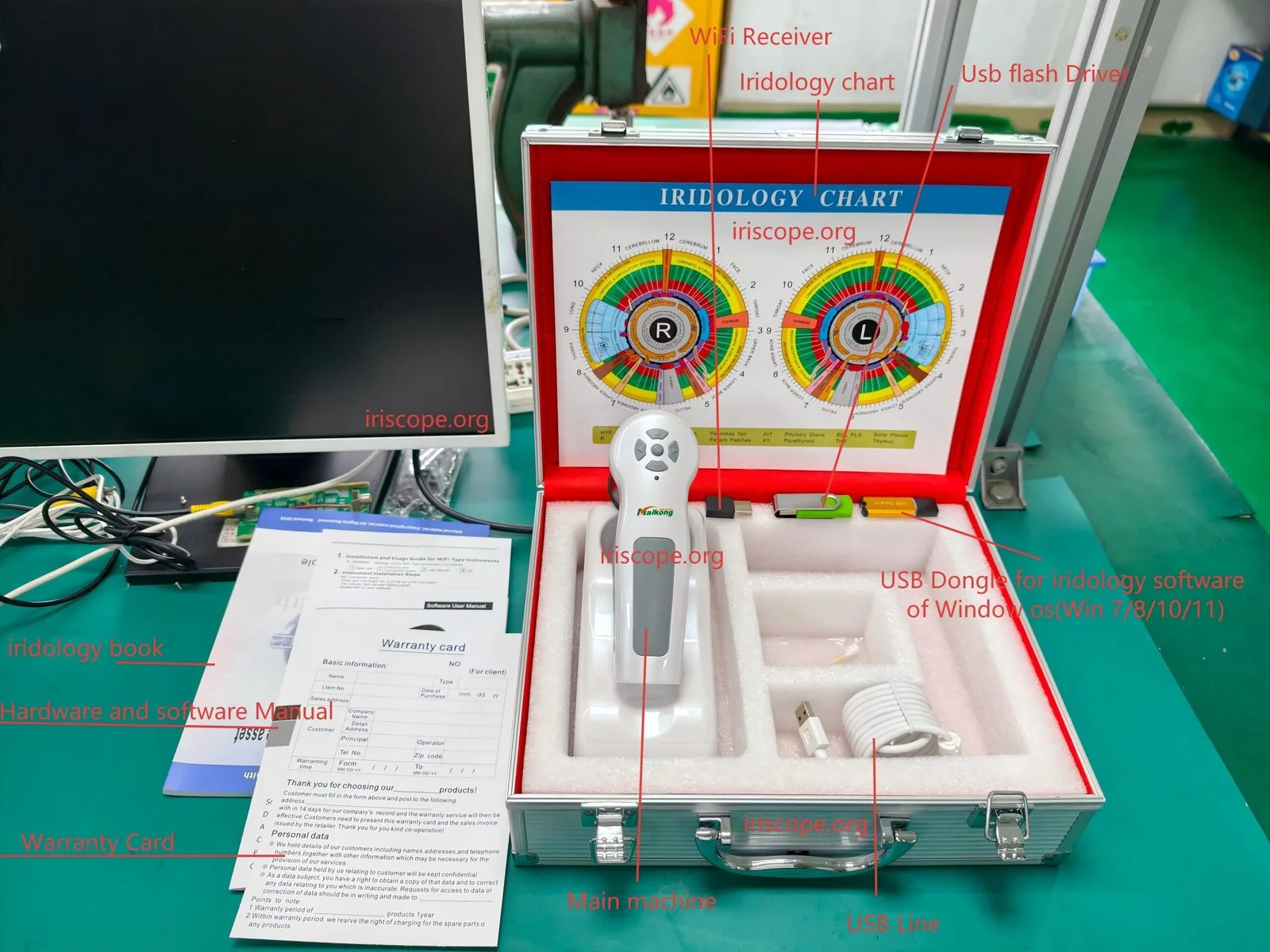
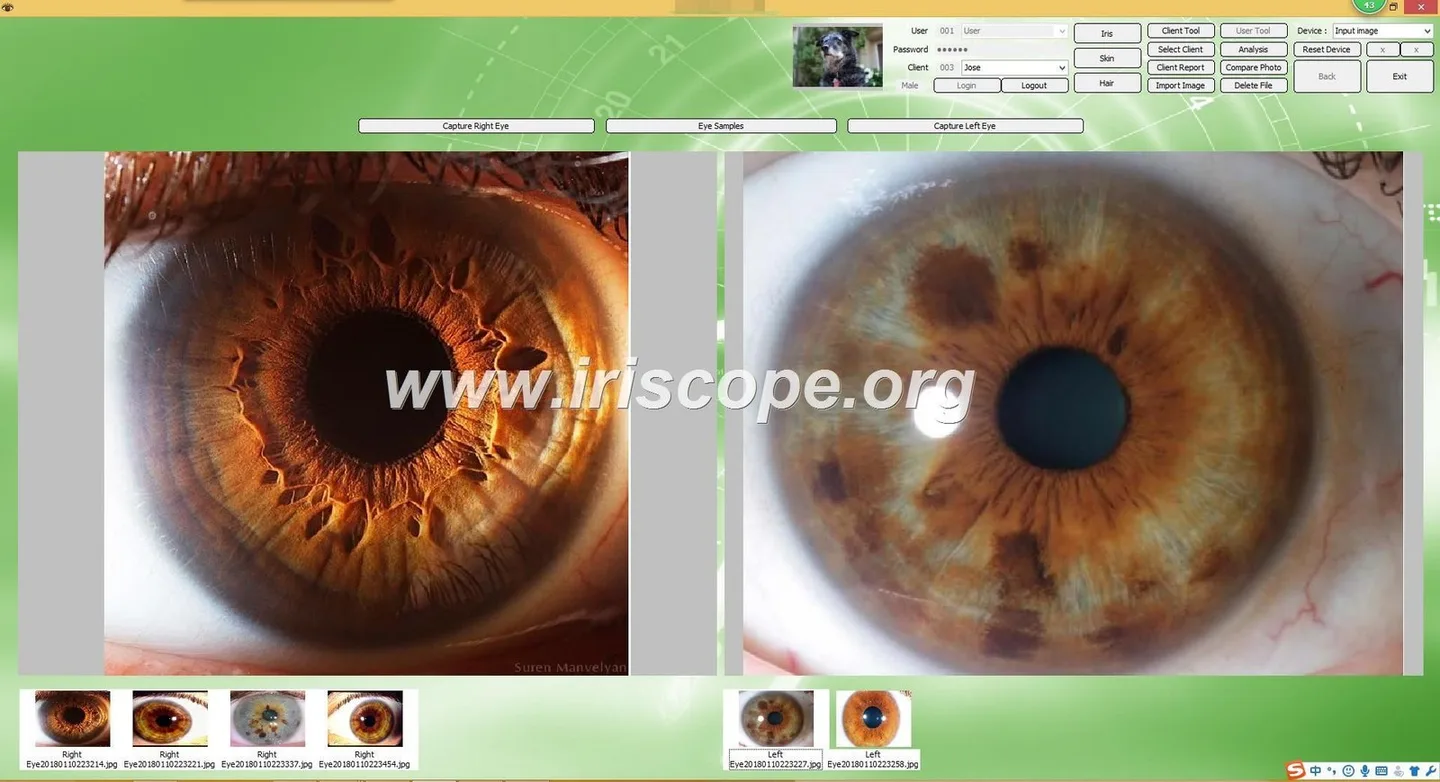
We make and supply iriscope comparable provider cameras designed for educational and wellness use. The product commonly sold to training providers is listed as the MK-12 family (model MK-9822U). It captures high‑resolution iris images (12 MP, CCD sensor; maximum image size up to 3840×2880) and ships with Maikong analysis software to save client/student records and print reports. The package, accessories and support are organised for classroom and mobile teaching: handset, 30× iris lens, aluminium case, comparable provider chart and a USB software key. These facts come from our product record and specification sheet. (data-fact-id=”201″)
Requirements and use context
What course providers typically need
As trainers you want equipment that is reliable for repeated demonstrations, straightforward for students to use, and capable of producing clear images students can analyse and compare over time. Specific needs we hear from UK providers are:
- consistent image quality for a cohort of students;
- software that organises student/client records and prints or exports reports;
- portability for workshops and demonstration days;
- clear statement of what the device is and is not permitted to claim under UK rules (educational/wellness use only).
Our MK-series targets these needs: compact handset design, USB connection to a host computer, and software to store and compare images. See the technical section below for the exact compatibility list. (data-prepared-source=”factory_product_facts:201″)
Verified specifications and evidence
Below are the core, verifiable specifications we supply for the MK series. We report these exactly as in our product record so you can use them in procurement documents or training briefs.
| Item | Value |
|---|---|
| Model | MK-9822U (part of MK-12 family) |
| Sensor / pixels | CCD, 12 MP |
| Maximum resolution | 3840×2880 |
| Illumination | LED ring, 4 LED / 2 LED lamp control |
| Software | Maikong comparable provider Software Analysis System (MaikongCVAdvanceEnglishWiFiV3401) |
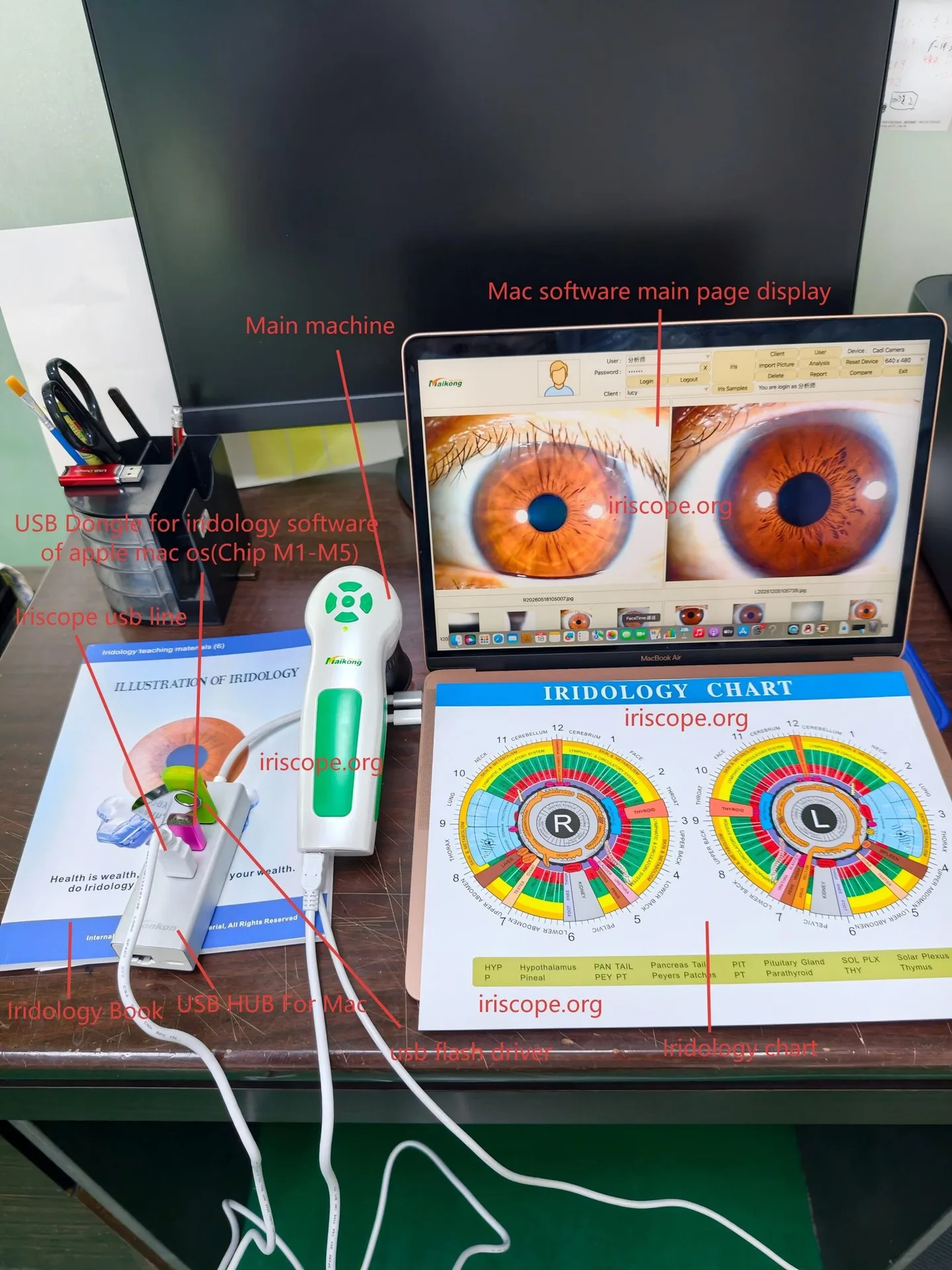
| OS compatibility | Windows XP–11 and Apple Mac OS (as supplied) |
| OEM / MOQ / lead time | OEM available; MOQ 1; lead time 2–3 days |
| Warranty / declared certifications | 1 year; CE declared (company also lists ISO 9001 and ISO 13485) |
We include accessories in the standard kit that matter to course setups: handset, 30× iris lens, aluminium carrying case, protective lens cover, printed comparable provider chart and driver/software USB key. These are supplied so you can start classroom sessions without sourcing separate peripherals. (data-fact-id=”201″)
Selection criteria and buyer checklist for course providers
The decision for a training centre is less about brand prestige and more about classroom fit. Use this checklist when evaluating systems.
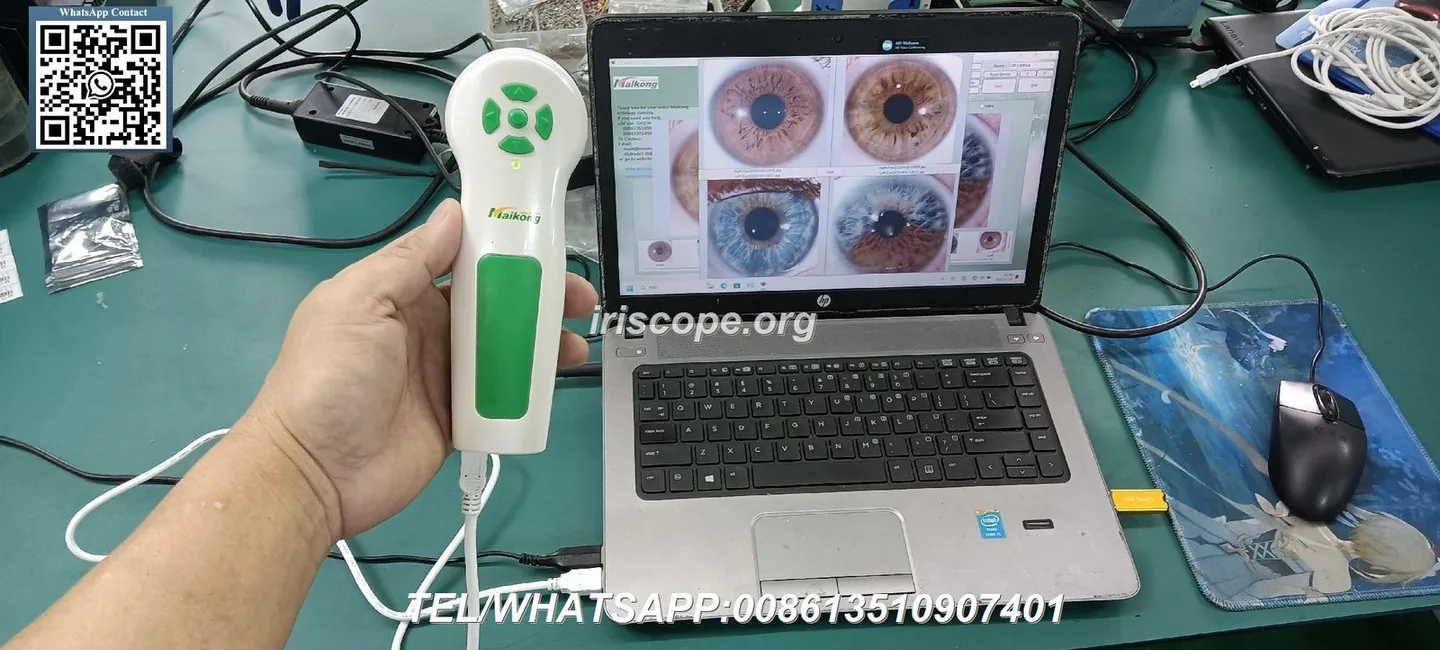
- Image consistency: check sensor type and resolution. Our MK models use a 12 MP CCD sensor and support up to 3840×2880 images — suitable for projection in a classroom and for printing teaching charts. (data-fact-id=”201″)
- Software workflow: must save student records, allow before/after comparison and export printable reports. Confirm language options — Maikong software supports English and multiple other languages. (data-fact-id=”201″)
- Operating system compatibility: ensure your training lab PCs run a supported OS (we support Windows XP–11 and Mac OS as supplied). If your centre uses managed Macs, test the supplied software in advance. (data-fact-id=”201″)
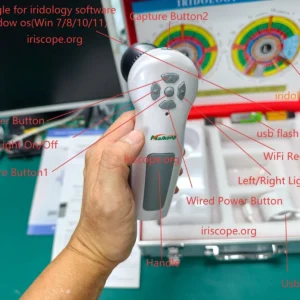
- Lighting control and capture ergonomics: adjustable LED illumination reduces reflexes and helps consistent captures across students; look for simple capture controls the students can learn quickly. (data-fact-id=”201″)
- Portability and casework: the MK kit includes an aluminium case and handset sized for mobile workshops (single package 32×25×11 cm; gross weight 2.5 kg). (data-fact-id=”201″)
- Training and documentation: get clear user manuals and sample lesson workflows; verify whether the supplier provides educator materials or slide-ready images. Our product includes a user manual and a comparable provider chart. (data-fact-id=”201″)
- Regulatory and marketing boundaries: confirm any marketing claims you plan to use comply with UK advertising and healthcare rules — present comparable provider content as educational, wellness-oriented and non-diagnostic.
Risks, limitations and suitability boundaries
We will be candid about known limits so you can set realistic expectations with students and partners.
- Not a medical device for diagnosis: our systems are designed and sold for educational, wellness and documentation purposes. Do not represent iris images as a substitute for clinical diagnosis, laboratory testing or imaging. See the compliance notice at the end of this article.
- Software and OS caveats: our Maikong software is supplied for Windows and Mac OS as listed; if your institution uses locked-down lab PCs or a bespoke MDM configuration, testing with your IT team is essential before large-scale deployment. (data-fact-id=”201″)
- Image interpretation limits: comparable provider remains an educational and complementary practice; image capture quality does not validate any diagnostic claim. Use captured images for training, record-keeping and visual comparison only.
- Regulatory and advertising risk: trainers must ensure course materials and demonstrations comply with UK advertising standards and healthcare regulations. Claims implying medical efficacy are inappropriate and may be unlawful.
- Data protection: when storing student or client images, ensure your centre complies with UK data‑protection rules (including lawful consent, secure storage and retention policies).
Practical suitability scenarios for UK course providers
Here are common, appropriate uses where an iriscope camera adds value to a course:
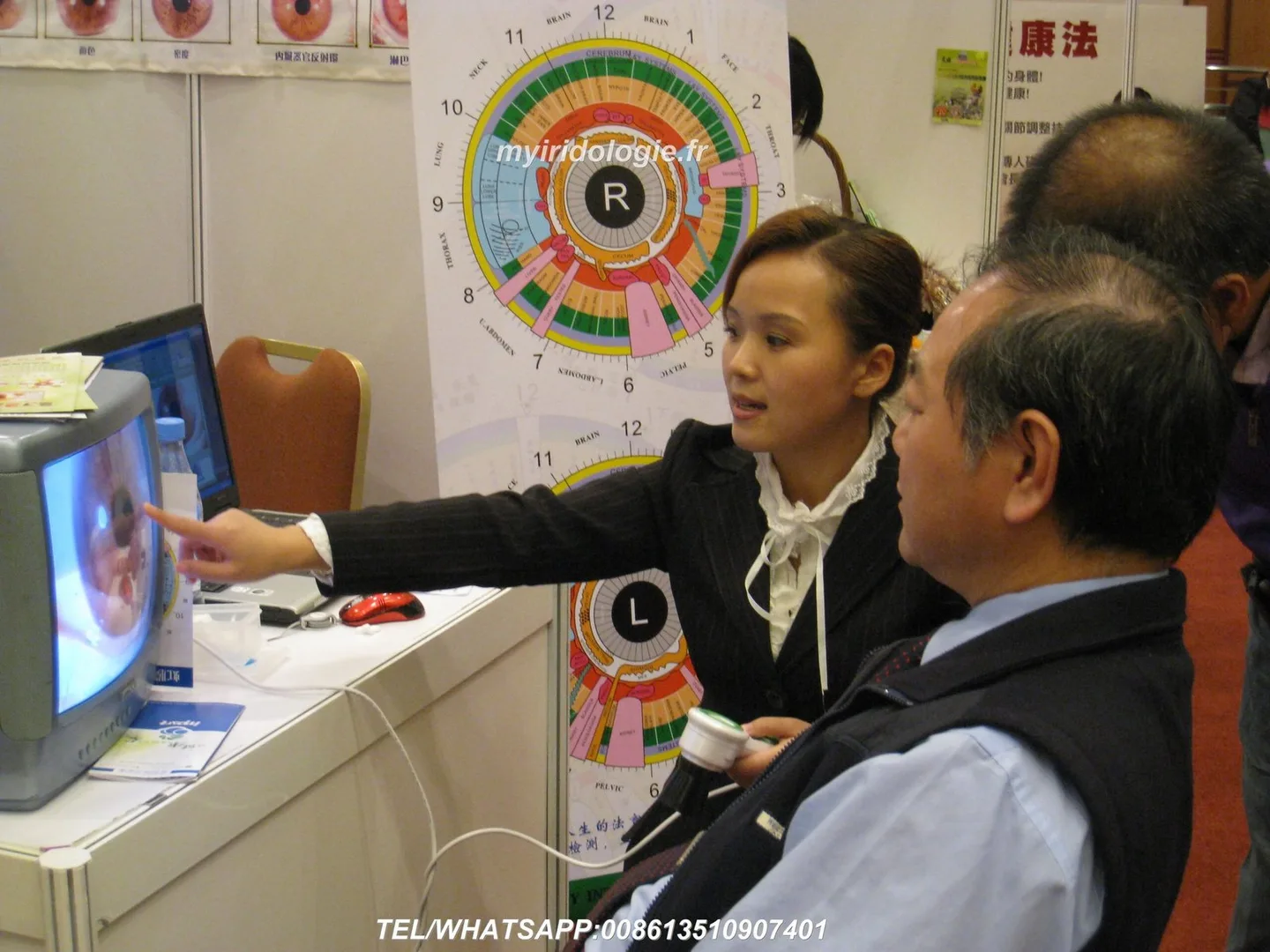
- classroom demonstrations showing iris anatomy and standard chart mapping;
- supervised student practice sessions with comparative before/after images for coursework;
- recording anonymised image libraries for teaching reference and slide decks;
- portable equipment for weekend workshops and external demonstration days;
- software-led exercises where students learn to save records and generate non-diagnostic reports.
We provide example charts and a user manual with the kit to help educators create reproducible classroom exercises. (data-fact-id=”201″)
FAQ (selected question)
Do we need a specifically certified medical device to teach comparable provider in the UK?
For teaching and wellness demonstrations, an educational comparable provider camera with declared CE and factory warranty is commonly used by training centres. That does not, however, change the permitted scope of any claims you make. If you intend to market diagnostic services using equipment, seek professional regulatory advice — training alone does not grant diagnostic status. Our device carries a declared CE mark and a 1‑year warranty as listed in our product record. (data-fact-id=”201″)
Next step and quotation requirements
If you want a quote or a recommended classroom configuration, tell us:
- how many student workstations you need (single unit for demonstrations or multiple units for hands-on practice);
- whether you need Mac or Windows compatibility tested in your IT environment;
- any requested language pack for the Maikong software (English is included; other languages are available as listed);
- whether you want OEM/brand labelling or training materials adapted for your curriculum.
Email: lucy@iridologycamera.org
Phone / WhatsApp: +86 135 1090 7401
Useful internal links
To prepare classroom materials you may find our comparable provider chart and software pages helpful: comparable provider chart, comparable provider software, and a general overview at our comparable provider page.
Article disclaimer / UK Compliance Notice
This content is for educational and general wellness purposes only. MAIKONG iriscope systems and software are intended for professional education, training, image documentation and complementary-practice use. comparable provider is not a medically proven diagnostic method and should not be presented as a substitute for diagnosis, examination or treatment by a qualified healthcare professional. Users and course providers are responsible for ensuring their use, teaching materials and promotional claims comply with applicable UK laws and advertising rules.
This content is provided for learning, information sharing and professional communication only. It is not medical advice and is not a basis for treatment or diagnosis. Confirm suitability, operation and purchasing requirements against the product manual, local regulations and qualified professional guidance.
Author: MAIKONG Industry Co.,Ltd · Reviewed by: MAIKONG Industry Co.,Ltd Product Review · Updated: 2026-10-16
We can supply single units (MOQ 1), OEM options, a standard accessory kit and a 1‑year warranty. Pricing is provided on enquiry. Contact us to request a formal quotation or confirm a teaching configuration: