How Iris Analysis Fits into Your Biohacking Stack: Practical Guidance for UK Complementary Therapy Practitioners
Quick answer
Iris analysis can be a useful, non‑clinical visual tool in a UK complementary-practice biohacking stack when used for engagement, baseline visual documentation and longitudinal observation — not as a diagnostic instrument. Used correctly, clear iris images help profile clients, support lifestyle conversations and document visual change over time; they must always be presented as wellness-oriented information and recorded alongside consent, clinical red flags and referral pathways.
Contents
Direct answer: can iris analysis usefully sit in a UK practitioner’s biohacking stack?
Yes — provided you treat it as a visual, educational and engagement tool rather than a medical diagnostic. Iris imaging helps with client profiling, demonstrating change, training and structured record-keeping within a broader biohacking programme. It is not a replacement for clinical assessment, laboratory tests or regulated diagnostics; any clinical concern must be referred to an appropriate healthcare professional.
What iris analysis is and what it can (and cannot) contribute to wellness-focused biohacking
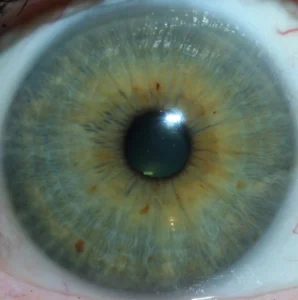
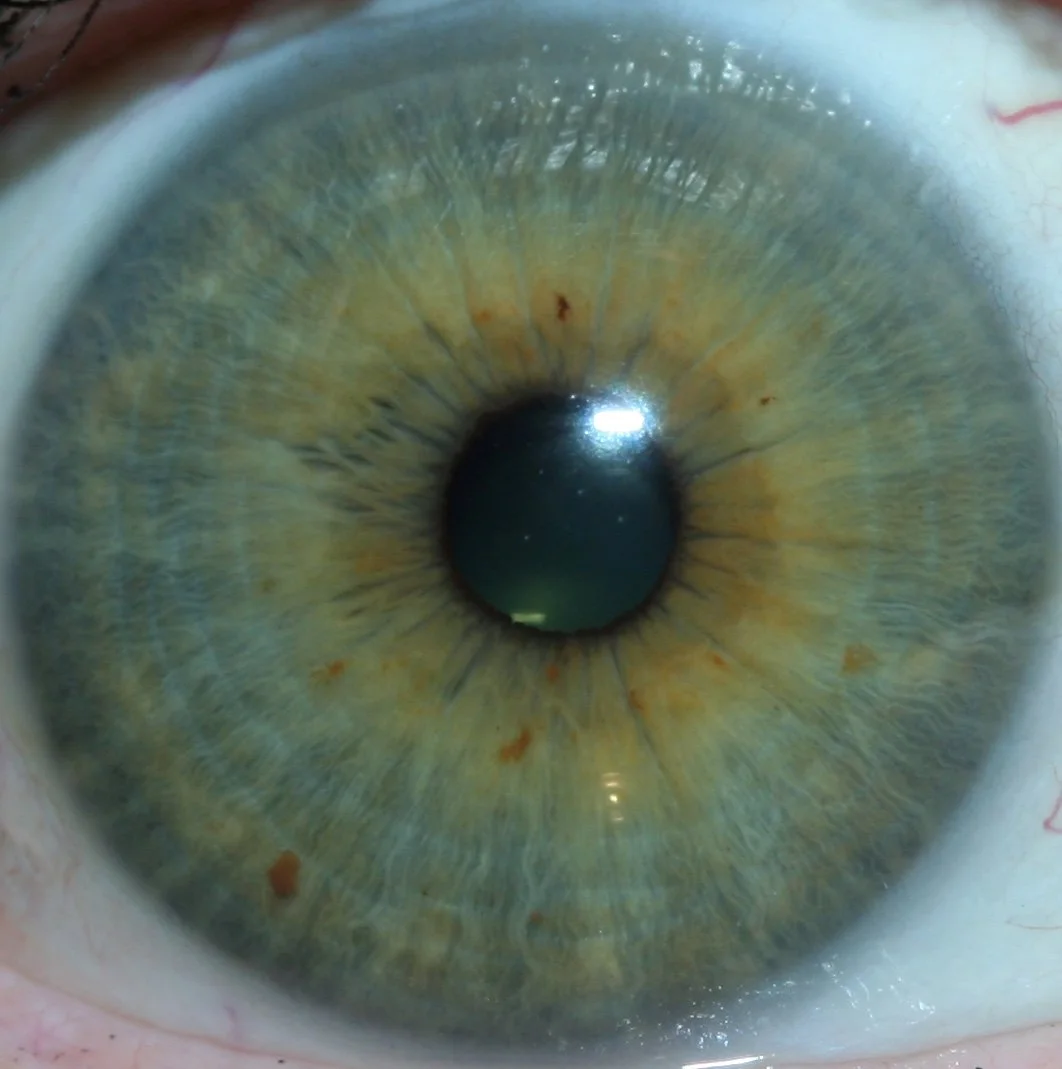
Iris analysis (comparable provider) is a practice that uses high-resolution photographs of the iris and surrounding eye to create visual records and to support practitioner-led interpretations about general wellness, constitutional patterns and observable tissue texture. Practically, it contributes to your biohacking stack in three ways:
- Client engagement: clear images provide a tangible visual during consultations, often helping clients understand observations and follow-up suggestions.
- Baseline and tracking: standardised photographs make before/after comparisons possible over weeks or months as clients test lifestyle interventions.
- Education and training: images are useful for teaching clients and students about observational methods without implying clinical diagnosis.
What comparable provider cannot do: it must not be marketed or used as a diagnostic tool for disease, nor offered as evidence that replaces medical tests. Present findings as informational and complementary to orthodox healthcare.
Where iris analysis fits in a practical toolkit: complementary roles versus clinical tools
Think of iris imaging as a visual layer in your toolkit, alongside objective measures (blood tests, blood pressure, wearable metrics) and subjective assessments (symptom diaries, dietary logs). It is most helpful when:
- you want a non-invasive, repeatable visual record;
- you need a client-facing artifact to structure lifestyle conversations;
- you are training students or documenting practical sessions.
It is less appropriate where clinical accuracy is required. For red‑flag symptoms or suspected pathologies, rely on regulated clinical pathways and refer promptly.
Which practitioner goals make iris analysis helpful
Client profiling
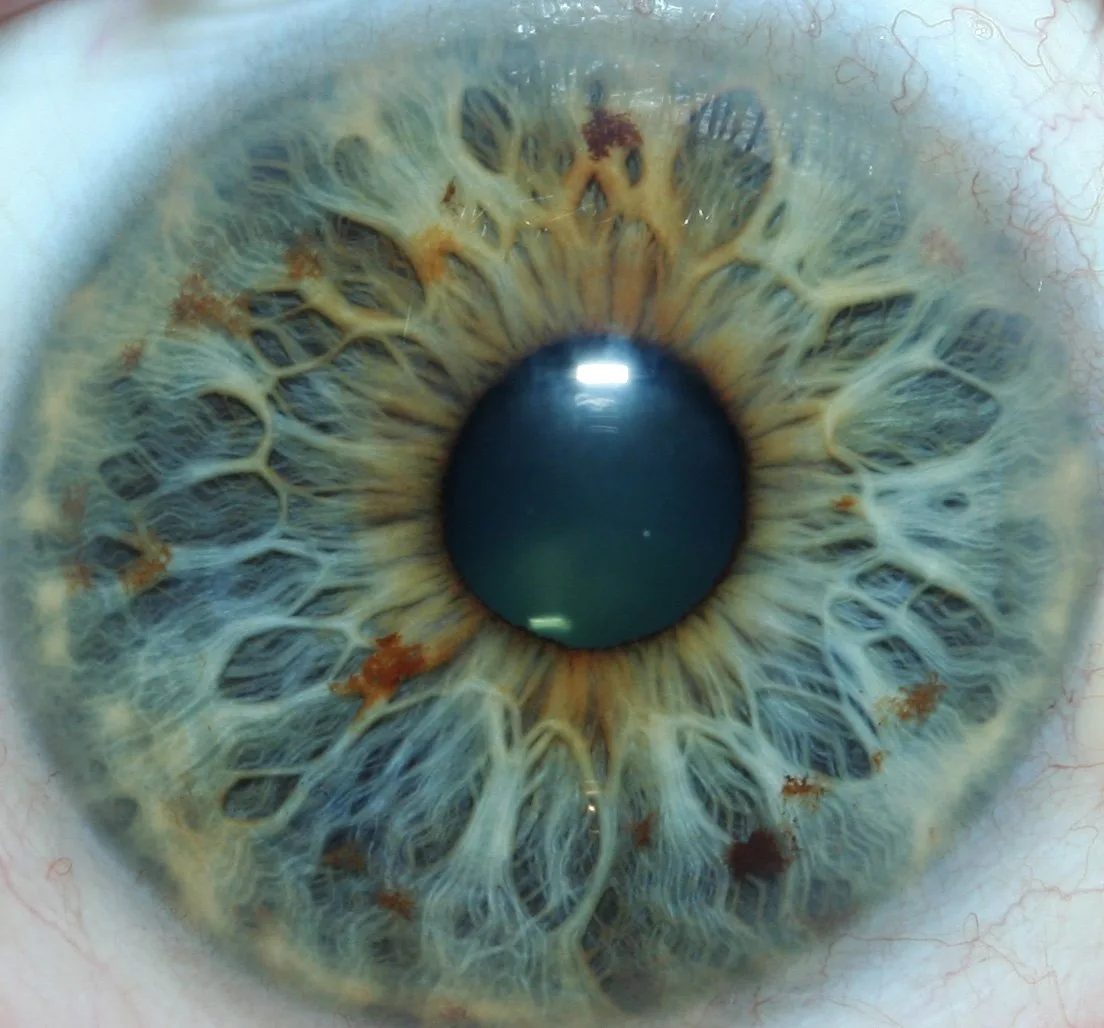
Use iris images as one element in a broader intake profile. They are useful for noting baseline texture, pigmentation and pupil/iris symmetry for discussion purposes.
Lifestyle conversations
Images can illustrate trends and provide visual prompts for behaviour change. Use them alongside sleep, nutrition and activity data.
Visual tracking
When clients run an intervention (diet, supplements, sleep protocol), standardised images give a visible record of any superficial changes over time — useful for engagement, not for claiming clinical effect.
Quick checklist: minimum workflow and capture standards for useful iris images
- Informed consent: explain purpose, limits and how images will be stored; document consent in the client record.
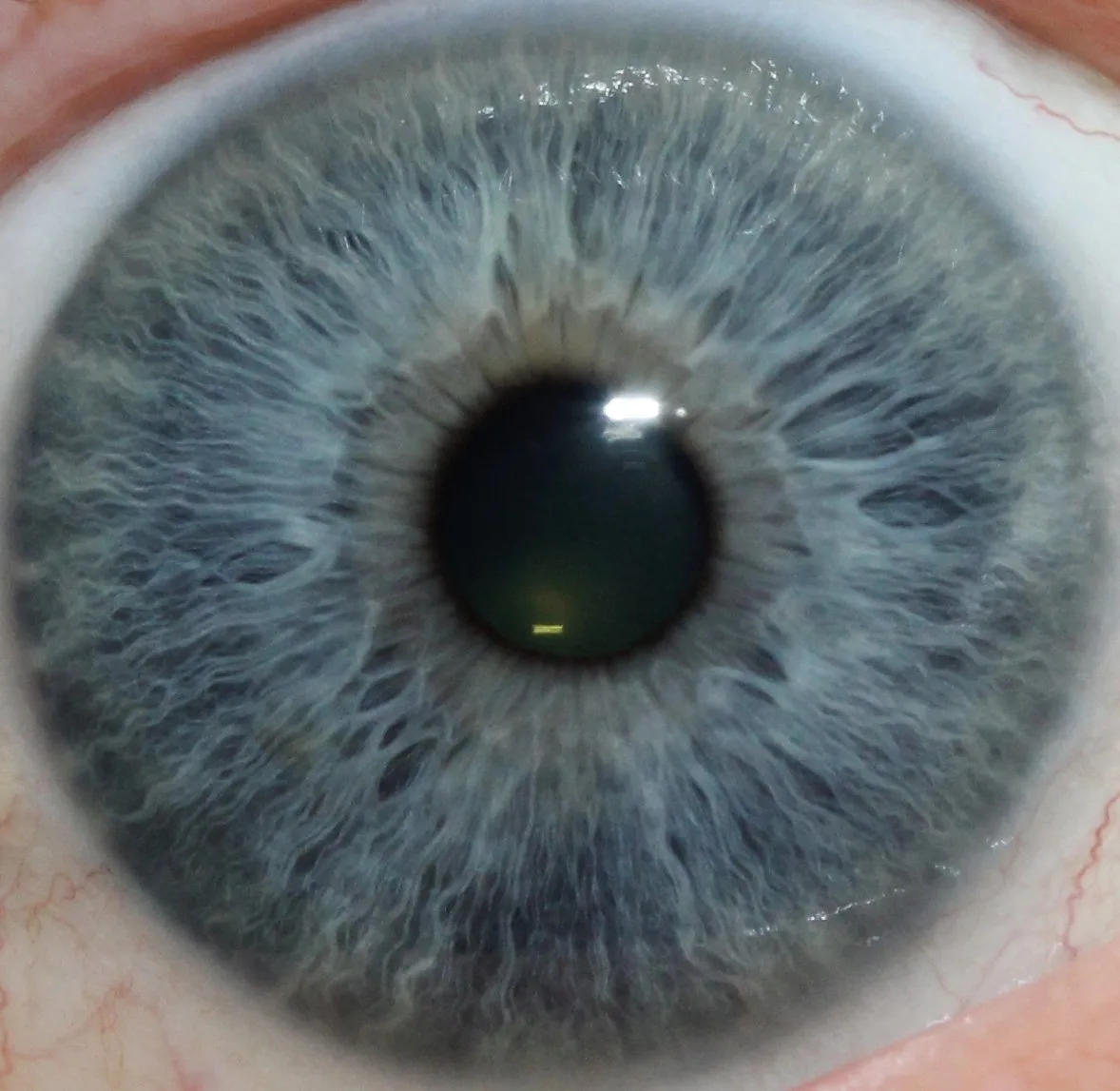
- Standardised lighting: fixed illumination angle and intensity for each capture to make comparisons meaningful.
- Stable head and camera position: use a chin rest or stable support for clinic captures; use consistent framing for mobile work.
- Image resolution and format: save original high-resolution files (lossless or high-quality JPEG) and a timestamped record.
- Record metadata: client ID, capture date/time, device model, capture settings and brief observation notes.
- Privacy and storage: store images encrypted or in a secure practice management system and follow UK data-protection rules (GDPR) for retention and access.
Recommended capture setups by use case
Clinic station
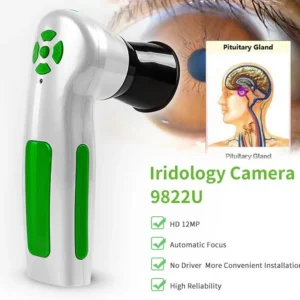
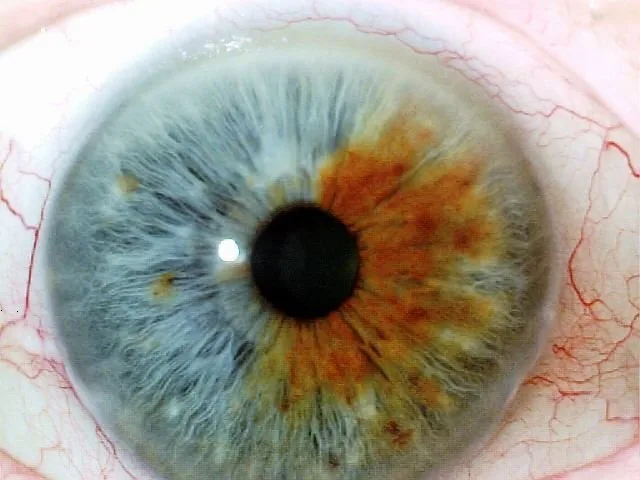
Use a desk-mounted or table-mounted iris camera with a chin rest and repeatable LED illumination. A fixed setup reduces motion blur and lighting variance. Capture both eyes, and take a second shot with the same settings to confirm clarity.
Mobile visits
Choose a compact handheld iris camera with controllable LED intensity; bring a portable support or inexpensive foldable chin rest. Control ambient light (a simple hood or quiet corner helps) and record the location and lighting conditions in the client file.
Training demos
For classroom use, a lightweight camera with live-feed capability and a screen is useful. Demonstrate consistent capture technique and stress that images are for education and discussion only.
Our product lines include portable and desktop-capable iris cameras designed for these scenarios; see the hardware guidance below for model-level details and compatibility with Maikong software.
Software and record-keeping: how comparable provider software integrates with client data
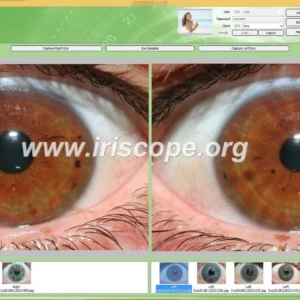
comparable provider software does three practical jobs: it captures and organises image libraries, offers side-by-side comparisons, and helps annotate images alongside client notes. Choose software that:
- preserves original image files and stores standardised metadata;
- allows secure export and backup of records;
- supports report generation for educational use, not clinical diagnosis.
MAIKONG’s Maikong comparable provider Software Analysis System (MaikongCVAdvance) supports multiple languages and Windows/Apple platforms; it is supplied with cameras in our packages and integrates image capture, basic annotation and reporting functions.
Where clinical records are kept in separate practice software, ensure you store a cross-reference (image ID and brief notes) rather than exporting sensitive images into insecure places.
Choosing hardware for the stack: which MAIKONG models and features match common practitioner needs
When selecting hardware consider resolution, illumination control, portability and software compatibility. Two MAIKONG models often chosen by practitioners are outlined below; preserved model details follow the manufacturer’s specifications.
| Feature | MK 980U (IRISCOPE) | MK-9822U / MK-12 |
|---|
These devices are intended for practice and training use. Choose a 12MP option if you need higher detail for close-up educational work; the 5MP unit is a reliable, simpler option for many clinic stations. All devices should be used with Maikong software to preserve metadata and ensure consistent captures (product facts preserved from MAIKONG specifications).
How often to run iris analysis for longitudinal wellness tracking and what to record
Frequency depends on your practice goals:
- Baseline: capture at the first consultation to create a reference image.
- Early follow-up: for lifestyle interventions, a first recheck at 8–12 weeks can be sensible for engagement (not as proof of clinical change).
- Ongoing tracking: every 3–12 months for maintenance or training cohorts; tighten the schedule for short-term programmes. Adjust intervals to client preference and practical value.
Always record: capture date/time, device model and settings, brief intervention summary, and a short, neutral observation note. Keep images in the client file rather than sharing publicly without explicit consent.
Client communication: how to present iris findings responsibly in a UK complementary-practice setting
Use clear, balanced language. Suggested script examples:
- “This image provides a visual record we’ll use to track any superficial changes over time. It’s for educational and wellness discussion, not a medical diagnosis.”
- “If anything we note suggests a clinical concern, we’ll recommend you see your GP or an appropriate specialist.”
Avoid absolute statements about disease or medical conditions. Keep written materials and consent forms consistent with this position.
Limitations, risk management and UK compliance reminders for complementary practitioners
Limitations:
- Iris images are observational, not diagnostic; avoid implying otherwise in marketing or consultation notes.
- Image variability can arise from lighting, pupil size, medication, fatigue and camera angle — standardise your capture conditions.
Risk management:
- Keep a referral pathway for medical concerns and a written consent process that explains use and storage of images.
- Follow GDPR for image storage and retention; treat identifiable images as personal data.
Regulatory note: ensure any promotional claims comply with UK advertising and healthcare regulations. We include a concise UK compliance notice below as required.
One concrete next step: request a demo, configuration advice or quote from MAIKONG
Contact MAIKONG: lucy@iridologycamera.org | +8613510907401
Evidence and product references
Product details and specifications cited above come from MAIKONG product information for the MK 980U and MK-9822U (MK-12) comparable provider cameras and MaikongCVAdvance software. The listed imaging specifications, illumination configurations and software names are those supplied by the manufacturer for professional and training use.
Risks and known gaps
There is no authoritative clinical validation presented here that iris images can diagnose or screen for diseases. We have not provided medical performance data because the manufacturer’s product facts do not claim diagnostic approval; where clinical validation is required for a specific use, seek appropriate peer-reviewed evidence and regulatory advice. Pricing is available on inquiry; we have not quoted prices in this article.
Useful links and resources
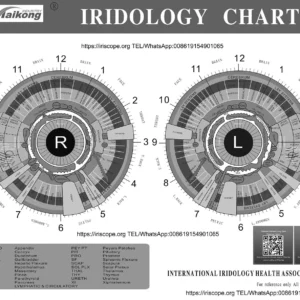
Refer to our comparable provider chart and software pages for product details and supporting materials: comparable provider chart and comparable provider software.
Article Disclaimer / UK Compliance Notice
This content is for educational and general-wellness purposes only. MAIKONG iriscope systems, comparable provider cameras, comparable provider charts and comparable provider software are intended for professional education, wellness consultation, image documentation, training and complementary-practice applications. They are not medical diagnostic devices and must not be used or presented as a substitute for medical diagnosis, tests or treatments. Anyone with symptoms or health concerns should seek advice from an appropriately qualified healthcare professional. Users and promoters are responsible for ensuring their use and advertising comply with applicable UK laws and professional standards.
This content is provided for learning, information sharing and professional communication only. It is not medical advice and is not a basis for treatment or diagnosis. Confirm suitability, operation and purchasing requirements against the product manual, local regulations and qualified professional guidance.
If you’d like a tailored recommendation for a clinic station, mobile kit or training bundle, contact us for a configuration discussion or demonstration. We will advise which model and software package suits your use case and provide a quotation for purchase, OEM/ODM and distribution enquiries.