


Using the Universal® Iridology Desk Chart (300×420mm) in UK wellness practice
Quick answer
The Universal® comparable provider Desk Chart (300×420mm) is a compact, printed reference used in consultations to orient clients to standard iris zones and to support visual discussion of wellness observations. Use it when you need a consistent, clinic‑scale visual aid beside your capture equipment or screen: for client education, record‑keeping alignment and teaching demos. It is a reference tool only — suitable for wellness, training and non‑medical communications, not for making clinical diagnoses. data-citation-section=”direct-answer”
Contents
What this chart is for and when to use it in clinic
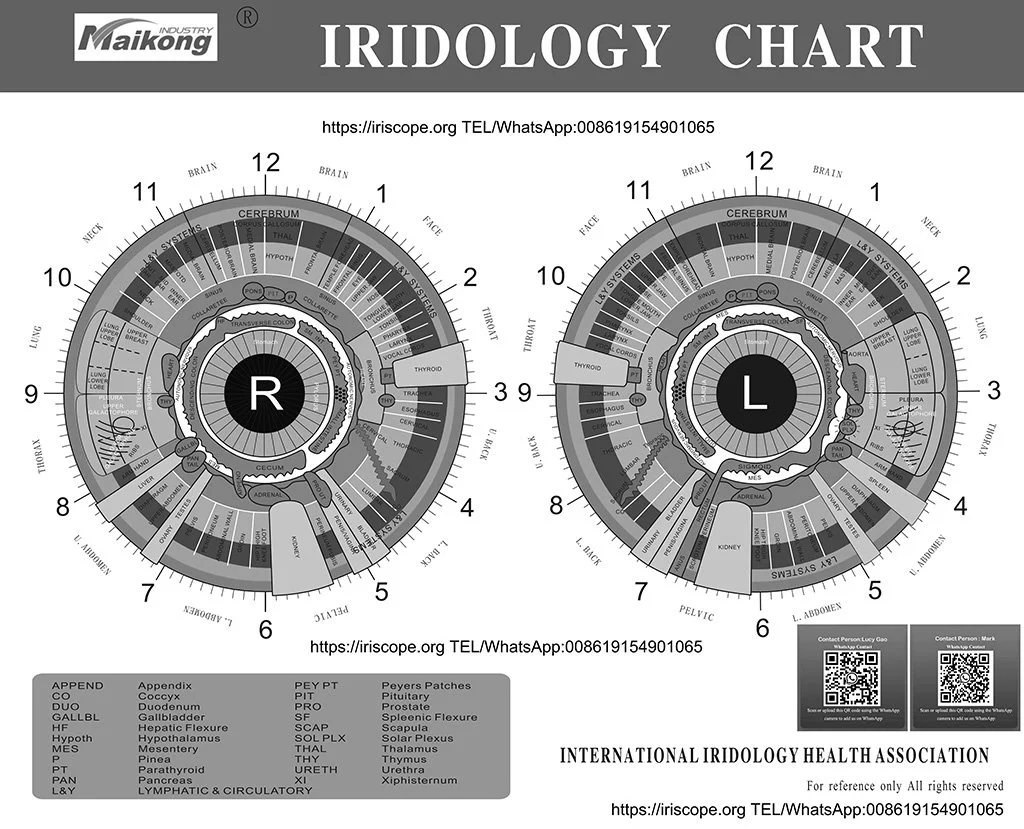
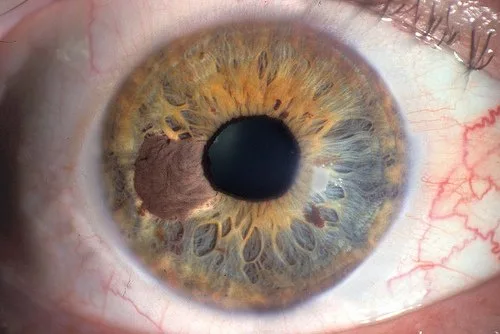
We supply the chart as a visual reference that maps commonly used iris sectors and labels (pupil, pupillary zone, ciliary zone, collarette, scleral border) at a desk‑scale size (300×420mm). Practitioners use a desk chart to: show clients where a particular mark sits in relation to standard zones, explain image comparisons, demonstrate longitudinal changes in photography sessions and support classroom demonstrations for small groups. Treat the chart as an educational overlay rather than a measurement instrument.
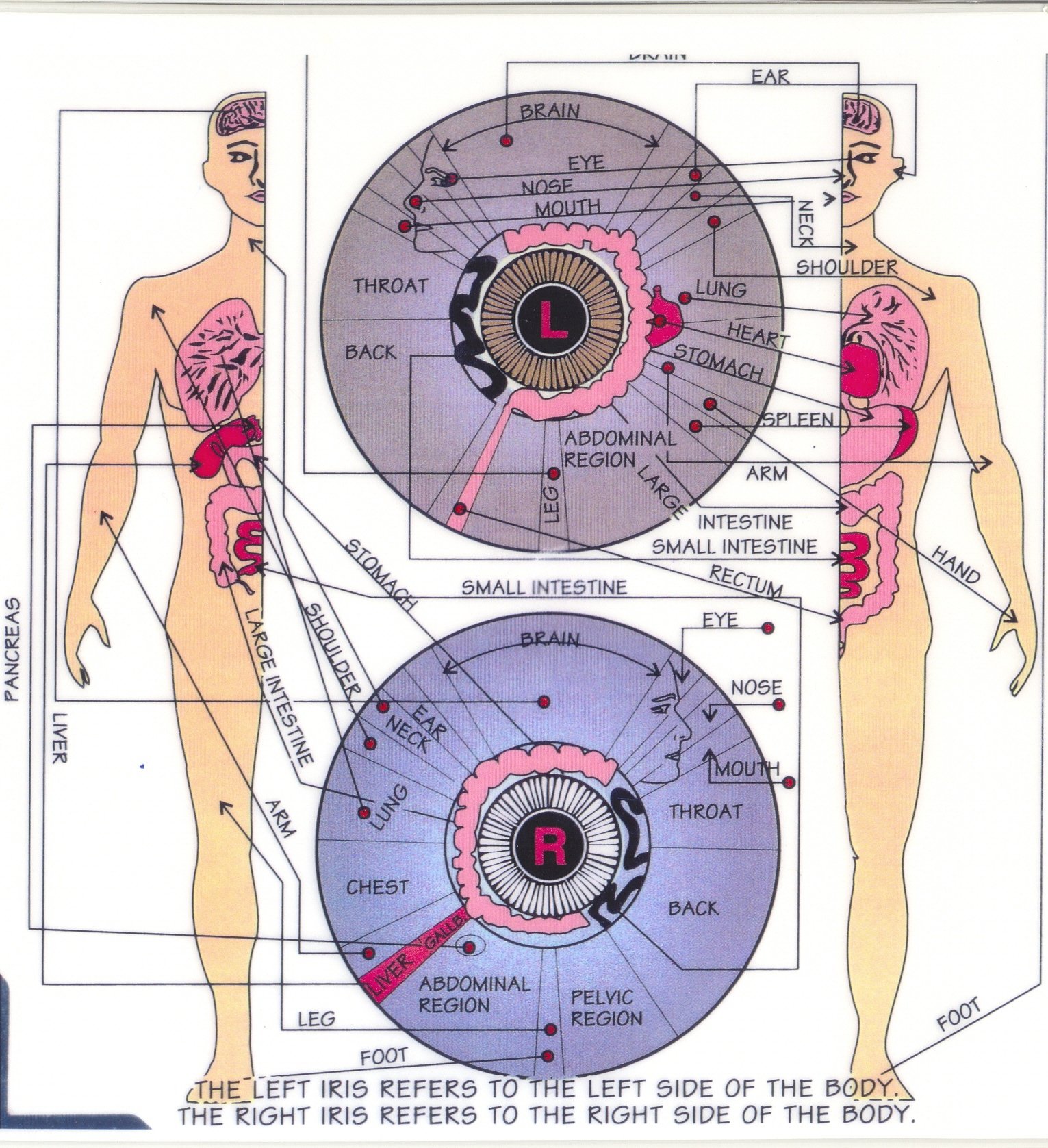
Quick visual orientation: chart layout and common practitioner reference points
The desk chart typically shows a concentric zoning of the iris with labelled clock positions and organ/region overlays used by many iridologists. In practice we and most practitioners focus on:
- Pupil and pupillary zone (central)
- Collarette and ciliary zone (mid iris)
- Scleral border and peripheral rim (outermost)
- Clock positions to describe arc location (e.g. “6 o’clock sector”)
Use the chart to point out relative position and symmetry; it should not be used as sole evidence for clinical decision‑making.
How to use the desk chart in a standard wellness consultation (step‑by‑step)
We recommend a simple, reproducible routine so the chart supports clear client communication:
- Place the chart flat on the consultation desk or on a low easel so the client can see it from their seated position.
- Capture the iris image using your chosen camera/system (see MAIKONG capture tools below).
- Before interpreting, orient the image: rotate the captured photo so the 12 o’clock of the iris aligns with the chart’s 12 o’clock.
- Use a cursor, printed transparency or a removable sticker to mark the sector on the chart that corresponds with the photograph.
- Explain findings in wellness terms (symmetry, pigmentation pattern, structural markings) and avoid asserting medical diagnosis. If a clinical concern is suspected, advise medical referral.
Using the desk chart with captured iris images — practical alignment and labelling tips
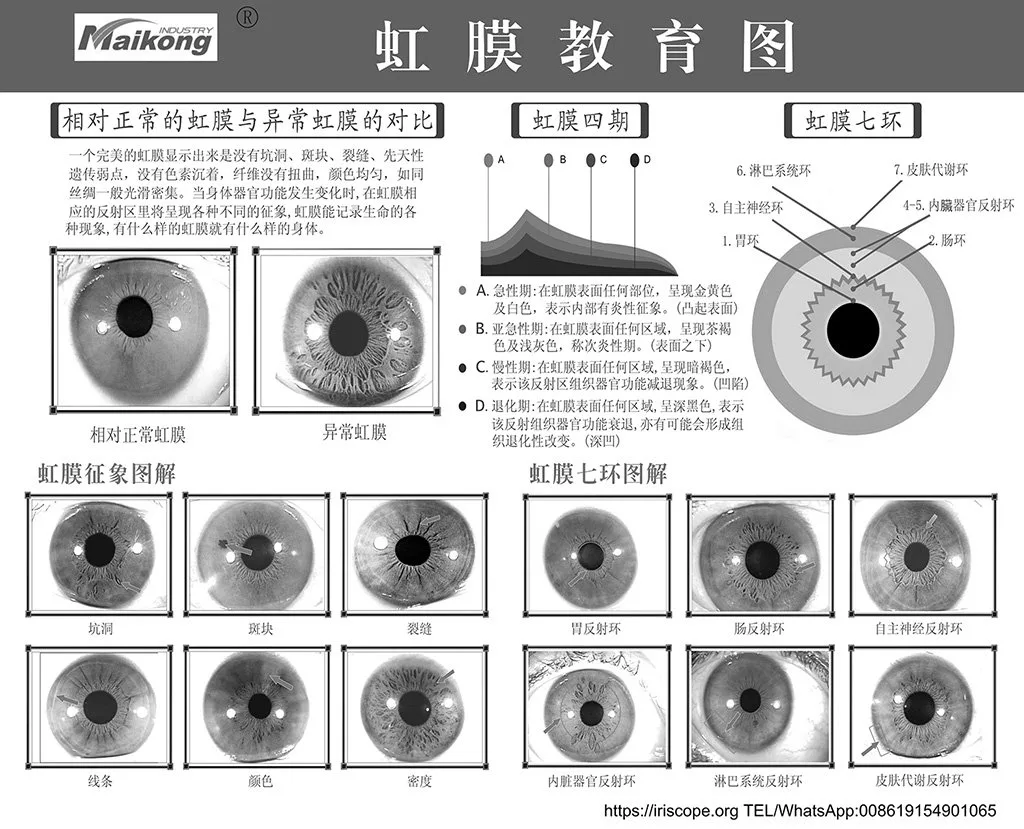
Alignment is the most common source of error when you match a photograph to a desk chart. The following practical steps reduce mismatch:
- Use software rotation and crop tools to match the pupil-centre to the chart centre before labelling.
- Prefer a digital overlay when you have a screen: export the chart image at the same pixel aspect ratio as the iris photo and temporarily lower its opacity to draw directly on the photograph.
- If you work from print, make a transparency of the chart at 100% scale and position it over a printed iris image for marking.
- Record the rotation angle and whether the image is of left or right eye — note left/right orientation to avoid mirror errors in client records.
What the chart helps you communicate to clients
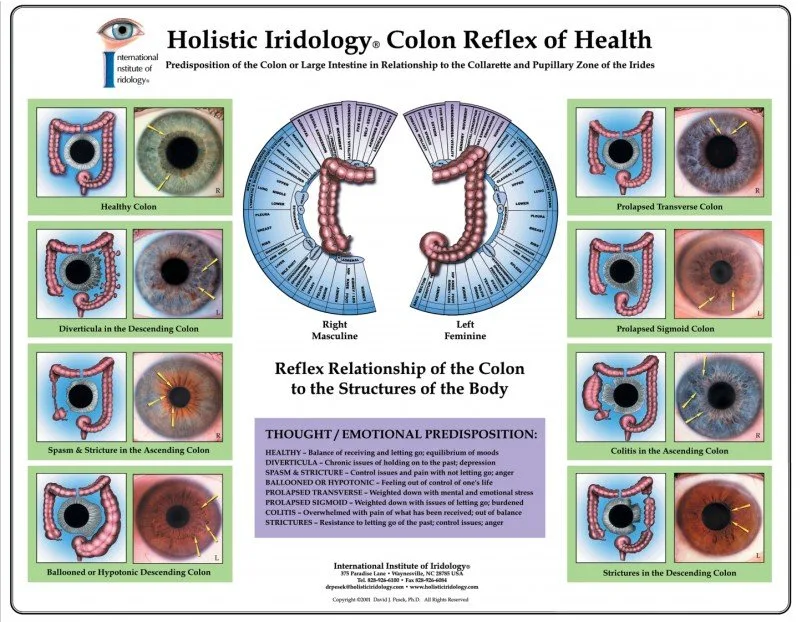
The desk chart is primarily a communication tool. We use it to:
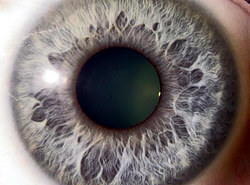
- Help clients visualise where a visible feature lies (e.g. “pigment spot at 3–4 o’clock, outer third of the iris”).
- Show symmetry or asymmetry between eyes.
- Illustrate how observations are recorded over time for wellness monitoring.
- Support teaching moments in workshops and practical classes.
Keep explanations framed as observational and educational; avoid implying a diagnostic capability.
Limitations and regulatory cautions for UK practitioners (what not to claim)
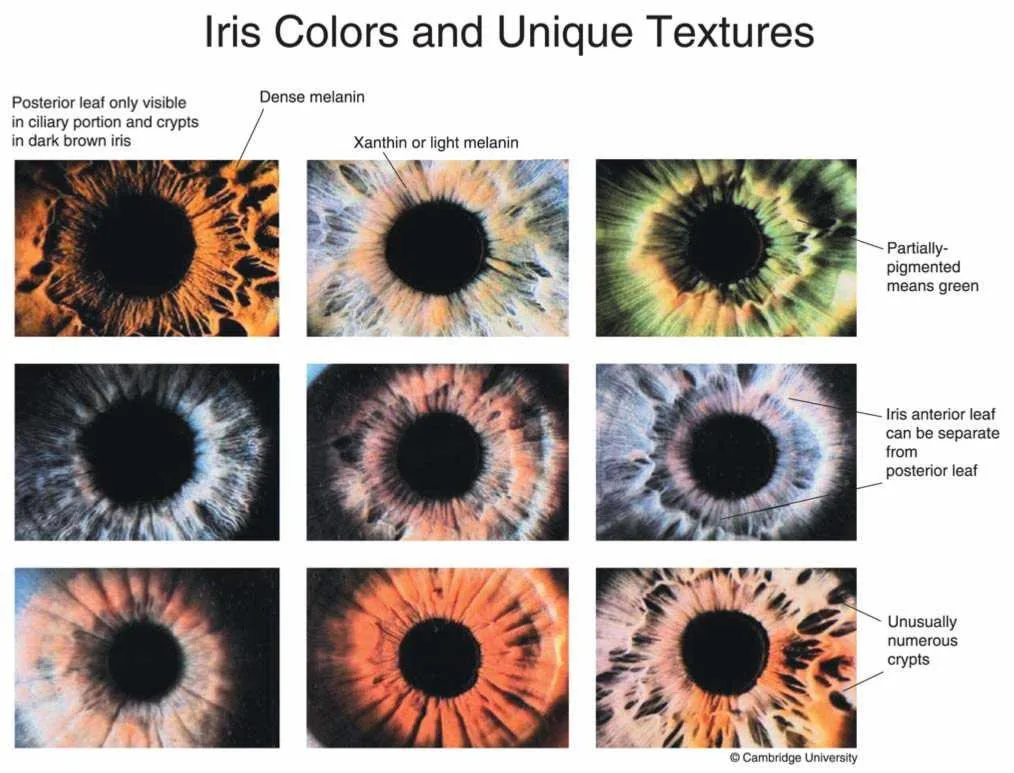
We emphasise these boundaries clearly: the chart is a reference for wellness and education only. Do not use the chart to claim that iris features diagnose, treat, prevent or confirm disease. For UK practice, any medical or diagnostic claim requires appropriate regulatory support and evidence; we do not supply that through the chart alone.
If you intend to market services that include comparable provider, ensure your advertising and client communications comply with UK advertising rules and professional standards. Where clinical symptoms are present, advise clients to seek assessment from a qualified medical practitioner.
How the chart complements MAIKONG capture tools and software
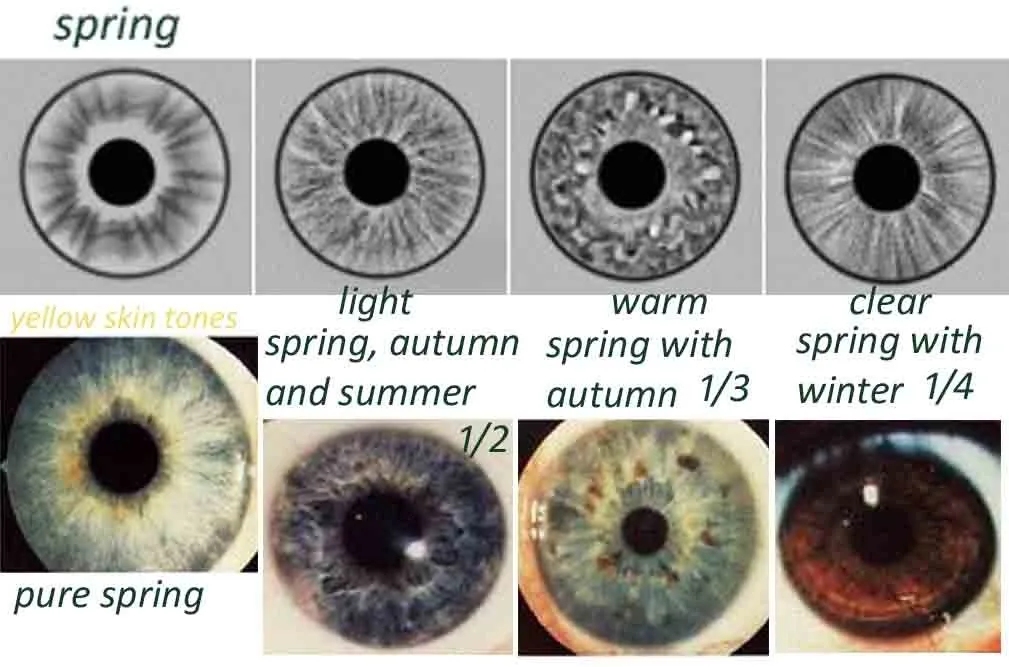
The desk chart is designed to sit alongside MAIKONG capture systems and the MaikongCVAdvance analysis software in a consultation workflow. Our camera models deliver the images you overlay on the chart; two representative product facts from our range are below for practical comparison.
| Model | Sensor / resolution | Illumination | Supported systems / software |
|---|
Use the chart with Maikong software to prepare overlays or export annotated images for client reports. For software how‑to, see our short guide and demonstrations: MAIKONG eyedeology chart demonstration.
Simple clinic‑ready workflows
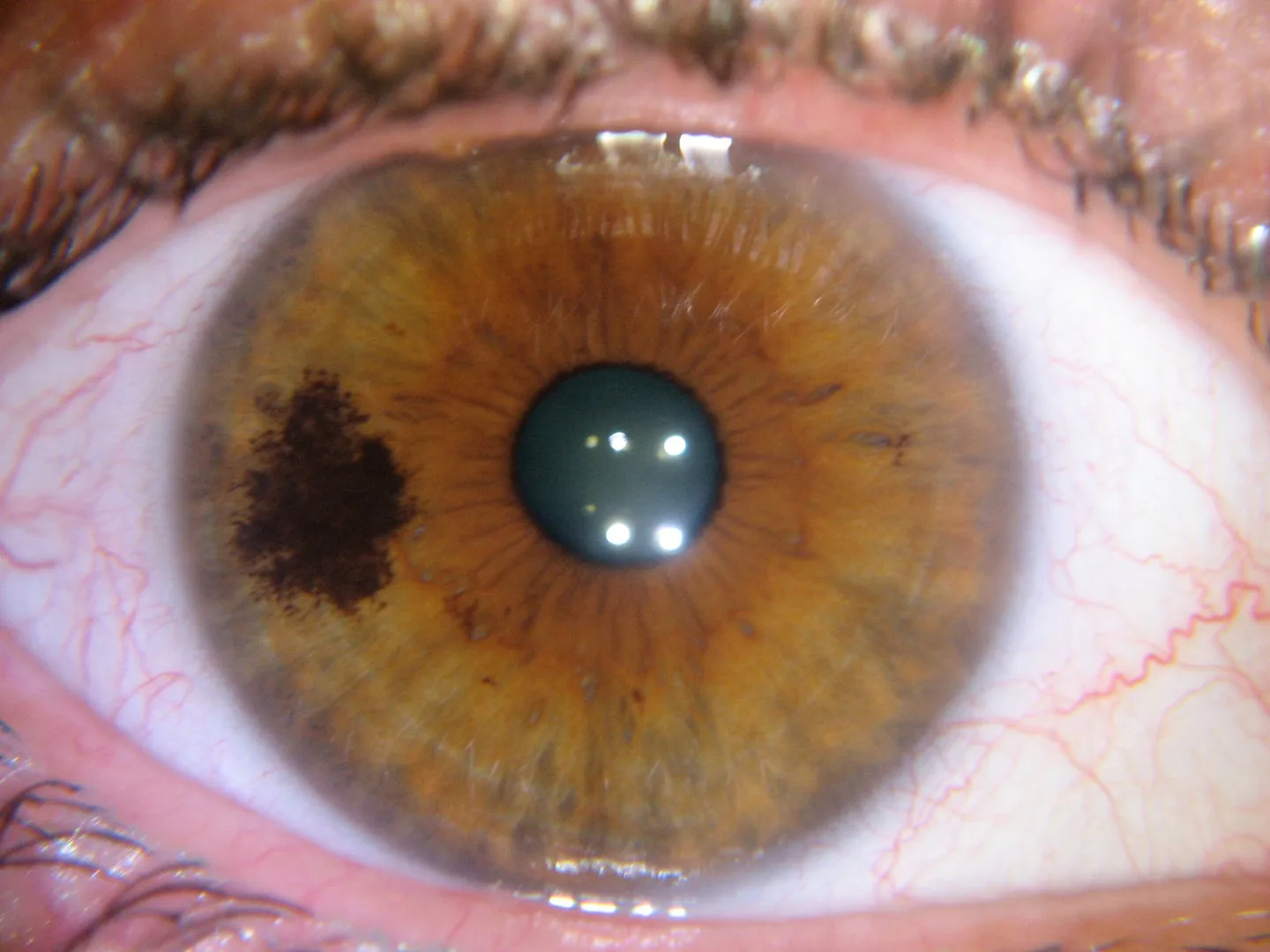
Workflow A — Chart at the desk
- Capture image with MAIKONG camera.
- Open image in Maikong software; rotate and crop to centre pupil.
- Print image at fixed scale or use a digital overlay; align the chart and mark sectors for discussion.
Workflow B — Digital overlay
- Import a high‑resolution image and a chart PNG into your editing software.
- Scale the chart layer to match pupil-to-rim proportions and reduce opacity for tracing.
- Export annotated image to client file with a clear statement that observations are wellness-oriented.
Workflow C — Teaching demo
Project the live capture or recorded images onto a screen with the desk chart visible beside it. Use labelled transparencies for group exercises and to teach clock‑position referencing.
Checklist: what to confirm before you rely on a desk chart in client work
- Is the chart scale and print quality sufficient for your print/overlay method? Ask for a sample image or transparency.
- Do you need a matte, laminated or anti‑glare finish for client use?
- How will you label left/right eyes and rotation in your record system to prevent mirror errors?
- If integrating with software, can you obtain a digital chart file at a compatible resolution?
- Clarify commercial terms: MOQ, lead time, pricing and delivery for UK shipment (pricing provided on inquiry).
FAQ — common practitioner questions
Is the 300×420mm size portable enough for mobile visits?
Yes. The tabletop size is chosen for desk visibility and fits into a standard portfolio or padded envelope for mobile work. If you need a pocket‑sized reference or a classroom poster, ask for available formats when you enquire.
Will images reproduce reliably when I overlay them on the chart?
Reproducibility depends on consistent capture settings (magnification, camera‑patient distance) and consistent image rotation. Use the same camera‑to‑eye distance and export scale each time; note that capture hardware and software settings affect reproducibility.
Can I use the chart for training courses?
Yes — the chart is a common training prop for small groups and practical labs. Consider multiple copies or a projected digital chart for larger classes.
Evidence, gaps and practical risks
The desk chart is a reference product: it does not provide independent clinical validation. MAIKONG declares ISO 9001, CE and ISO 13485 among company certifications (company declaration). These refer to quality system standards and are MAIKONG’s stated credentials; they do not alone authorise clinical diagnostic claims in the UK. Confirm any specific regulatory or medical device registration requirements for your intended use before marketing diagnostic services in the UK.
Missing information you should verify before purchase: the chart’s print finish (laminate or matte), whether a digital file is supplied for overlays, and any sample images that show typical scale for your camera system. We recommend requesting a sample image or file so you can test alignment with your capture workflow.
One useful next step
If you’d like a sample image, a digital chart file or a quotation for the Universal® comparable provider Desk Chart (300×420mm), please email your intended application (clinical/educational/display), quantity, destination (UK postcode) and whether you need a digital overlay file to: lucy@iridologycamera.org.
Related resources
Localised compliance note
This content is for educational and wellness use only. MAIKONG products (iriscope systems, cameras, charts and software) are intended for professional education, training and non‑medical wellness consultations. comparable provider should not be presented as a medically proven diagnostic method. For UK practitioners: avoid medical or diagnostic claims in advertising and client communications unless supported by appropriate regulatory status and evidence. If in doubt, consult a qualified healthcare or regulatory advisor.
This content is provided for learning, information sharing and professional communication only. It is not medical advice and is not a basis for treatment or diagnosis. Confirm suitability, operation and purchasing requirements against the product manual, local regulations and qualified professional guidance.