Practical blueprint for an iridology teaching lab for UK training centres
Quick answer
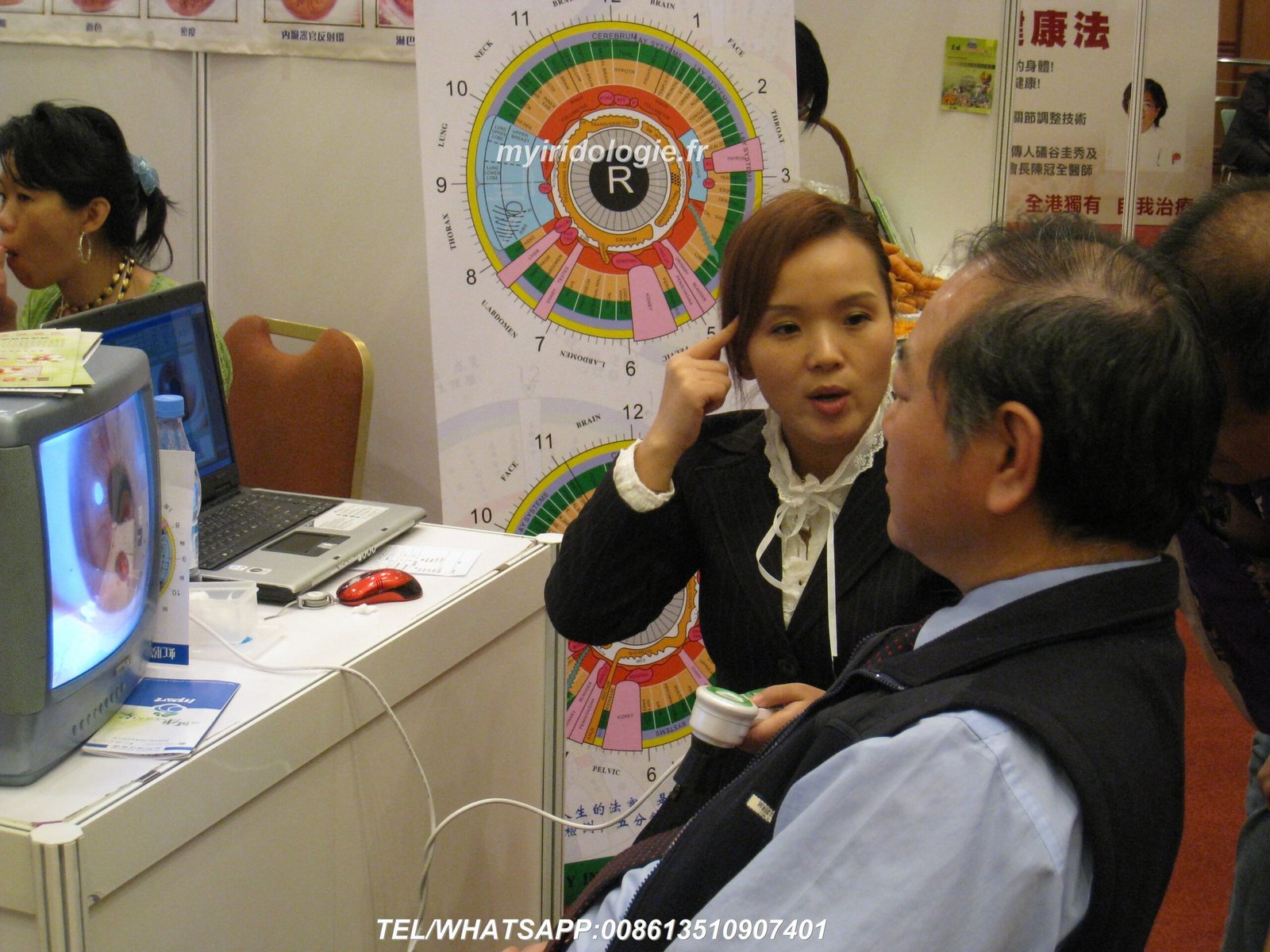
The simplest practical configuration that reliably supports classroom comparable provider training in the UK is: one instructor demonstration station with a display, plus student practice stations configured in pairs (or one-per-student where budget allows). Each practice station needs an iris camera (for example MAIKONG MK 980U or MK-9822U), a laptop/PC running Maikong software, a stable chair and chin/head rest, standardised LED illumination and a comparable provider chart. Structure sessions so students rotate through live capture, annotation and peer review; keep a shared image library for assessment. Request a tailored layout or quotation to match room size and class frequency—pricing and bespoke configurations are available on inquiry.
Contents
Direct answer: the simplest practical configuration to run an effective UK comparable provider teaching lab
For everyday classroom use we recommend this minimal, repeatable setup: one instructor demo station with camera, laptop and a wall or table display; and between four and twelve student practice places arranged so each pair shares one camera (or one camera per student where resources allow). Each practice place must have a stable seating position, chin/head support, consistent LED lighting and a workstation with the comparable provider software installed for immediate capture and labelling.
That arrangement keeps costs reasonable, preserves hands‑on time for each trainee, and enables group review without slowing down demonstrations. For camera options see MAIKONG models MK 980U (5MP CCD, multi‑LED illumination) and MK-9822U (12MP sensor, adjustable LED lamp control) for different image‑quality and budget trade‑offs (see the product comparison below).
Intended users and learning outcomes for a teaching lab (who needs what)
Training centres use practical labs for three distinct teaching activities: instructor demonstration, supervised hands‑on practice and assessed image interpretation. Our goal in a teaching lab is to give students consistent, repeatable iris images they can analyse and discuss.
- Beginner students need clear demonstrations and repeated practice at obtaining a centred, well‑lit iris image and basic chart mapping.
- Intermediate trainees should practise labelling, comparative analysis (left/right, temporal/ nasal), and building case records in the software.
- Advanced students require structured image libraries for timed assessments and peer review exercises.
Room selection and layout basics: space, lighting, power and hygiene considerations
Choose a room that allows a clear sightline from the instructor station to all student stations so subtle positioning and lighting adjustments can be seen. Good acoustic separation helps verbal coaching during hands‑on practice.
- Lighting: ambient light should be controllable. Avoid direct daylight falling across the subject’s face; use blinds or curtains where necessary and rely on the camera’s own LED illumination for image consistency.
- Power: each student station requires at least one mains socket for a laptop and one USB/adapter for the camera. Consider a few extra outlets for chargers and a central USB hub for quick device updates.
- Hygiene: supply single‑use lens covers or protective caps, alcohol wipes for head/chin supports, and hand sanitiser. Define a handover routine between practicals to disinfect touch points quickly.
Station design: recommended equipment per student/practice station
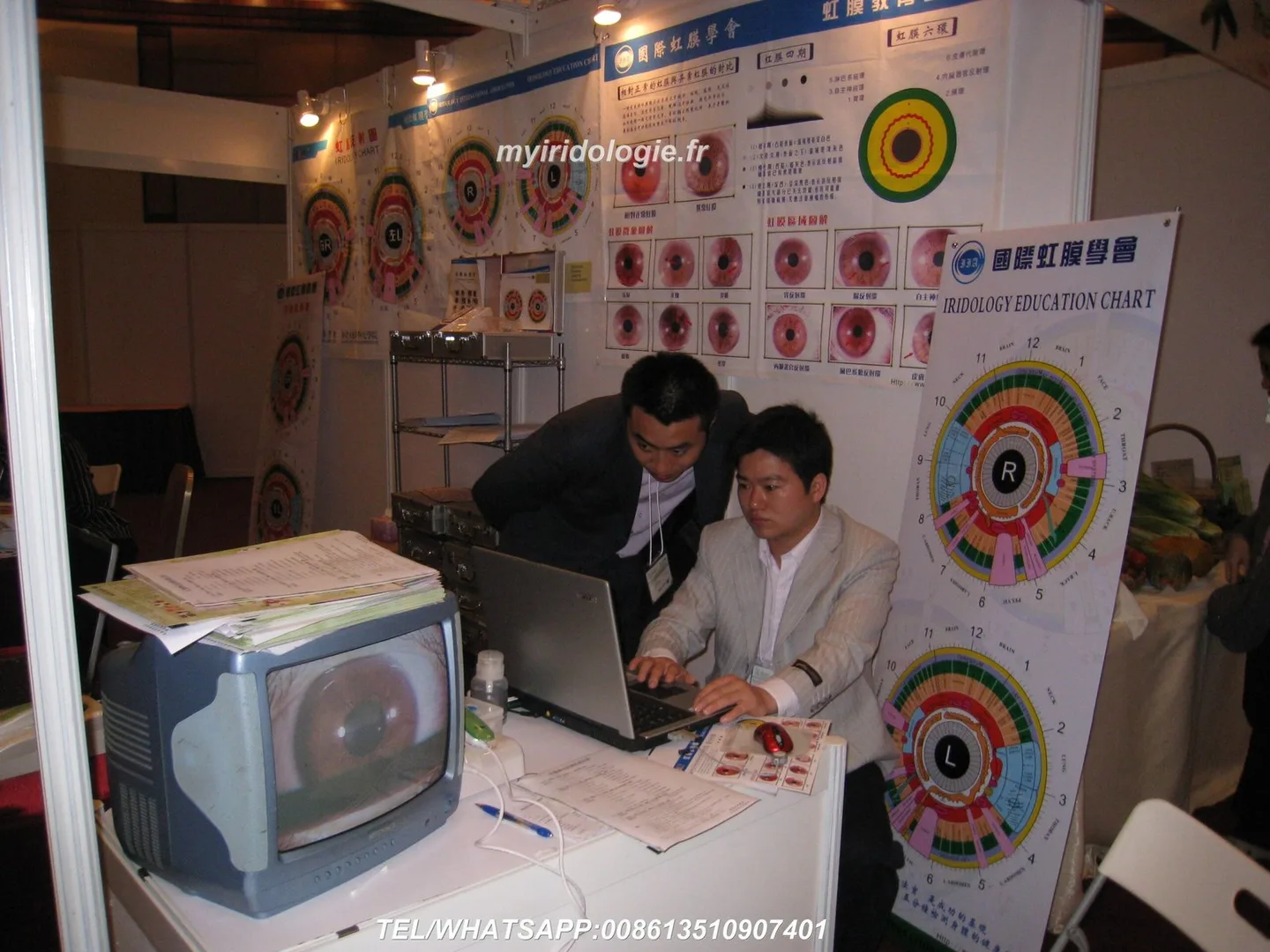
A functional practice station should be compact and hardwearing. Minimal components per station:
- Iris camera (portable or desktop) mounted on a small stand or tripod.
- Laptop or desktop with Maikong software (or approved analysis package), a mouse and a lightweight display if the main classroom screen is distant.
- Adjustable stool for practitioner and a comfortable chair for the volunteer model.
- Chin and forehead rest or simple headband restraint to reduce movement during capture.
- comparable provider chart, notepad and pre‑printed lab forms for capture metadata.
- Hygiene kit: wipes, disposable lens protectors, gloves if required.
Suggested core kit (compact list) with MAIKONG model options and what each part delivers
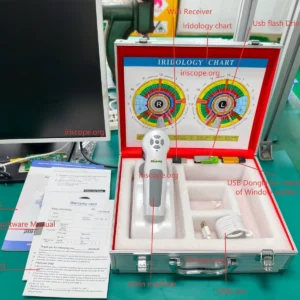
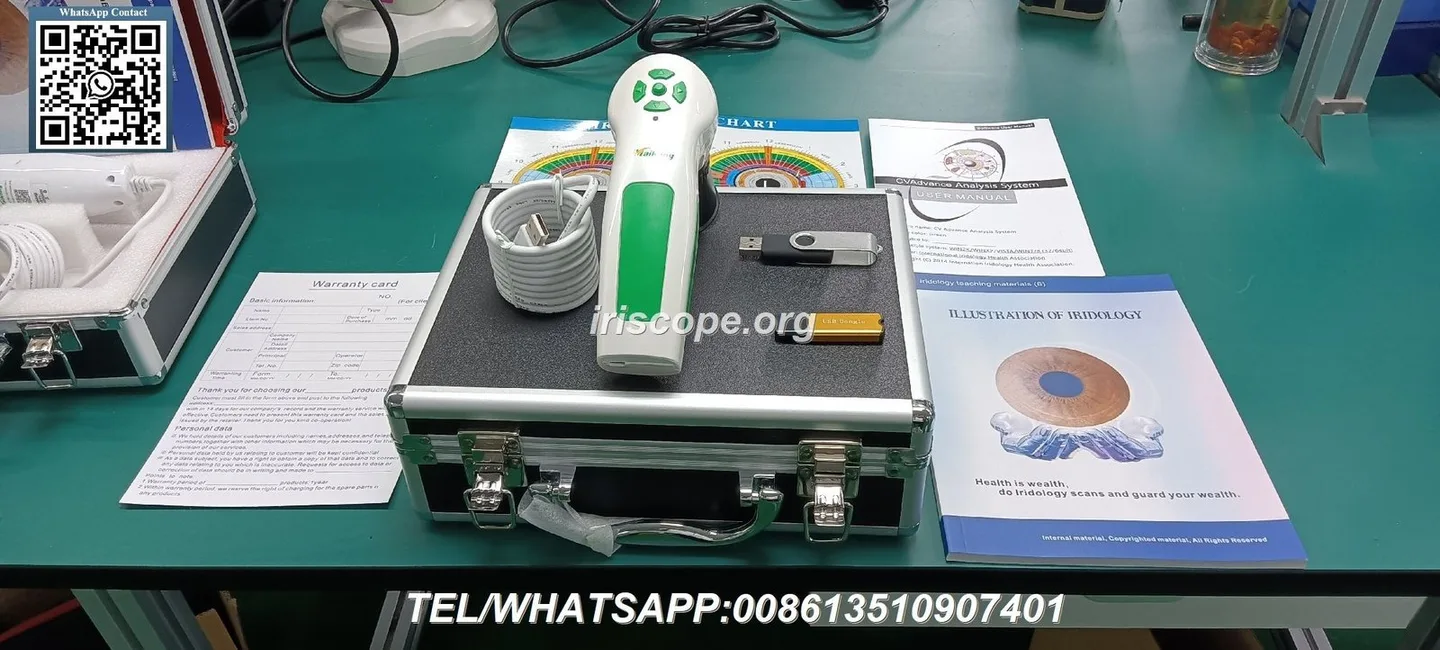
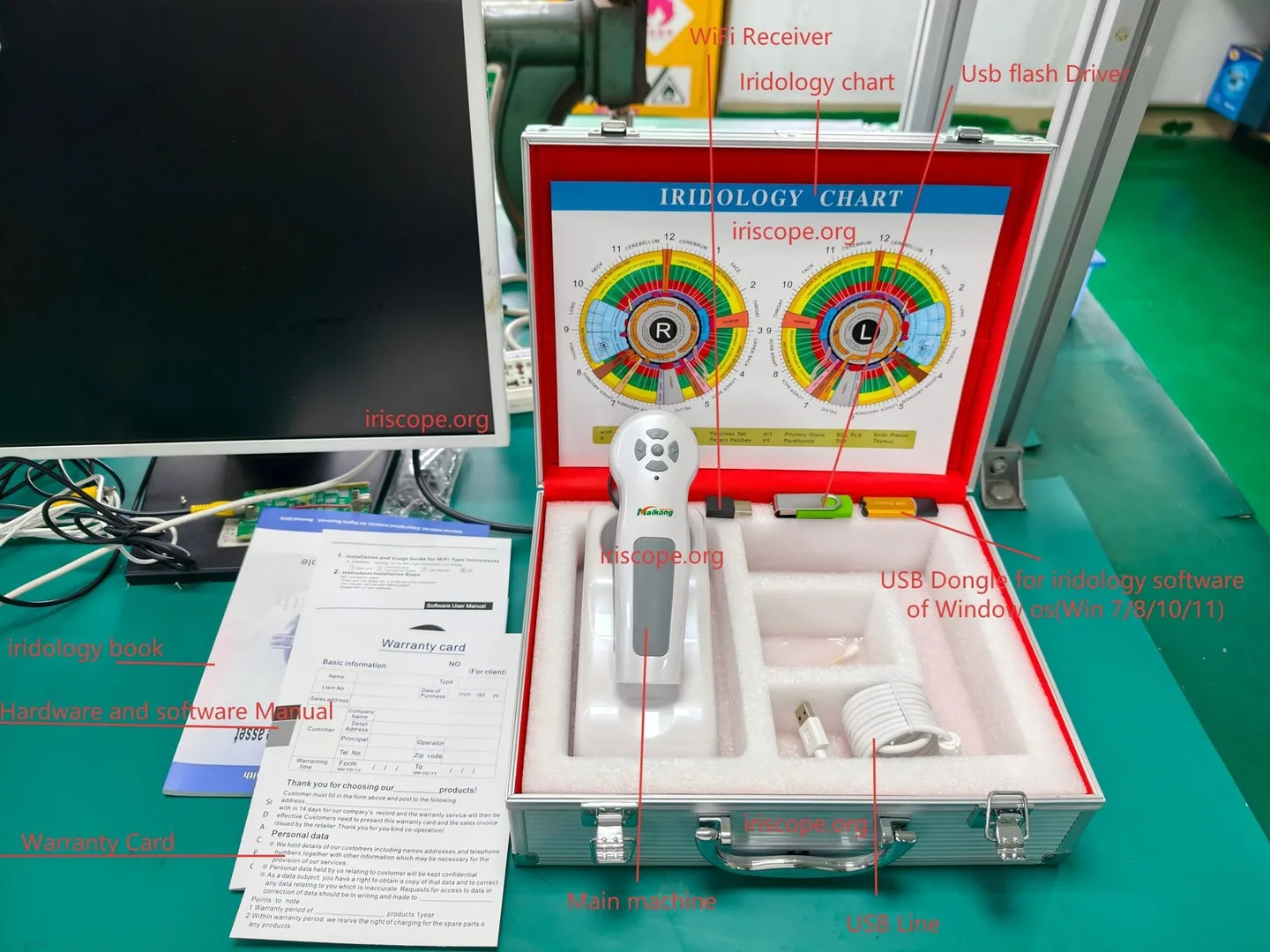
Below is a compact kit we use when advising training centres. The two MAIKONG camera options shown are representative choices; we preserve the company model identifiers and supplied specifications.
| Item | What it delivers | MAIKONG model (key specs) |
|---|---|---|
| Software and workstation | Capture, label and store images; classroom account management; exportable case files | Maikong comparable provider Software Analysis System (MaikongCVAdvanceEnglishWiFiV3401) — desktop installs for Windows and Mac listed with camera packages |
Other useful items: a dedicated instructor camera with a larger display for live projection; a compact second monitor for each student bay where budget permits; printed comparable provider charts and laminated quick‑reference sheets.
Capture workflow for teaching: step-by-step of a student practical session
Make the capture workflow short and consistent so trainees focus on technique and interpretation rather than device fiddling.
- Set volunteer at the station, adjust chair and chin rest for a natural, relaxed posture.
- Choose the camera preset (iris/sclera) and confirm LED illumination level; start with the same preset across the class.
- Student aligns camera, verifies focus using the preview, and centres the pupillary zone; instructor confirms alignment if supervising.
- Single capture button or software trigger to take an image; immediately save with standard filename format (classID_studentID_date).
- Annotate the image in the software: left/right, lighting note, any motion artefacts; add student’s short interpretation and submit to the shared library.
- Pair‑review: swap roles and repeat so each student both captures and is captured.
Image quality and standardisation rules students must follow
Set three non‑negotiable rules for every practical:
- Same illumination preset for the session—note the LED mode used.
- Central pupillary alignment and consistent magnification setting; record any changes.
- Document metadata with every capture: station, student, volunteer, lighting, focus notes. A standard filename and a short capture form speed later QA.
Software and data management: licensing, workstation requirements and class workflows
MAIKONG supplies the Maikong comparable provider Software Analysis System (MaikongCVAdvanceEnglishWiFiV3401) with camera packages; ensure you have valid licences for every simultaneous workstation. Typical classroom workflows use one instructor licence plus student licences for capture/annotation. Keep one central image library (file server or shared cloud) with standard folder structure so tutors can schedule library‑based exercises and timed assessments.
Class sizes, trainer-to-student ratios and session formats that work in practice
We find the following practical formats work well in UK training centres:
- Small class (4–6 students): one instructor, pair stations or one camera each; plenty of hands‑on time and individual feedback.
- Medium class (8–12 students): one instructor plus an assistant; cameras shared in pairs; rotating practicals with a clear timetable prevents bottlenecks.
- Large workshop (12+ students): use a demonstration stream (instructor camera + projector) and multiple practice bays; split sessions into capture and interpretation blocks to keep everyone engaged.
Trainer:student ratios should reflect the learning objective—close‑supervision for capture technique (1:4 or better), more relaxed ratios for interpretation work (1:8 acceptable if a teaching assistant is present).
Assessment and QA: how to run exercises, peer review and image libraries
Build a reference image library with labelled examples of common capture faults (glare, off‑centre, motion blur) and accepted examples. For assessments use blinded peer review: students upload images with ID codes, then peers score capture quality and write a short interpretation note. Maintain a versioned library so assessors can review changes over time.
Common problems in teaching labs and quick fixes (lighting, focus, artefacts)
- Glare or reflections — reduce LED intensity or change angle; use a polarising filter only if the camera supports it.
- Motion blur — reinforce chin support and short capture bursts; demonstrate stabilisation technique at the instructor station.
- Colour temperature shifts — use the camera’s auto white‑balance and keep ambient light stable; document the mode used for the session.
One-page checklist for classroom setup before each practical
- Instructor station: camera, laptop, projector/display, spare batteries/USB cables.
- Each student bay: camera or camera pair, laptop with Maikong software signed in, chin/head rest, hygiene kit.
- Network and storage: central folder accessible, backup drive connected.
- Forms: printed capture metadata sheets, comparable provider charts, laminated quick guides.
- Health & safety: hand sanitiser, wipes, disposal for used wipes.
Evidence
Product details cited for camera capabilities are from MAIKONG product materials used in our guidance: the MK 980U specification lists a 5MP CCD sensor with a 6‑LED illuminator and DSP image processor (data-fact-id=”208″), and the MK-9822U is recorded as a 12MP CCD device with maximum resolution 3840×2880 and 4/2 LED lamp control bundled with Maikong software MaikongCVAdvanceEnglishWiFiV3401 (data-fact-id=”201″). Background context on comparable provider as a teaching subject is referenced from comparable provider overview material (data-knowledge-id=”556811570″).
Limitations and risks
comparable provider equipment and software are for educational and wellness practice use; they are not substitutes for medical diagnosis. Training centres must ensure marketing and course materials comply with UK advertising and healthcare rules. We note gaps where national electrical or installation guidance for classroom deployment was not supplied—local electrical installers should confirm power and safety compliance. For precise device manuals, software licensing terms or demonstrated performance claims, consult the MAIKONG model manual or request technical datasheets.
Next step — request a tailored configuration or quote
UK compliance notice: This content is for educational and wellness purposes only. MAIKONG equipment and software support teaching, image documentation and non‑medical wellness consultations. comparable provider must not be presented as a medical diagnostic method. Training centres are responsible for complying with UK laws and advertising rules when describing or promoting courses that use comparable provider products.
This content is provided for learning, information sharing and professional communication only. It is not medical advice and is not a basis for treatment or diagnosis. Confirm suitability, operation and purchasing requirements against the product manual, local regulations and qualified professional guidance.
If you’d like a customised room layout or a quote based on your expected class size, contact us and we’ll prepare options for camera counts, software licences and recommended accessories. Email lucy@iridologycamera.org or call/WhatsApp +8613510907401 to request a tailored lab configuration for your UK training centre.