What should buyers compare before purchasing an iriscope? A practical guide for UK health assessment providers
Quick answer
Compare the same technical and workflow dimensions across every model you evaluate: image‑sensor resolution and image clarity; illumination design (iris vs sclera lighting) and capture consistency; lenses, focus control and stabilisation; image‑processing (white balance, colour stability); software functions and language/record‑keeping support; supported operating systems and integration with clinic IT; and portability plus power requirements for mobile work. For evidence, ask each supplier for the exact sensor resolution, illumination pattern, lens type, processor/stabiliser details and the supported OS list — these are verifiable product facts. As a practical rule: if you need higher detail and larger printable images, prioritise a 12MP sensor; if you need a compact, easy‑to‑use unit for routine wellness consultations or mobile visits, a 5MP unit can be sufficient—provided its illumination, focus and software meet your workflow needs.
Contents
Why comparing the same dimensions matters for consistent decisions
We often see organisations report inconsistent choices because different evaluators emphasise different attributes. One practitioner values high resolution for teaching slides; another prioritises portability for home visits. That leads to incompatible procurement decisions and variable image sets that are hard to compare over time.
Using a fixed checklist of comparison dimensions — the ones summarised above — gives repeatable, comparable results. It means you can judge two models against the same technical facts (sensor size, illumination pattern, OS compatibility, etc.) rather than impressions. It also makes supplier evidence requests precise: you ask for the same facts from every vendor and log them consistently.
Comparison dimension: image sensor resolution and image clarity — what to check and why
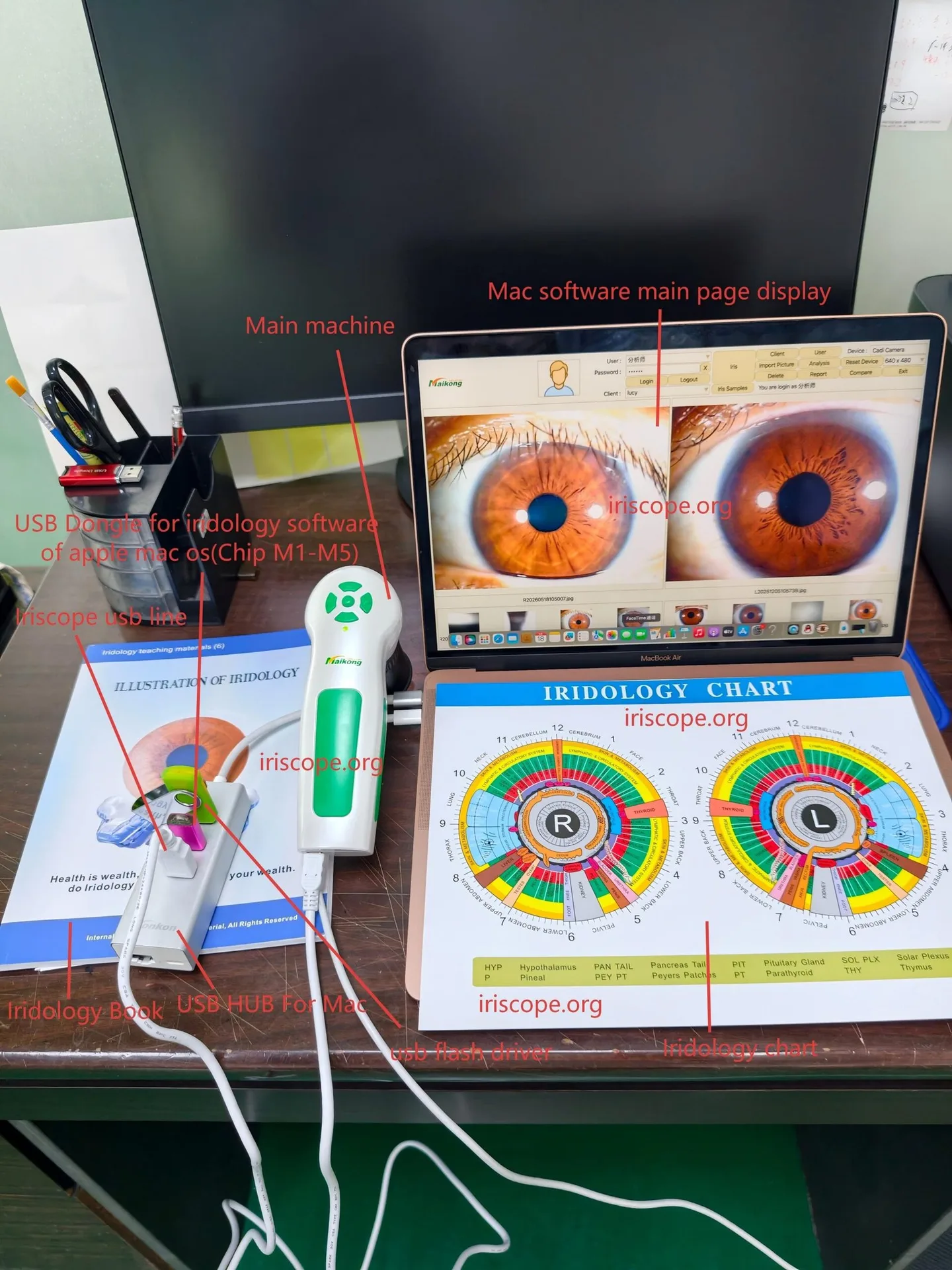
What to check: exact sensor resolution (megapixels), sensor type (CCD/CMOS if given), and the maximum image resolution in pixels. These determine the level of detail captured and the size at which images remain sharp for teaching, printing or longitudinal comparison.
How to use that fact: if your use case involves detailed classroom demonstration or large printouts, higher resolution typically matters. For straightforward visual documentation and quick wellness assessments, mid‑range resolution can be acceptable if paired with good illumination and lens quality.
Evidence to request
- Declared sensor megapixels and maximum pixel dimensions.
- Example images saved at native resolution (uncompressed) so you can judge real‑world clarity.
Comparison dimension: illumination design (iris vs sclera lighting) and capture consistency
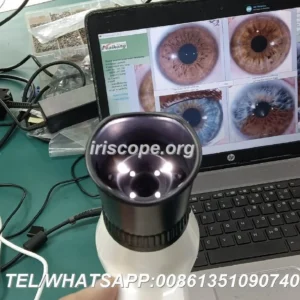
Lighting design is not just “LED” — it’s whether the device uses targeted iris illumination, additional sclera lights, and whether the lights are ring‑mounted or directional. These details affect shadowing, pupil response and reproducible capture across sessions.
Ask for the illumination layout (for example, “6 lights LED around lens, 2 for iris, 4 for sclera”) and whether brightness is adjustable in hardware or only via software. Consistent, adjustable lighting reduces variation between captures and improves comparability over time.
Comparison dimension: lenses, focus adjustment and optical stabilisation
Good optics are as important as sensor resolution. Check whether the manufacturer uses an imported/plated lens, whether the unit accepts dedicated iris or hair lenses, and how focus is adjusted (manual ring, handle switch, software control).
Optical Image Stabilisation or a specialised image processor that reduces motion blur is a practical advantage for mobile clinics or anxious clients who may move. If the supplier states an optical stabiliser or DSP image processor, include that in your evaluation checklist.
Comparison dimension: image processing, white balance and colour stability
Devices may include auto white balance, contrast adjustment and colour temperature filters. These features determine whether images from the same client taken on different days look comparable. If reliable before/after records matter, prefer hardware and software combos that offer either automatic and repeatable white balance or a way to set a fixed colour profile.
Comparison dimension: software features, language support and patient record management
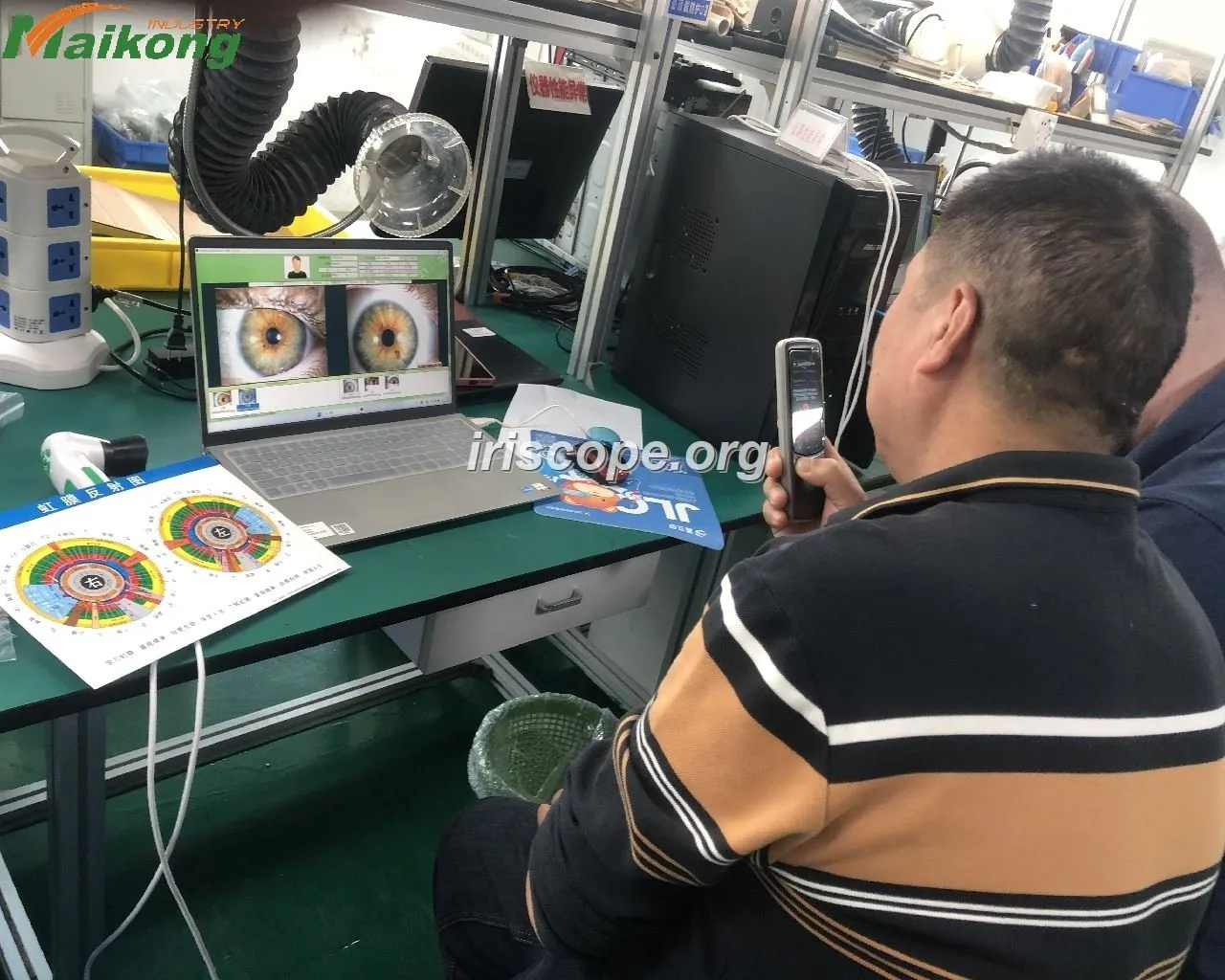
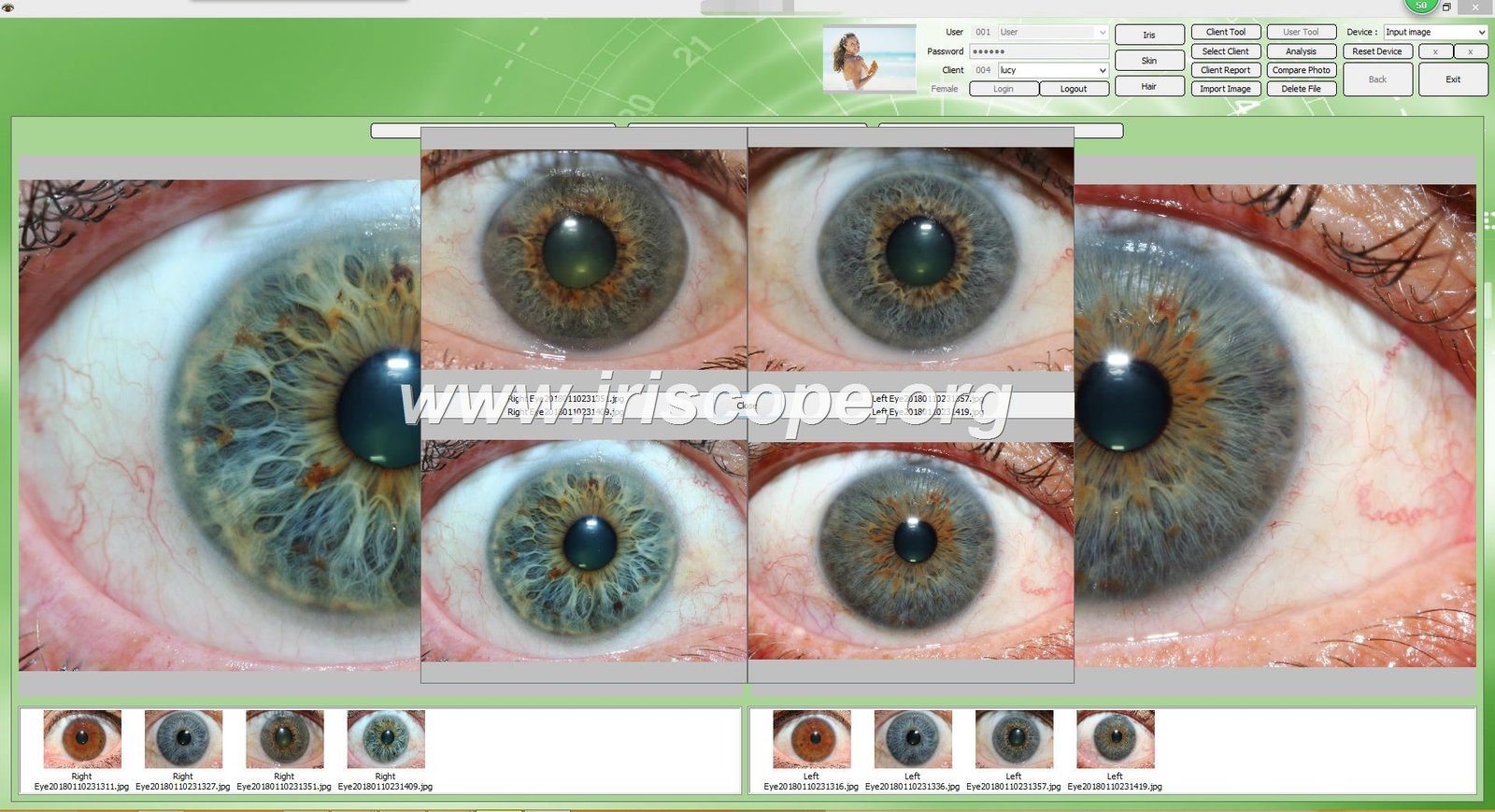
Software is where images become clinical or training assets. Key questions: can the software save client profiles and dates; does it allow side‑by‑side comparison across visits; can you print reports; which languages are supported; and can the software export images to common formats for your EPR?
For UK practices, English interface and the ability to store client details and timestamps are baseline requirements. If you run multi‑practitioner clinics or training centres, look for multi‑user handling and straightforward export/import functions.
Comparison dimension: supported operating systems and integration into clinic IT
Confirm the exact supported OS list rather than assuming broad compatibility. Some devices declare support for a wide set of Windows versions — check that the supplier supports the same OS release you run in your clinic (eg Windows 10 or Windows 11). Also ask about drivers, whether the device connects by USB or requires proprietary hardware, and whether it needs local admin rights to install. These points affect deployment, IT security and acceptance by NHS‑affiliated organisations.
Comparison dimension: portability, power requirements and ease of use for mobile visits
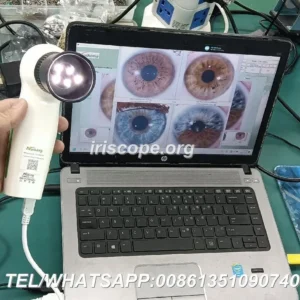
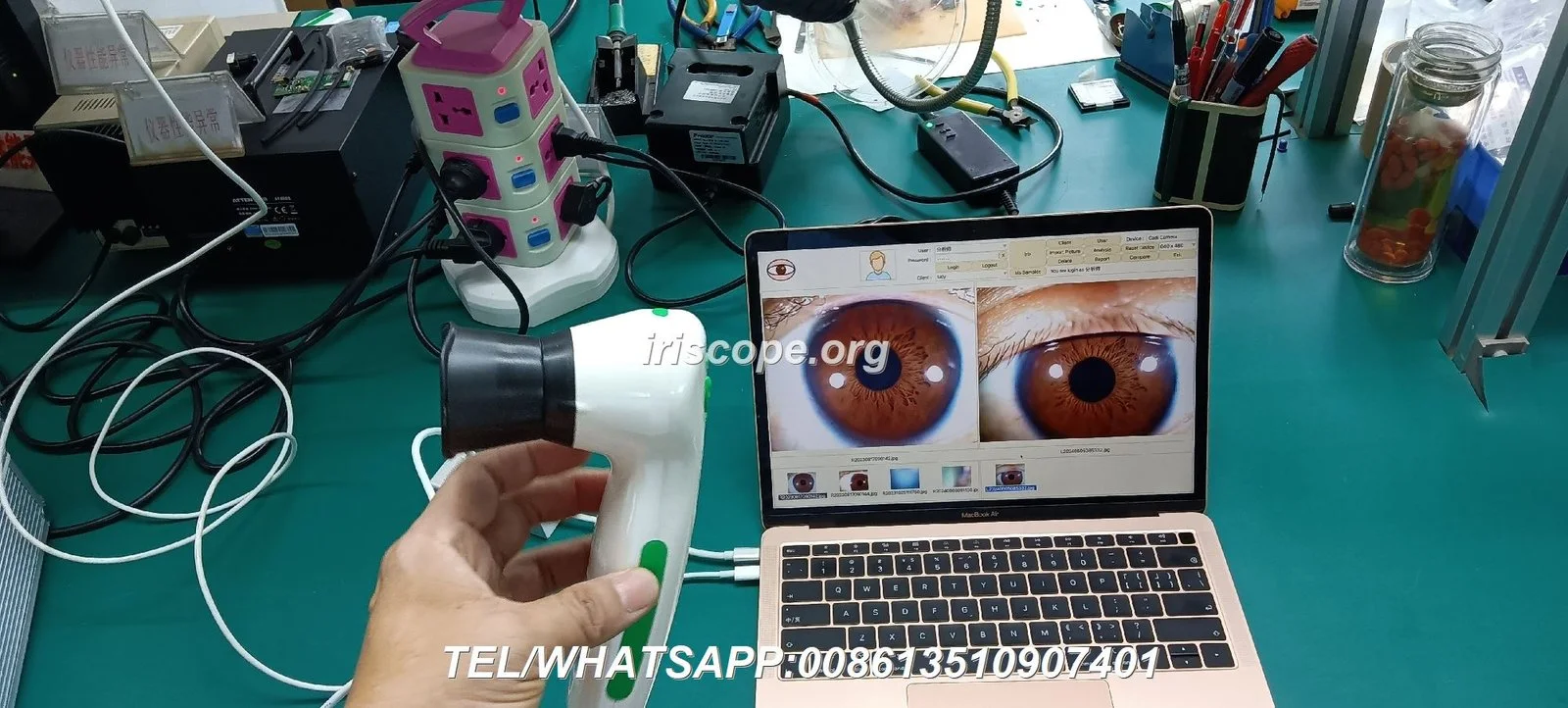
Portability matters for home visits and events. Some iriscope models plug directly into a computer and claim no separate mains power supply is required; others need external power or a stand. Check unit dimensions and stated lead times for accessories (tripod, handle switches) and whether brightness and focus can be adjusted from the handle — these reduce setup time on the road.
Comparison dimension: evidence — how to verify supplier claims and which product facts to request
Ask every supplier to provide the following verifiable facts and example outputs:
- Declared sensor resolution and sample images at native size (date‑stamped).
- Illumination layout description (number and purpose of LEDs) and brightness controls.
- Lens type and compatible lenses (e.g. iris lens, hair lens).
- Image processor and any optical stabilisation claimed.
- Exact supported operating systems and software language list.
- Details about data storage/export and whether reports can be printed.
Where the supplier provides corporate declarations of certification (for example ISO 9001, CE, ISO 13485), treat those as the vendor’s assertion and record them. Independent regulatory status for diagnostic claims should not be assumed from these declarations; verify with the supplier if you require specific regulatory assurance for a clinical setting.
Comparison dimension: suitability differences — which features matter for different UK use cases
Match features to three common UK scenarios:
- Clinic‑based wellness practice: prioritise software record management, print/report ability and consistent white balance; mid‑to‑high resolution is useful for patient records.
- Mobile practitioners and home visits: prioritise portability, low‑power or USB‑only operation, quick focus and stable illumination; a compact 5MP unit with stabilisation can be preferable to a cumbersome higher‑MP camera.
- Training centres and teaching: prioritise the highest practical resolution and lens compatibility so images can be displayed on projectors and printed; multi‑language software and batch comparison tools are helpful.
Direct evidence examples from supplied MAIKONG product facts and what they demonstrate
We use MAIKONG product facts to illustrate how the checklist maps to real product claims.
| Model | Image sensor resolution | Illumination | Image processor / stabiliser | Operating system |
|---|
What those facts show in practice:
- The MK 9822U’s 12MP sensor supplies larger native images (3264×2448) that are more suitable for detailed teaching slides and larger prints; the MK 980U’s 5MP sensor is still suitable for routine documentation and may be lighter on storage and processing needs (data-fact-id=”208″).
- Both models highlight DSP processing and optical stabilisation (data-fact-id=”208″ and data-fact-id=”202″), which reduces motion blur and improves capture reliability — relevant for mobile clinics and anxious clients.
- The MK 980U explicitly lists a split LED array (2 iris / 4 sclera) which indicates a design aimed at capturing both central iris detail and surrounding scleral context (data-fact-id=”208″).
- The MK 9822U notes that it can be plugged directly into a computer and “doesn’t require an electrical power supply” according to the supplier material (data-fact-id=”202″), a practical advantage for mobile use — verify this in your acceptance test to ensure it meets your deployment model.
Evidence and verification: what to log from suppliers
For each model you trial or quote, we recommend a simple evidence log you can keep alongside procurement records:
- Product fact sheet with explicit sensor resolution, illumination layout and lens type (save the supplier PDF).
- Sample images captured by your staff on the target clinic PC, saved at native resolution and time‑stamped.
- Software screenshots showing client profile screens and language settings.
- Declared OS compatibility and a short note from your IT team confirming compatibility or any driver issues encountered during a short trial.
These items let you compare like‑for‑like across vendors and protect against vendor‑to‑vendor language differences in marketing copy.
Risks and limitations to record
- comparable provider equipment and image interpretation remain wellness or educational tools. These products are not substitutes for clinical diagnosis, laboratory tests or medical imaging; do not present them as such in client materials.
- Supplier declarations of certification (for example ISO 9001, CE, ISO 13485) are vendor statements; if you require regulatory approval for a specific clinical claim, obtain documented evidence and legal advice for your intended UK use.
- Declared features such as “no external power required” should be verified on a sample unit, because installation details and accessory requirements can differ in real‑world deployments.
- Software and OS compatibility lists are often broad; test the exact software build on your clinic PC(s) before purchase to avoid later integration costs.
Practical checklist for a procurement trial
- Capture two sample images per model on your clinic PC and save them at native resolution.
- Check illumination consistency by taking images under identical room lighting and comparing colour balance.
- Test focus adjustment and whether the supplied lens options meet your teaching or consultation needs.
- Verify software language, report printing and export functions with a typical client record.
- Confirm OS compatibility and any driver prerequisites with your IT team.
Next step — request a tailored configuration or quote
If you would like model‑specific advice for a UK clinic, mobile setup or a training centre, request our configuration suggestions or a quotation. Include your intended use (clinic/mobile/training), preferred OS, and whether you need multi‑language software. We can supply sample images, software screenshots and a formal quote on request.
Contact: lucy@iridologycamera.org or WhatsApp/phone +86 13510907401
Article disclaimer / UK compliance notice: Our iriscope systems, comparable provider cameras, charts and software are provided for professional education, wellness consultation, training and complementary practice uses only. comparable provider should not be presented as a clinical diagnostic method. Users must comply with applicable UK laws and advertising rules; seek qualified clinical advice for any medical concerns.
This content is provided for learning, information sharing and professional communication only. It is not medical advice and is not a basis for treatment or diagnosis. Confirm suitability, operation and purchasing requirements against the product manual, local regulations and qualified professional guidance.