Advanced Iriscope I60 v5.1 — Practical guide for UK nutrition consultants
Quick answer
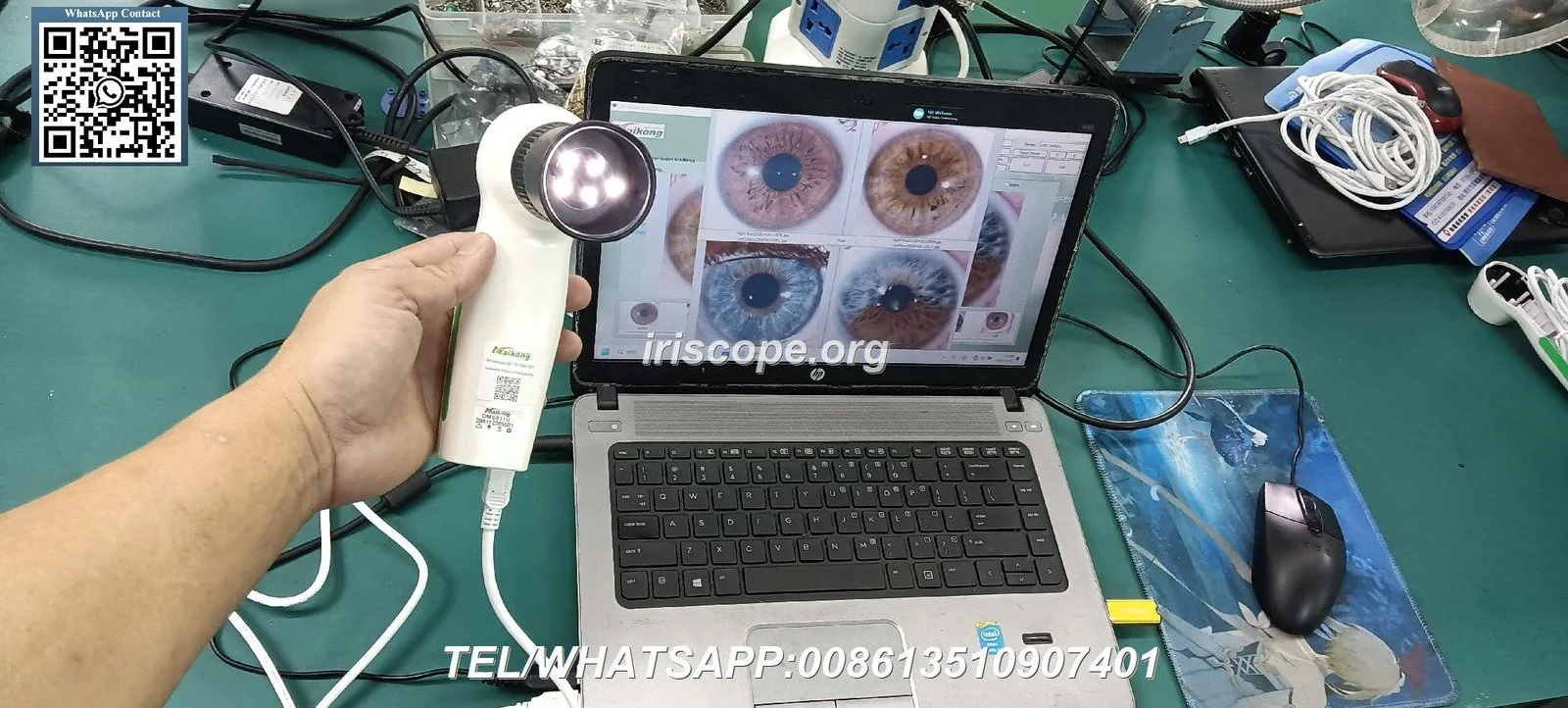
The Iriscope I60 v5.1 can be a useful visual tool in a UK nutrition consultation when used as a non‑diagnostic, client‑engagement aid: it helps capture high‑detail iris photographs for discussion, baseline records and tracking changes over time. It does not replace medical assessment or laboratory testing. Before you commit, verify the I60 v5.1’s technical details from the manufacturer (we do not hold official I60 v5.1 specs in our product files) and ensure your consent, record‑keeping and marketing language follow UK rules for health and advertising.
Contents
Direct answer: can the Advanced Iriscope I60 v5.1 help a UK nutrition consultant right now?
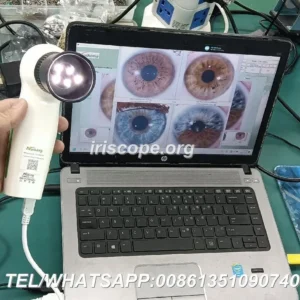
Yes — as a consultation and record‑keeping accessory. The I60 v5.1 is designed to capture iris images that a nutrition consultant can use to illustrate points to a client, document baseline appearance and compare images between visits. Use it strictly as a wellness or educational aid: it should not be presented as diagnostic evidence, and any clinical claims must be avoided in your client materials and advertising.
Evidence and supplier context
We do not hold an official I60 v5.1 technical sheet in our MAIKONG records. The I60 v5.1 name appears in publicly available product listings and training materials; we have referenced those listings as background when preparing this guide. For manufacturer‑level technical details, ask the I60 v5.1 vendor for the product manual and image samples before purchase.
For comparison of features you should check, our MAIKONG cameras demonstrate the kind of specifications to look for: for example, the MK 980U lists a 5MP CCD sensor and multi‑LED illumination (data-fact-id=”208″) and the MK 9822U is shown with a 12MP sensor and LED ring lighting (data-fact-id=”202″). These are examples of the parameters that affect image quality and usability; they are not claims about the I60 v5.1 itself.
Limitations and legal risks
Iris imaging is an adjunctive wellness tool only. Presenting images as evidence of disease, offering diagnostic interpretations as clinical fact, or using iris images to replace referral/medical tests can create regulatory and legal exposure in the UK. Confirm that any promotional language you use is compliant with advertising standards and the Advertising Standards Authority (ASA) rules for health claims.
What the I60 v5.1 does in practical terms for a nutrition consultation
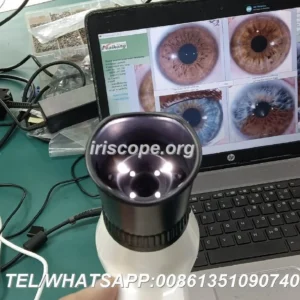
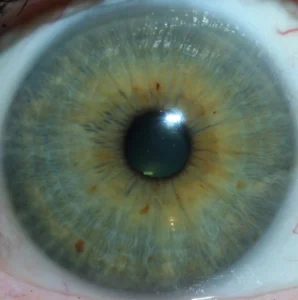
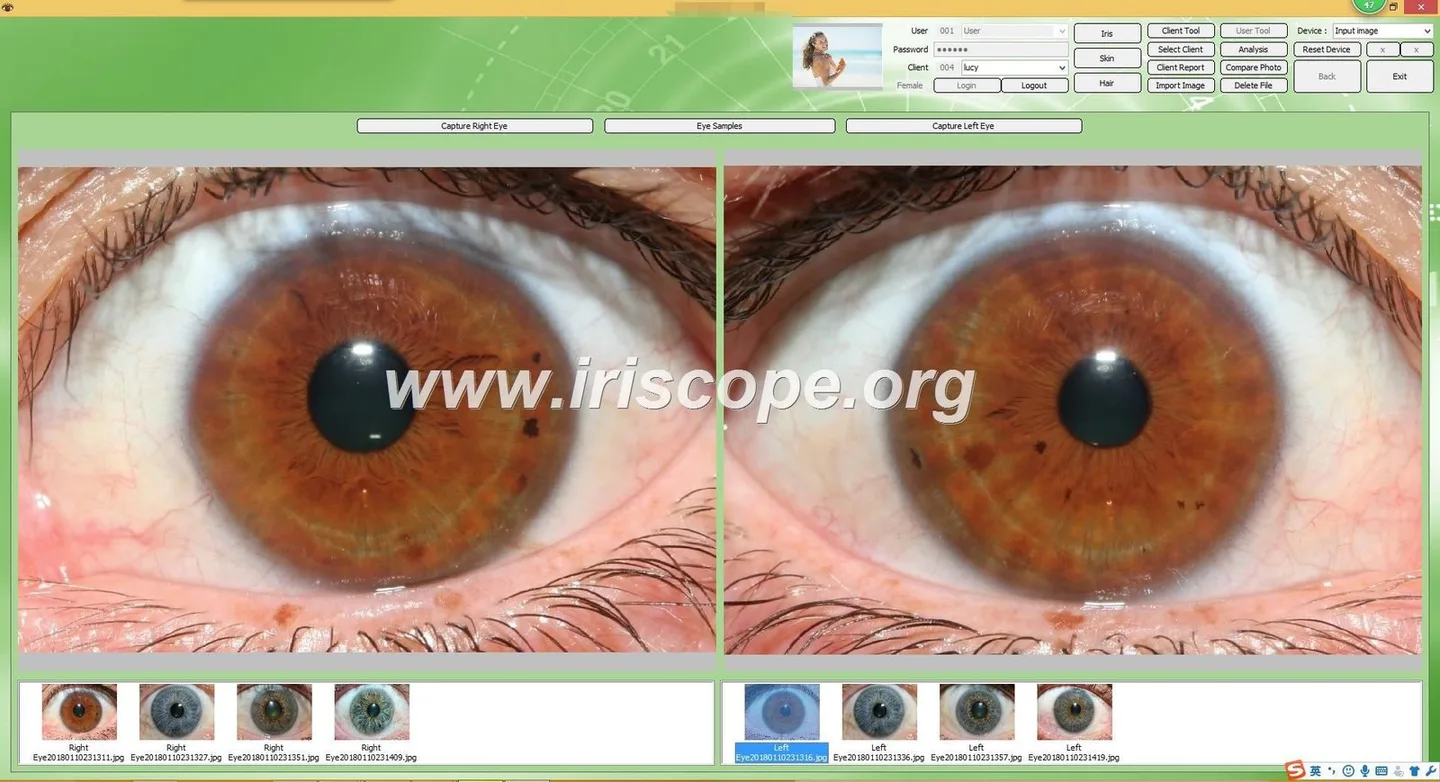
In practice, an iris camera like the I60 v5.1 provides close‑up, high‑detail photographs of the iris and surrounding sclera. Nutrition consultants use those images to:
- Show a client a magnified visual that aids engagement and explanation of lifestyle or supplement choices;
- Store dated images to document appearance across visits for trend discussion;
- Illustrate non‑clinical patterns (pigmentation, obvious deposits or artefacts) as talking points about hydration, sleep or stress within a wellness context;
- Provide classroom or demonstration material for small group education or client workshops.
None of these uses implies medical diagnosis. Use the imagery to support conversation and behavioural planning, not to confirm pathology.
What it will not do: clinical and diagnostic limits you must state to clients
The I60 v5.1 — like all iris cameras — cannot diagnose disease, replace a clinical eye exam, confirm laboratory markers, or substitute for referral to a medically qualified practitioner. If you display or store images, make a clear written statement in your consent form and report templates that iris imaging is a supplementary, non‑diagnostic tool for educational and wellness monitoring.
Quick evidence summary — manufacturer statements and available product points
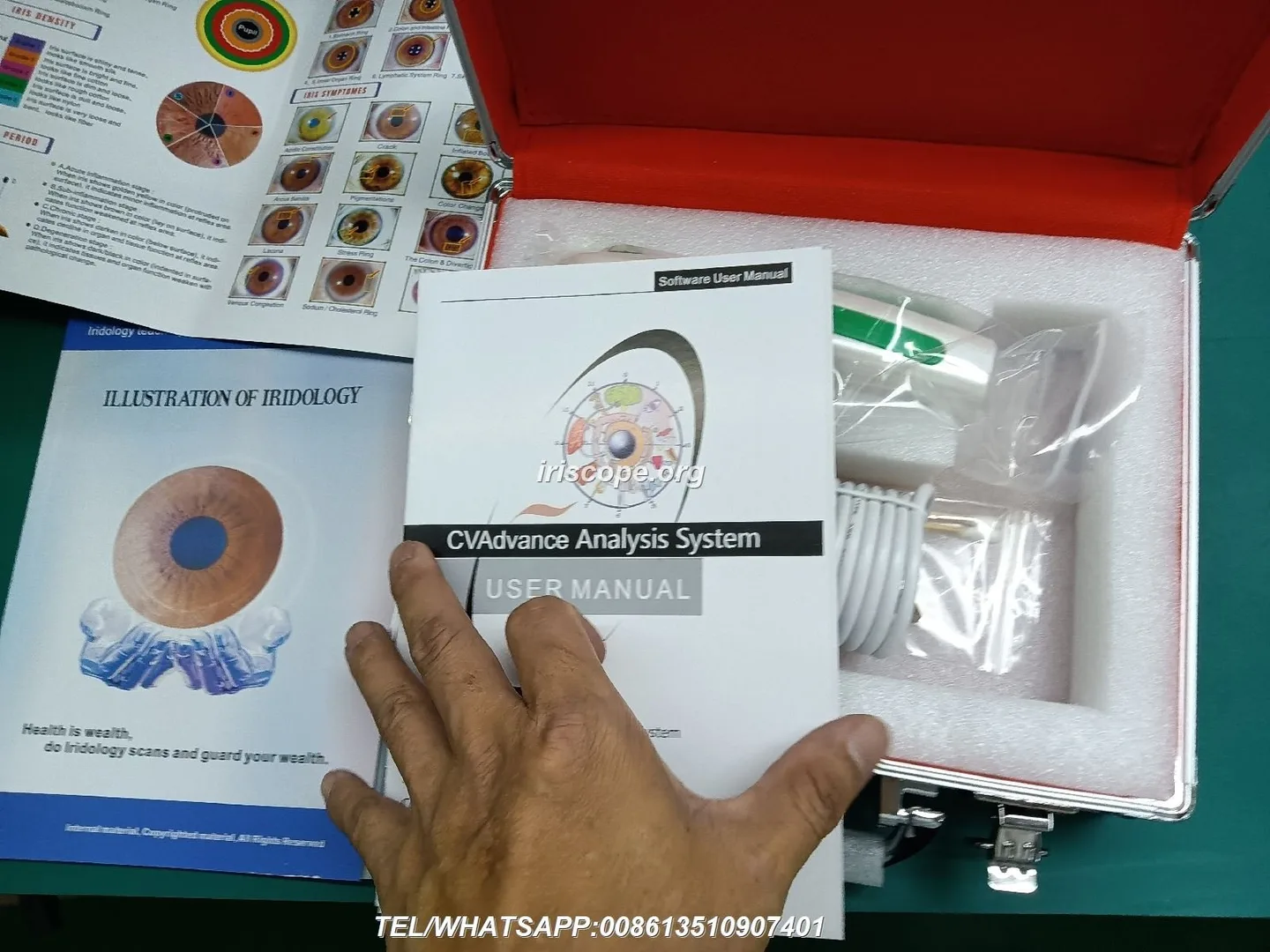
Because official I60 v5.1 specifications were not included in our product files, we recommend that you request these specific items from the vendor before buying: native sensor resolution, illumination method (LED ring / polarised light), focus control, shutter/capture method, compatible software and OS, file formats, and sample images saved at native resolution. As an internal example of what to expect, MAIKONG cameras document values such as 5MP or 12MP CCD sensors, adjustable focus and LED ring illumination (data-fact-id=”208″ and data-fact-id=”202″); similar parameters influence capture quality on any comparable device.
Capture essentials for reliable images in a consultation (lighting, positioning, focus)
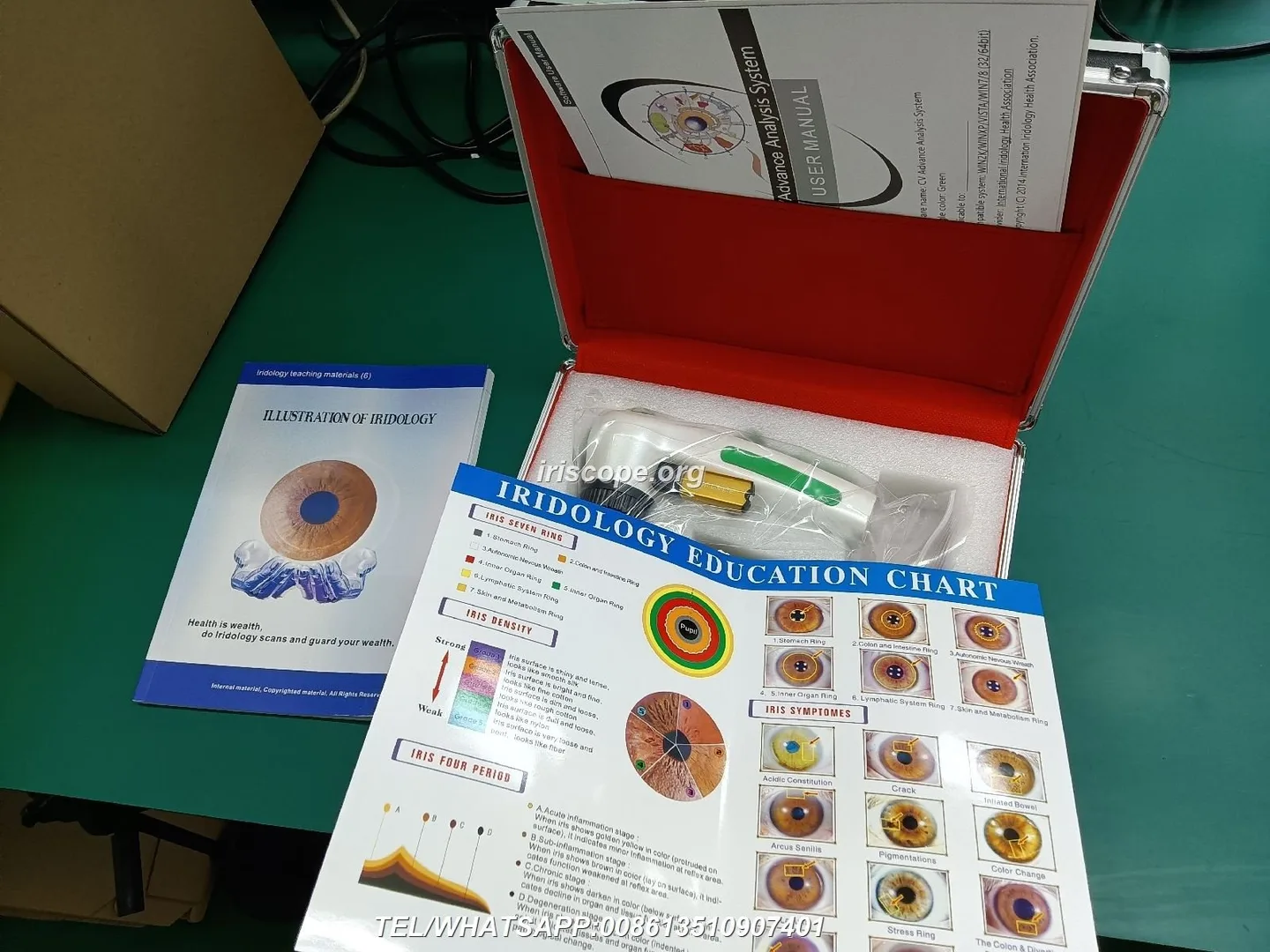
Consistency is the priority: reproducible angle, distance and illumination make before/after comparisons meaningful. Key practical points:
- Lighting: use the camera’s internal ring illumination where possible; avoid external bright window light that casts reflections.
- Positioning: stabilise the client’s head with a chin rest or steady hand position; keep the camera perpendicular to the eye plane.
- Focus: use the device’s adjustable focus; confirm at full native resolution that iris crypts and pigment boundaries are crisp.
- White balance and colour: enable the camera/software auto white balance for consistent skin/iris tones across sessions.
- Artefact control: ask the client to remove glasses and contact lenses (if they agree) and ensure skin around the eye is dry to reduce reflections.
A short checklist for the room: neutral background, comfortable chair, stable surface for the camera and a chair height set so the client is not leaning.
How captured images support nutrition consultations (client conversation, tracking, records)
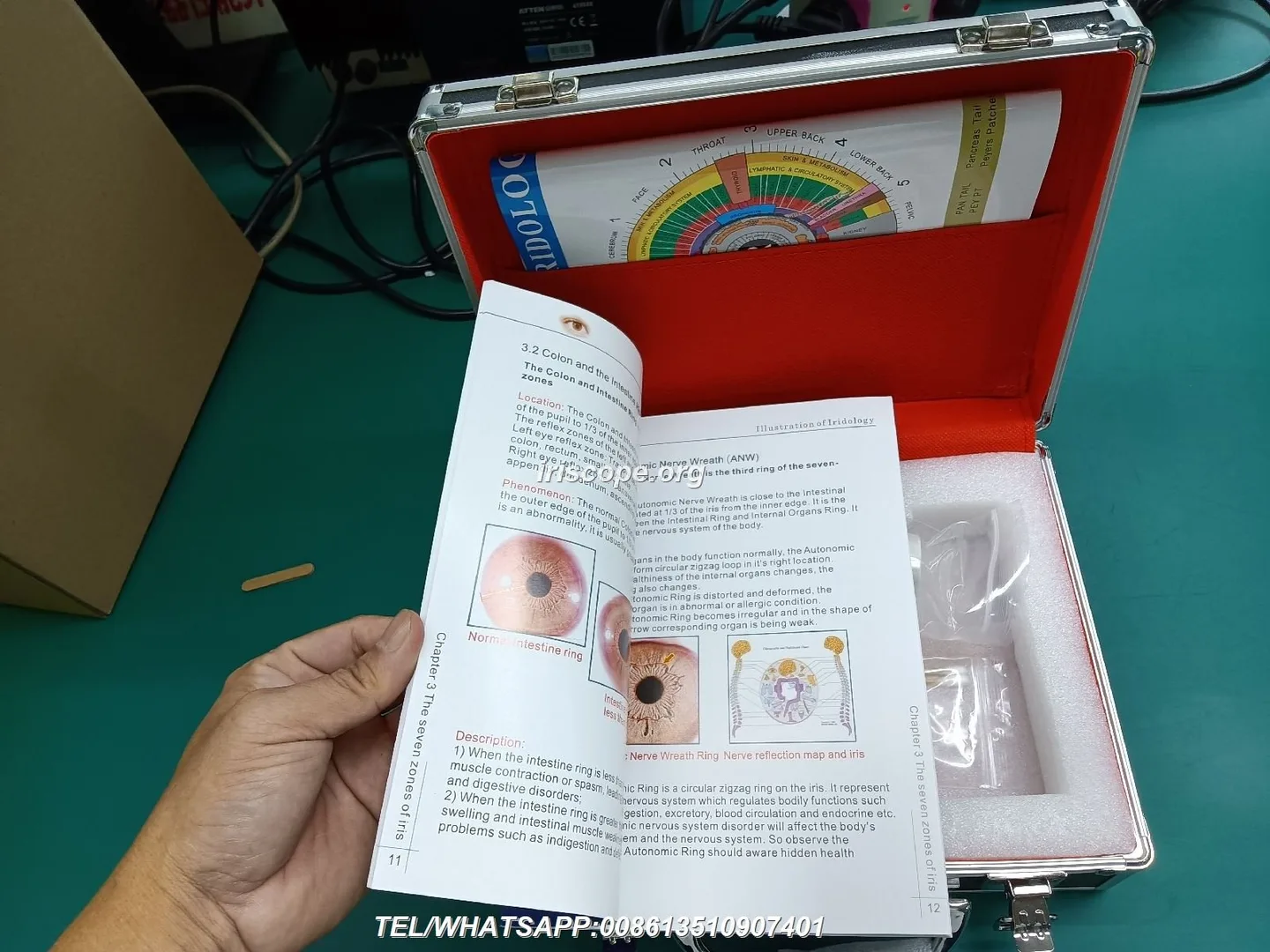
Use images to make conversations concrete: point to features you are discussing, anchor short‑term goals (e.g. hydration over 6 weeks) and keep dated images in a client file so you can demonstrate visual change. Images can also hold non‑visual data: link notes about diet, supplements and sleep to the photograph date for longitudinal records.
Software and workflow: storing client records, image comparison and report basics
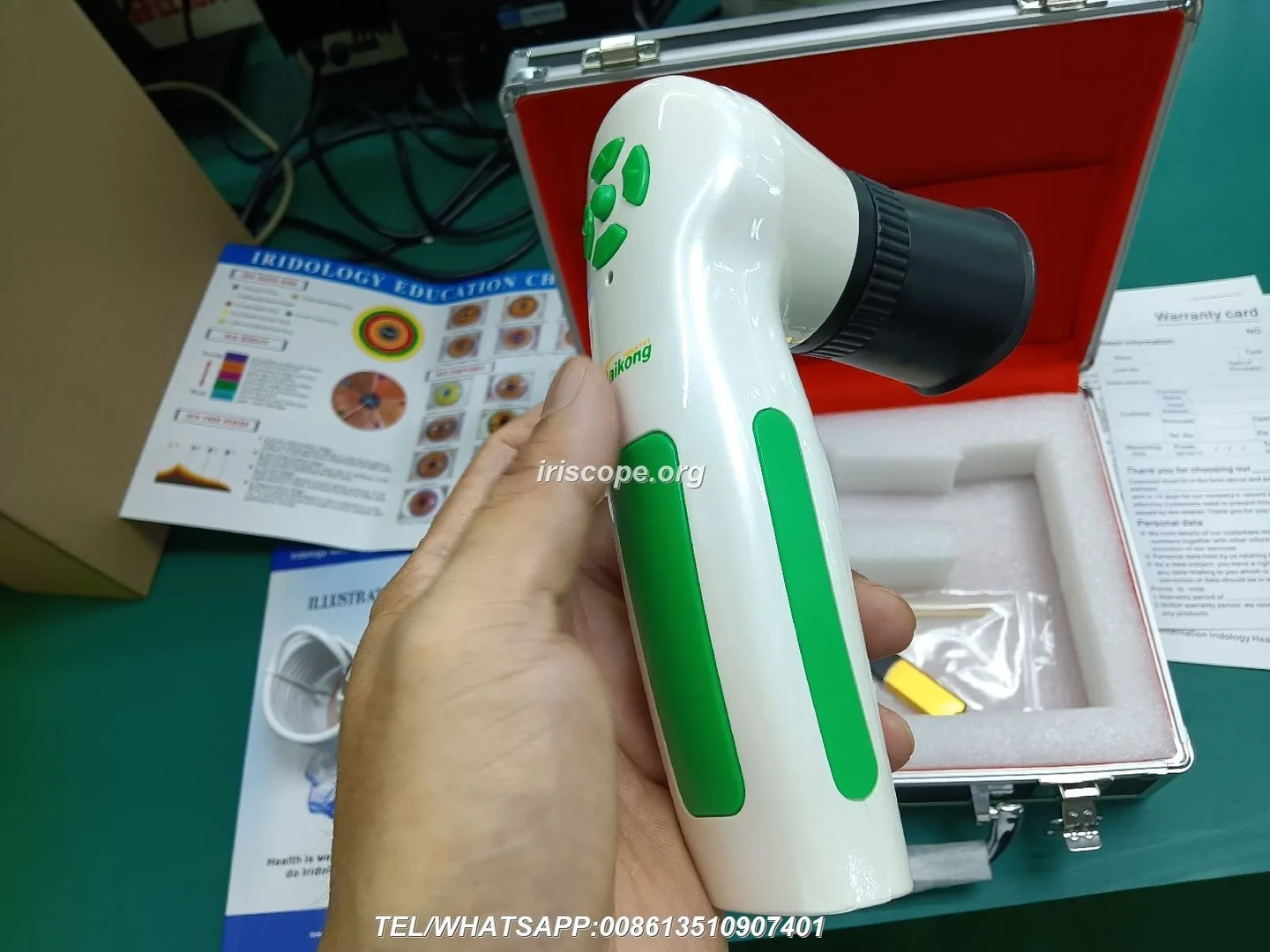
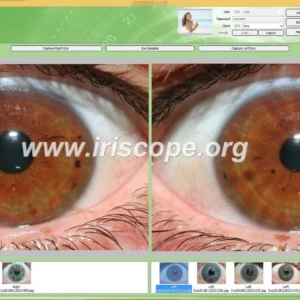
Before you adopt any iris camera, confirm the supplied software capabilities: client profile management, side‑by‑side image comparison, exportable PDF report generation and data export formats. If you plan to integrate with your practice management system, check whether the vendor’s software runs on your clinic PCs and supports secure export (encrypted files or password‑protected reports).
For data safety, store originals in a secure folder on an encrypted drive or clinic server, retain an audit trail of who accessed files, and avoid storing identifiable images on personal devices.
Simple steps to integrate I60 v5.1 sessions into a 30–45 minute nutrition appointment
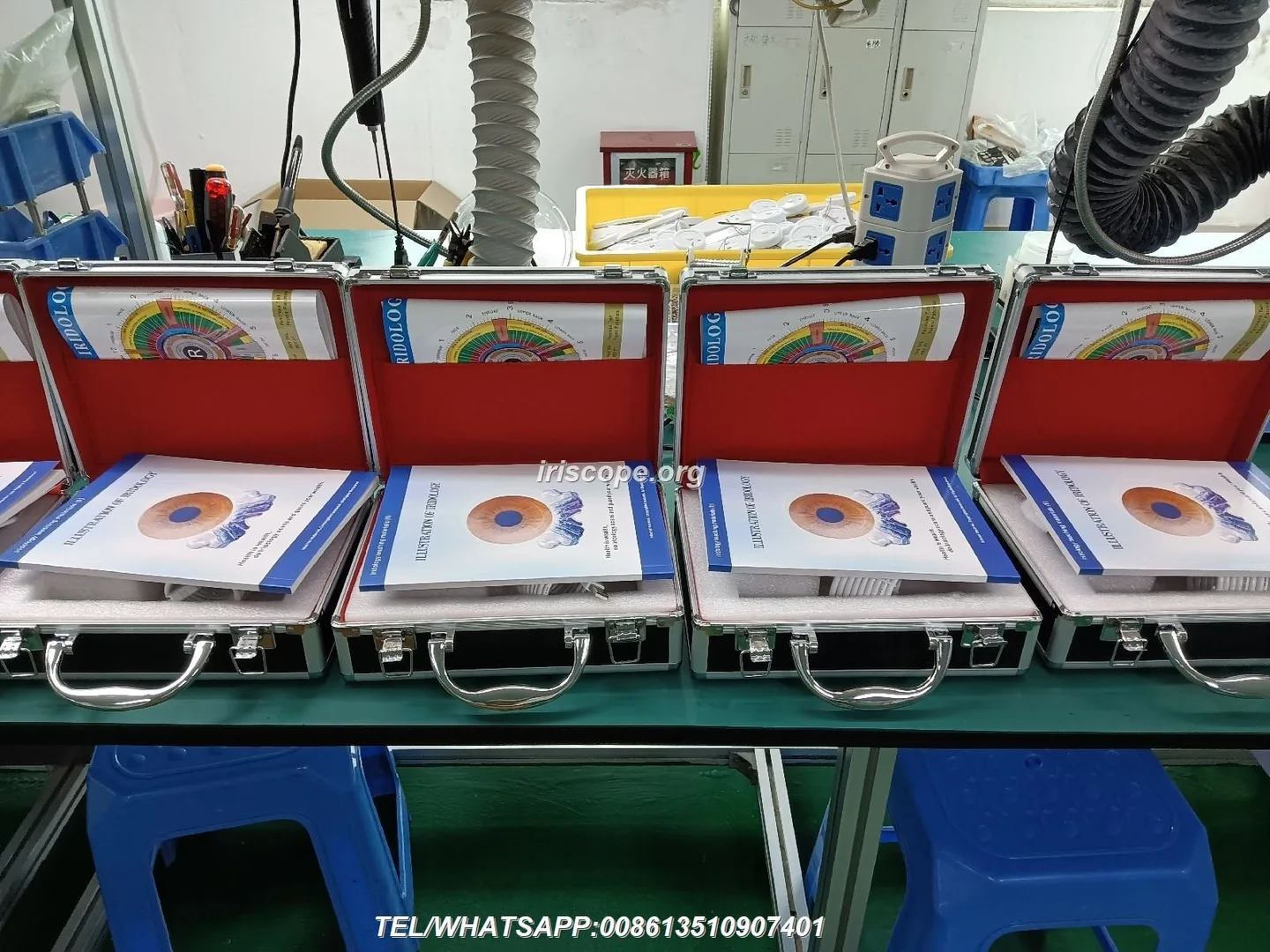
A practical clinic workflow that preserves consultation flow:
- Pre‑consult (5 minutes): brief phone/email reminder that an optional iris photo will be offered; confirm consent on arrival.
- Intake and history (10–20 minutes): gather diet, symptoms and goals — do the camera step after the history so images are contextualised.
- Image capture (5–10 minutes): position client, capture 1–2 images per eye; store immediately in the client profile and add short notes.
- Consultation planning (10–15 minutes): review images with client as a visual aid while agreeing next steps; record any behavioural targets.
- Close and follow‑up: print or email a simple non‑diagnostic image report if the client requests it; schedule review imaging if tracking progress.
Adapt times to your consultation style; if you teach or demonstrate, allow extra minutes for explanation.
Common capture problems and how to fix them in‑clinic (artefacts, reflections, misfocus)
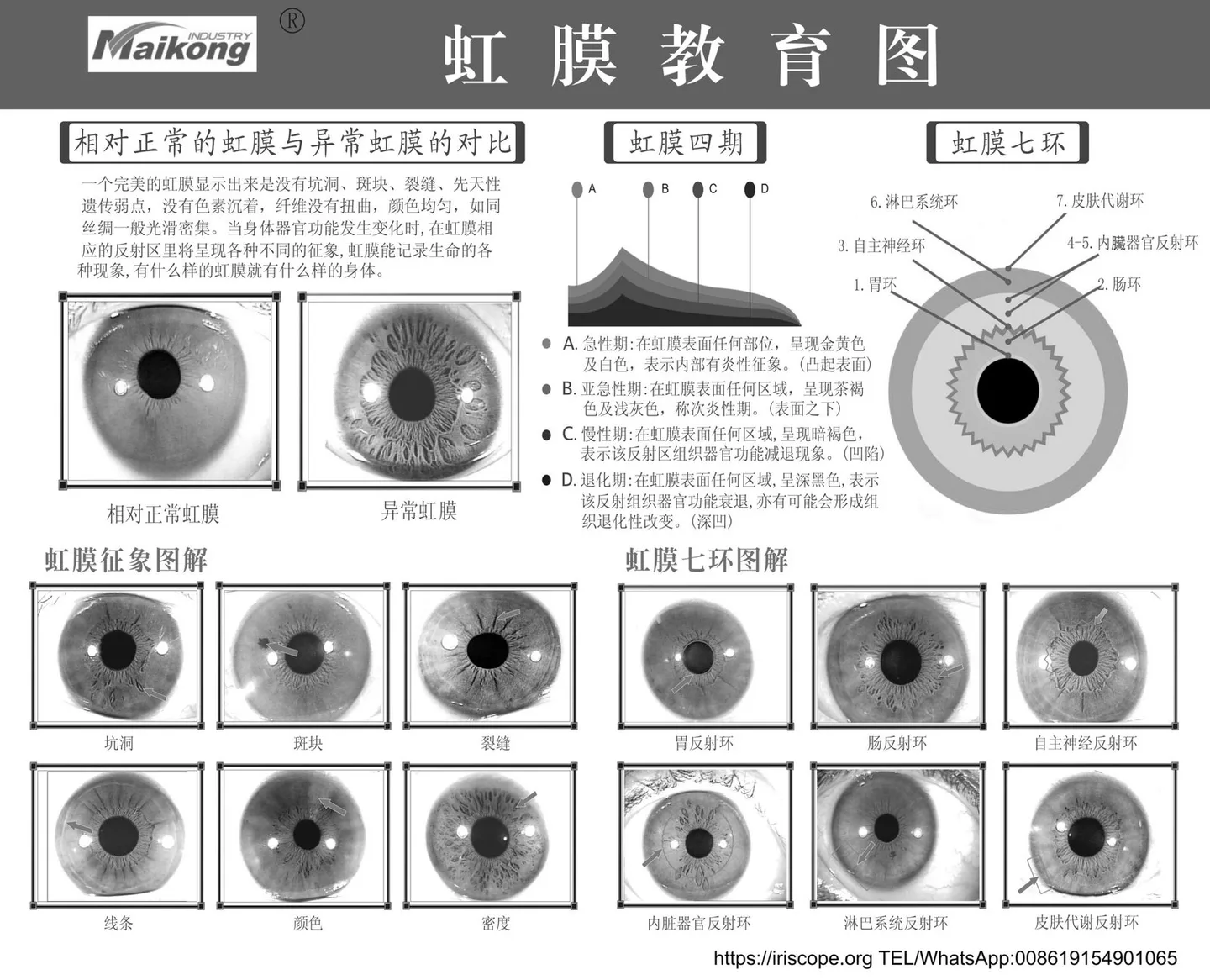
- Reflections/flare — reduce by angling illumination slightly, dimming overhead lights, or asking the client to close and reopen their eyes before capture.
- Misfocus — use a live preview and increase magnification in the software to confirm detail before saving.
- Excessive pupil constriction — avoid very bright external lights immediately before capture; allow a minute for the eye to settle.
- Movement blur — use a short capture exposure or stabilise the camera; request the client breathe and relax their shoulders to reduce movement.
Data handling, consent and UK compliance reminders for wellness practitioners
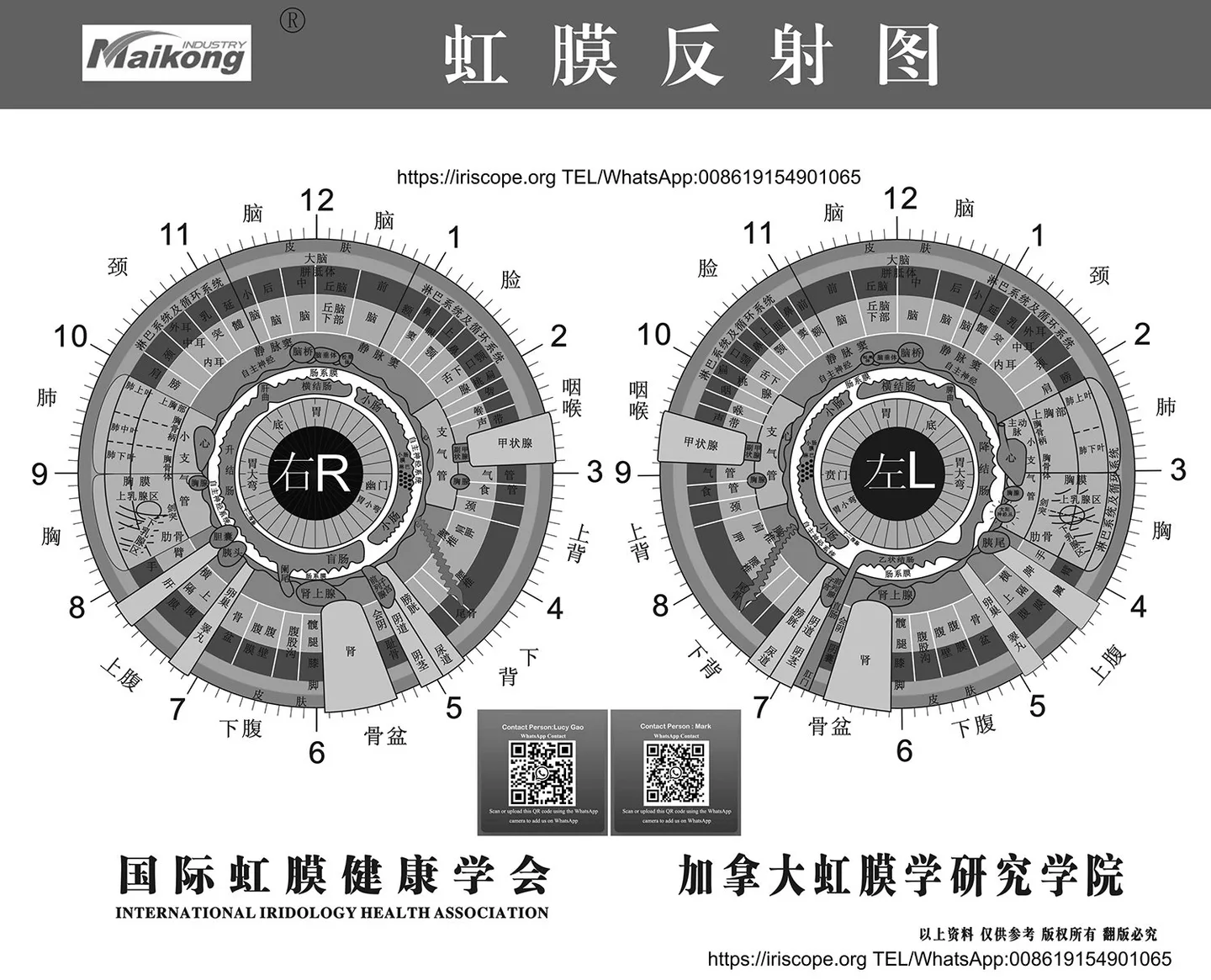
As a UK practitioner you must treat iris images as personal data under UK GDPR when they are identifiable. Practical minimums:
- Obtain written informed consent that explains the non‑diagnostic nature of imaging and how images will be used and stored.
- Document retention policy and provide clients with access rights to their images on request.
- Use secure storage (clinic server with access control or encrypted local drive); do not keep identifiable images on unencrypted personal devices.
- Be conservative in advertising claims: do not imply medical efficacy unless you have regulatory approval for such claims.
If you need specific legal advice on data protection compliance, consult a qualified UK solicitor or your professional indemnity insurer.
When to refer to a qualified clinician — red flags nutrition consultants should watch for
Use routine professional judgement. Recommend medical referral (GP or ophthalmologist) if a client reports any of the following alongside your imaging:
- Sudden changes in vision, new persistent eye pain or photophobia;
- Systemic symptoms such as unexplained weight loss, fevers, or marked fatigue where you suspect a medical cause;
- Signs of bleeding, discharge, or visual field loss.
These are not exhaustive. If in doubt, advise the client to consult their GP.
Example short script for introducing iris imaging to a client (consent + scope)
“We offer an optional close‑up photograph of the coloured part of your eye. This image is a visual aid we use in wellness consultations to help track appearance over time. It is not a medical test and not used to diagnose disease. May I take one image today and save it to your file? If yes, I will ask you to sign a short consent form and we will only use the image for your consultations.”
Useful next step
Email: lucy@iridologycamera.org
Phone / WhatsApp: +8613510907401
Article disclaimer / UK compliance notice
This content is provided for educational and wellness information only. Our products and software are intended for professional education, client engagement and record‑keeping in wellness and complementary practice contexts. comparable provider and iris imaging are not medical diagnostic tools and must not be presented as a substitute for professional medical assessment, tests or treatment. Users are responsible for ensuring their use and any promotional statements comply with applicable UK laws and advertising rules.
This content is provided for learning, information sharing and professional communication only. It is not medical advice and is not a basis for treatment or diagnosis. Confirm suitability, operation and purchasing requirements against the product manual, local regulations and qualified professional guidance.
If you’d like a quote, software details, or sample image packs to evaluate whether an Iriscope I60 v5.1 fits your workflow, contact us for a tailored recommendation. We also supply MAIKONG iris cameras and software and can outline comparative features to help your decision.