


EyeRis™ for UK complementary therapy clinics — a practical appraisal
Quick answer
EyeRis™ is a Windows‑only report‑writing package bundled with a set of 13 comparable provider flash cards. For UK complementary therapy practitioners who want a straightforward way to assemble consultation reports and provide visual teaching aids to clients and students, EyeRis™ can meet that specific need — provided you confirm camera and Windows compatibility, request a sample report and test a demo on your clinic PC before purchase.
Contents
What EyeRis™ includes: software scope and the bonus 13 flash cards
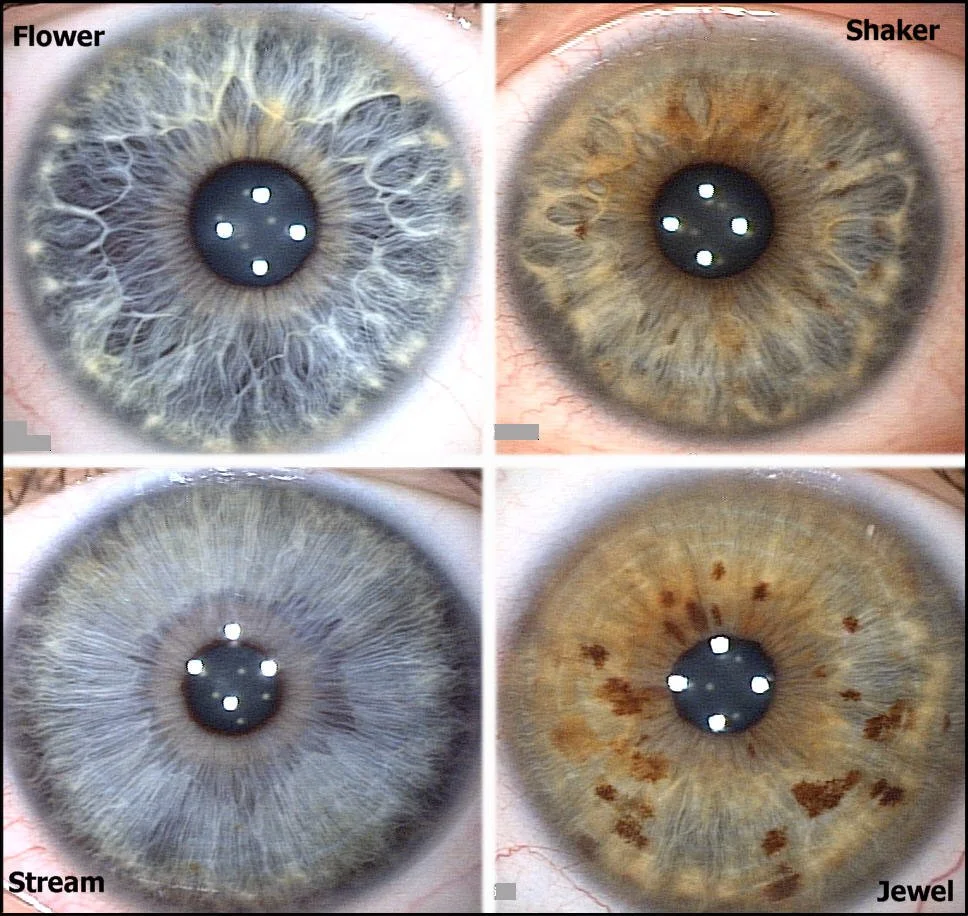
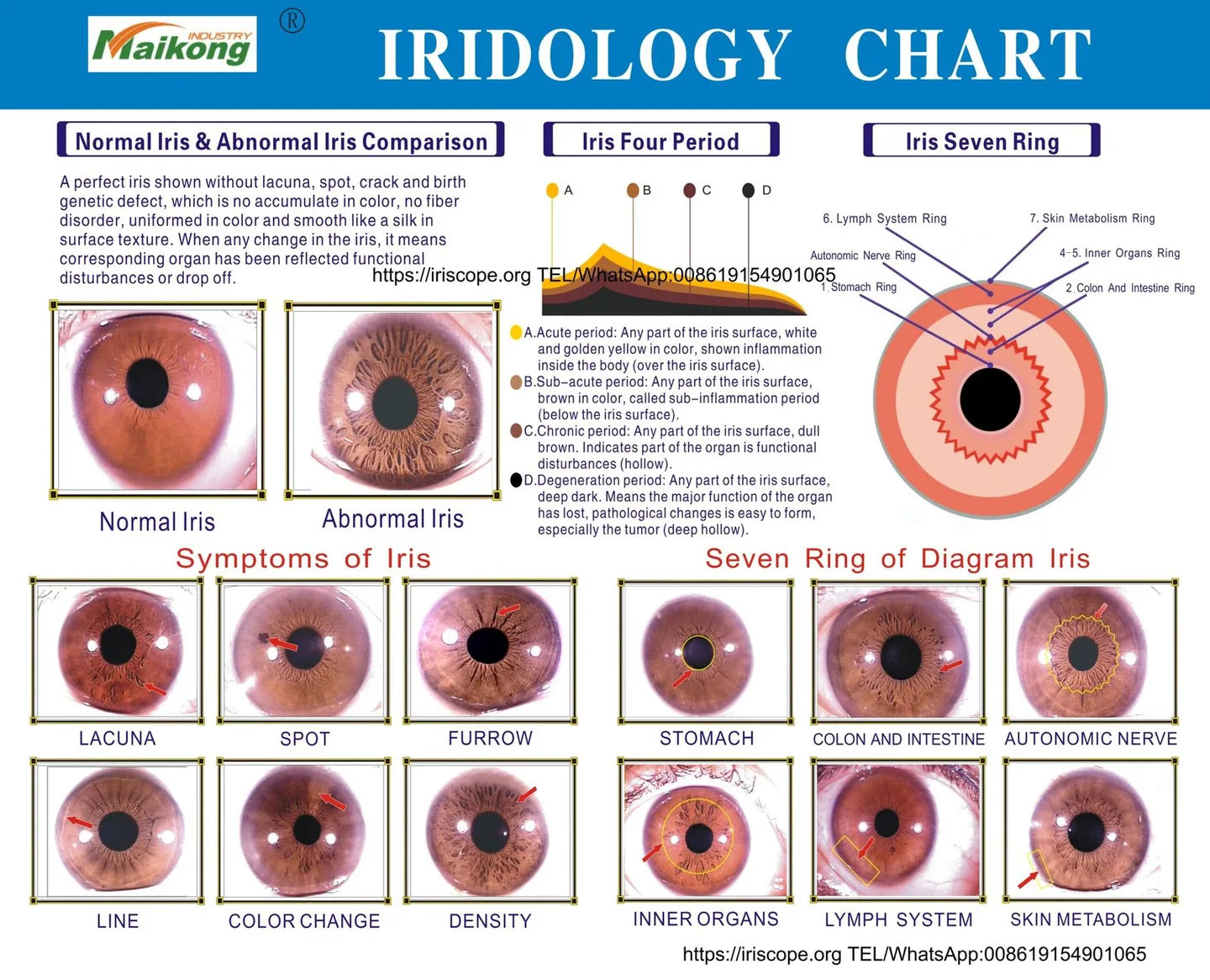
EyeRis™ is presented primarily as report‑writing software for comparable provider consultations. The advertised bundle also contains a physical or printable set of 13 comparable provider flash cards intended for clinic use or teaching. From a practitioner viewpoint, this is a product that focuses on producing client‑facing reports and on quick visual references, not a complete image‑capture camera system.
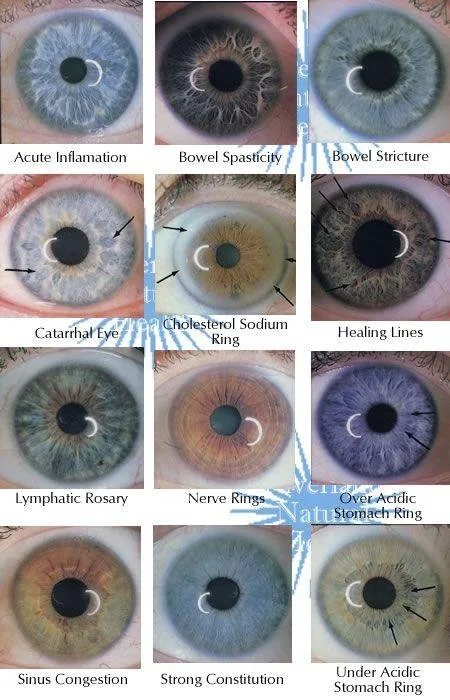
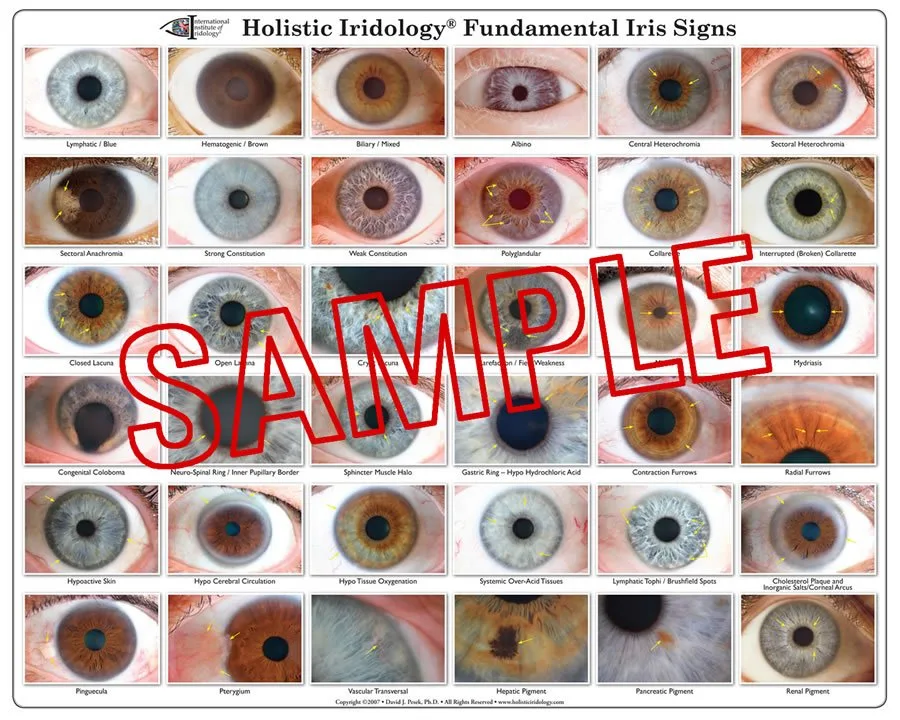
The flash cards are useful as handouts, quick demonstration aids in training and as prompts when explaining iris features to clients. Treat them as educational material — they are a classroom and consultation convenience rather than a diagnostic standard.
Windows‑only: what this means for your clinic IT
“Windows‑only” is not a neutral detail for many UK clinics. It determines which PCs you can use, how you install drivers for cameras and whether your practice‑management machine can run the package without permission conflicts.
- Confirm the exact Windows versions supported by EyeRis™ (32/64‑bit and specific builds). If you use Windows 10 or 11, ask the vendor for a compatibility statement and a test build.
- Check whether the software requires local admin rights to install drivers or a USB hardware licence key. Clinic PCs often have restricted permissions; installing device drivers on a locked workstation typically needs IT support.
- Antivirus and endpoint protection can block device drivers or PDF exporters. Plan a short IT check before installing on a networked PC.
How EyeRis™ fits a typical complementary practice workflow (capture → organise → report)
A simple, robust workflow when using EyeRis™ looks like this:
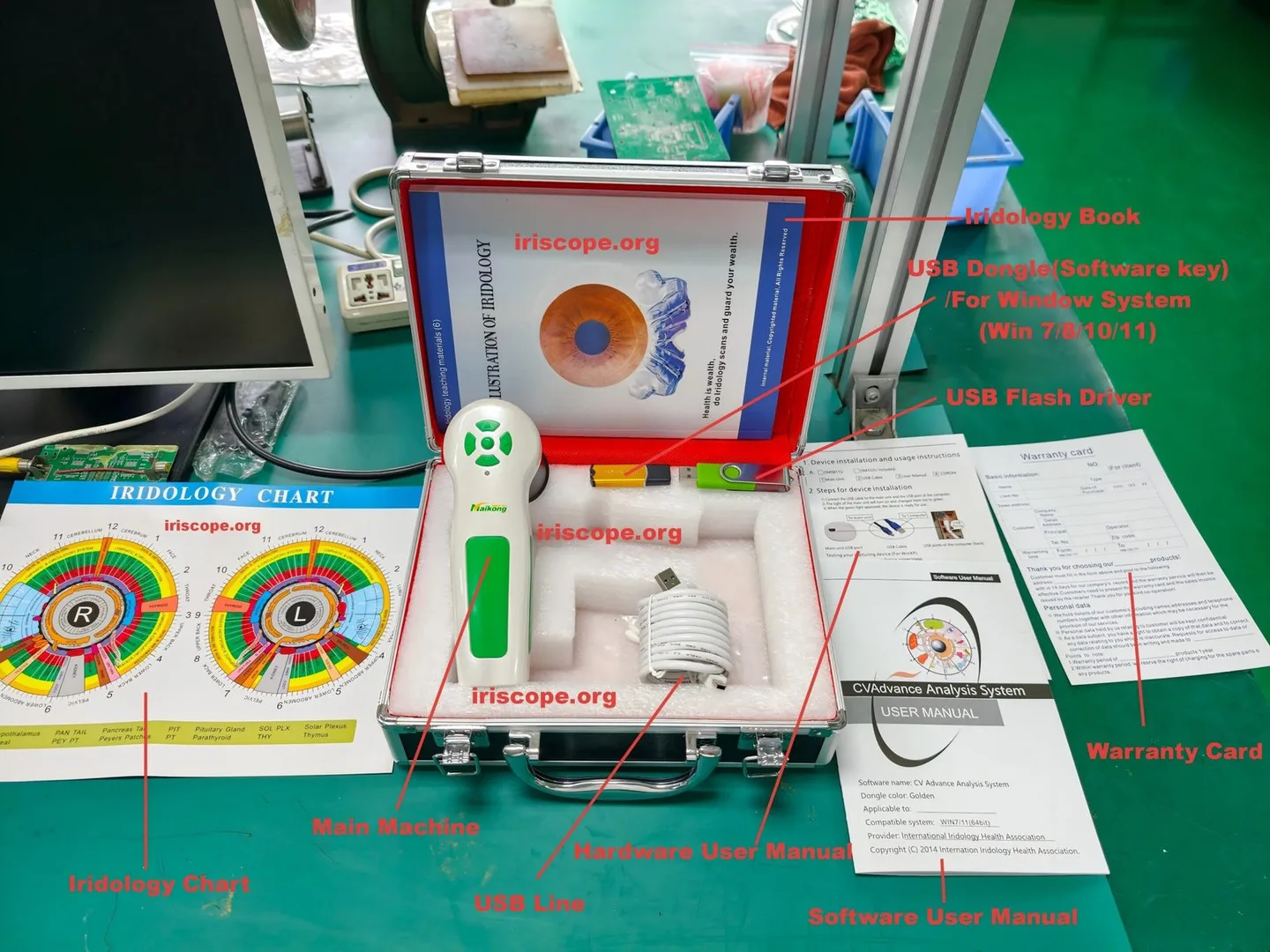
- Capture — use your iris camera or iriscope to capture controlled, well‑lit images. Save originals in a secure folder and follow a filename convention linking images to client IDs.
- Import/Organise — import images into EyeRis™ (or link folders). Create a client profile and attach notes, date stamps and any baseline measurements you record separately.
- Report writing — assemble a report with selected images, explanatory captions and the educational flash cards as client handouts where helpful. Export as PDF for printing or secure client records.
Key practical point: EyeRis™ handles the report assembly and card output but may not manage device capture drivers. Confirm whether the package supports TWAIN/WIA import, direct USB capture or only image import from disk.
Compatibility checklist: cameras, file formats and integration questions to confirm before purchase
Before you commit, use this checklist with the vendor and your IT support:
- Which camera models are supported natively by EyeRis™? (Ask for an explicit list.)
- Which image file formats are accepted for import (JPEG, PNG, TIFF)?
- Does EyeRis™ support direct capture from the camera via TWAIN/WIA or must you import files saved to disk?
- Can the software export reports to PDF and print client handouts? Are reports editable after export?
- Is there support for multi‑user installations or a networked database for multiple practitioners in one clinic?
- What licensing model is used (single PC, per‑user, dongle)?
- Are software updates included and how are they delivered?
| Model | Sensor / Resolution | Illumination | Supported OS |
|---|
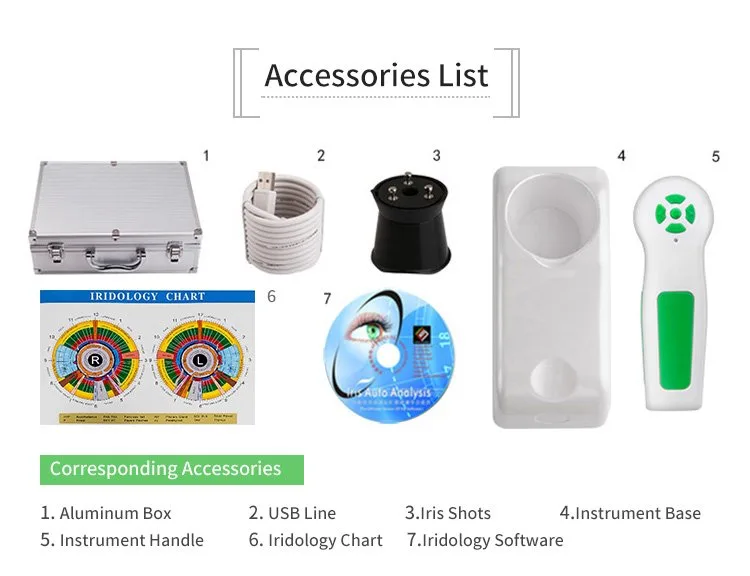
Note: the MAIKONG entries above are supplied factory facts about MAIKONG cameras. They illustrate the range of camera hardware that clinics commonly use and which you should check against EyeRis™ import options.
Practical steps to use EyeRis™ in a consultation
Practical conventions keep consultations fast and defensible:
- Station setup — fix camera height, chin rest or head stabiliser and a neutral background to reduce re‑captures.
- Capture settings — use consistent illumination, avoid reflections and make two captures per eye (close and wider field) to allow selection in the report.
- File naming — include client ID, date and eye (e.g. JSMITH_20261012_R.jpg). Store originals in a secure folder before importing.
- Report writing — write findings as wellness observations and educational notes. Do not present iris features as clinical diagnoses; phrase them as observations or hypotheses for discussion.
- Client handouts — use selected flash cards and export a short PDF summarising the session. Keep a copy in the client file.
Training and teaching use: how the 13 flash cards add value
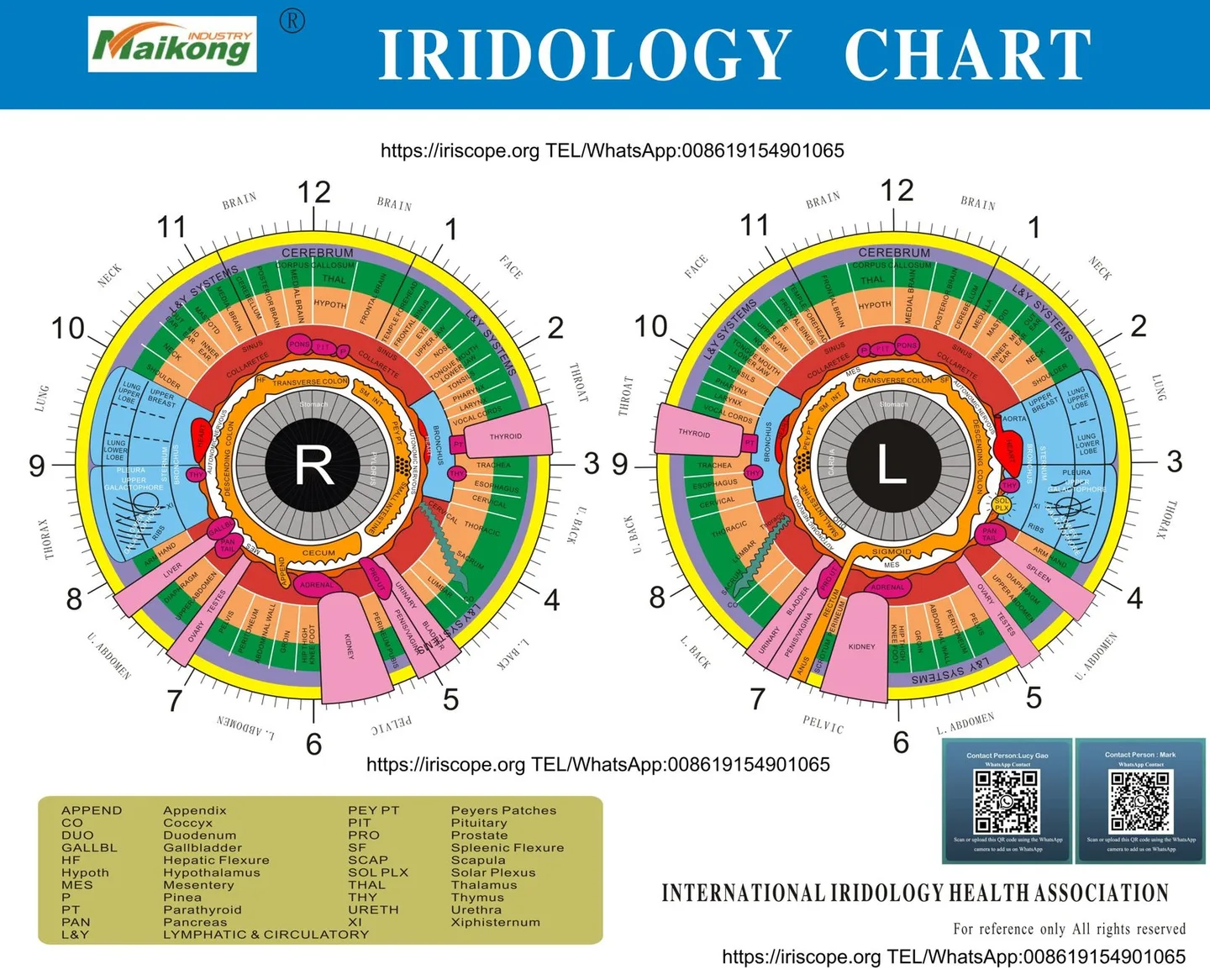
For trainers and course leaders the flash cards are practical because they simplify demonstrations, provide consistent teaching language and make take‑away learning available for students and new practitioners. In classroom use they act as prompt cards for case work and can be reproduced for student handouts.
If you plan to teach commercially in the UK, adapt the cards so they are explicitly educational and avoid medical claims: pair each card with a short note explaining the observational, non‑diagnostic nature of comparable provider images.
Limitations, claims and UK compliance points practitioners must observe
Important limits to remember:
- EyeRis™ is a report‑writing and educational software package, not a medical diagnostic device.
- Do not assert disease diagnosis, claim treatment efficacy or suggest iris images replace clinical assessment or laboratory tests.
- MAIKONG declares ISO 9001, CE and ISO 13485 in its company profile; treat such declarations as supplier statements and verify any declared certification details you rely on for import or advertising (company declaration reproduced from supplier materials).
- For marketing, follow UK advertising rules: health claims require evidence and appropriate regulatory status. Present comparable provider clearly as a complementary, educational or wellness tool.
Comparison: EyeRis™ (report‑writing focus) versus MAIKONG comparable provider software
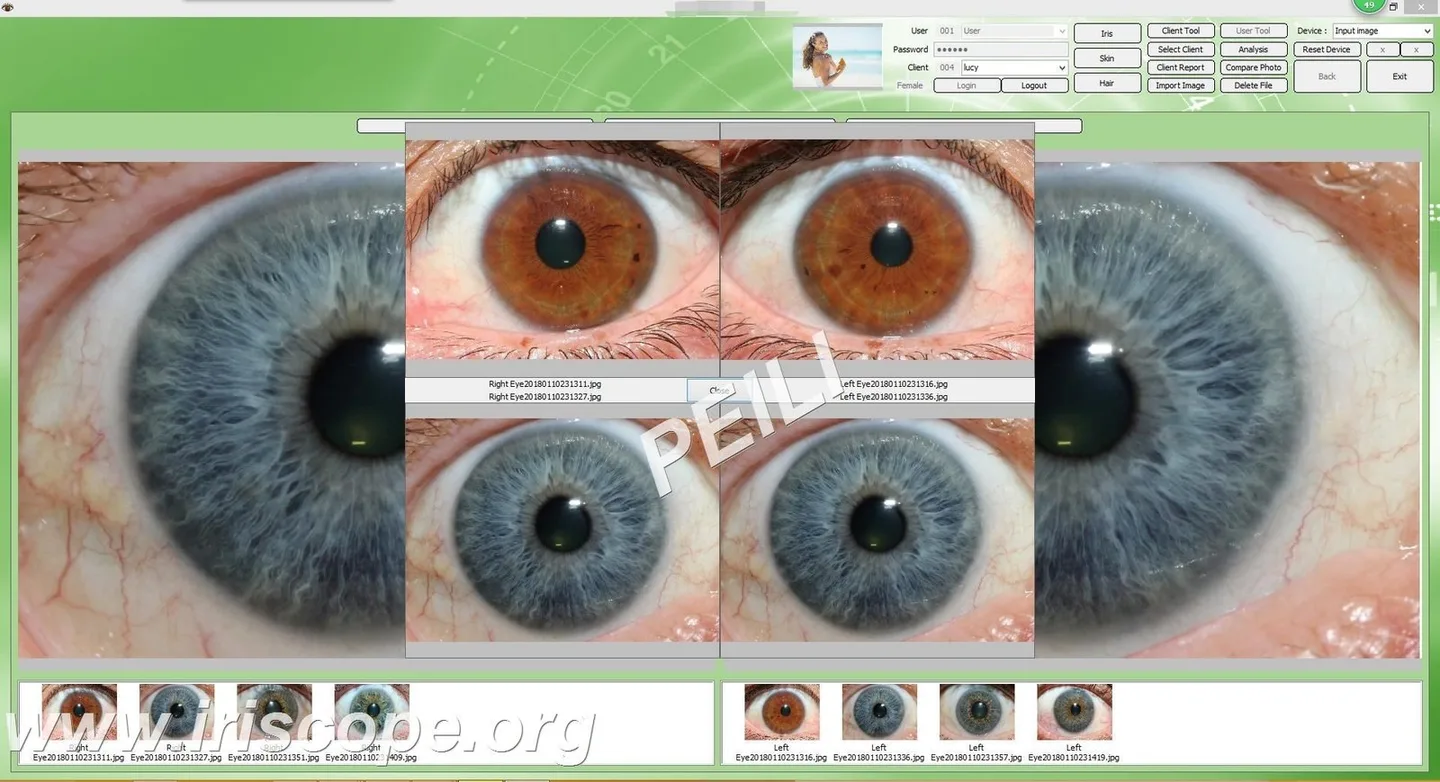
How the two packages typically differ in buyer conversations:
- EyeRis™ — advertised as a Windows‑only report writer with bundled flash cards. Strength is in ready‑to‑use report templates and tangible teaching aids; main constraint is the Windows‑only requirement and the need to confirm camera import paths (data-prepared-source=”competitor_learning_materials:1113745″).
Decide on the basis of the workflow you need: if you already own a MAIKONG camera, a MAIKONG software bundle may simplify capture-to-report; if your priority is ready templates and training handouts, EyeRis™ might be preferable — but verify import and export details before buying.
Questions to ask the vendor before buying
Use these exact questions in your vendor email or demo request:
- Can you provide a sample client report (PDF) produced by EyeRis™?
- Is there a time‑limited trial or demo build I can install on my Windows 10/11 PC?
- Which camera models are supported natively and which require manual import?
- Does the licence allow installation on multiple PCs within one clinic? Is it node‑locked or dongle‑protected?
- Which image formats are supported and does EyeRis™ allow direct capture via TWAIN/WIA?
- What languages are supported in the user interface and report templates?
- Are software updates included and how is technical support provided?
- Can you supply the flash cards in a printable digital format for UK printing and adaptation?
Suggested one‑page verification checklist for a UK practitioner
- System: confirm EyeRis™ runs on your clinic PC (Windows build and admin requirements).
- Camera: ask vendor to confirm native support for your camera model or provide a documented import workflow.
- Sample report: obtain an exportable PDF to review language, layout and wording for client handouts.
- Legal wording: check that report templates and cards use non‑diagnostic language suitable for UK advertising rules.
- Licence & support: confirm licence type, trial options and who provides technical support in the UK.
Evidence used
Known limitations and risks
We do not have a verified EyeRis™ system requirements sheet beyond the Windows‑only label; therefore you must confirm exact Windows builds, capture drivers and licensing details with the vendor. Any clinical or diagnostic interpretation of iris images is outside the scope of these products and should not be presented as medical diagnosis. For UK regulatory or advertising queries, check with your professional body or legal adviser.
Frequently asked practical questions
Will EyeRis™ run on Windows 11?
Possibly, but the vendor must confirm. Request a test installer or trial and verify driver installation and export function on your Windows 11 machine.
Can I use MAIKONG cameras with EyeRis™?
How do I get pricing, licence or trial information?
Pricing and licence terms are available on inquiry; ask the vendor for a written quotation with licence scope, any hardware key requirements and delivery terms.
Discuss your requirements or request a configuration/quote by email: lucy@iridologycamera.org
Further reading: see our guidance on How to set the comparable provider software for installation pointers and troubleshooting.
Article Disclaimer / UK Compliance Notice
This content is for educational and general wellness information only. MAIKONG iriscope systems, comparable provider cameras, comparable provider charts and comparable provider software are intended for professional education, wellness consultation and training. comparable provider should not be presented as a medically proven diagnostic method. Users must not claim medical diagnosis, treatment, prevention or cure and should comply with applicable UK advertising and medical device rules. Anyone with health concerns should consult a qualified healthcare professional.
This content is provided for learning, information sharing and professional communication only. It is not medical advice and is not a basis for treatment or diagnosis. Confirm suitability, operation and purchasing requirements against the product manual, local regulations and qualified professional guidance.
Related resources
Contact · WhatsApp · +8613510907401