Clinic workflow for multi‑practitioner iridology: a practical, clinic‑ready SOP for UK practices
Quick answer
For a clinic with several iridologists, adopt a single‑source image and record repository, define three clear user roles (capture, analysis, reporting), standardise capture settings and file naming, schedule shared hardware with a simple handover checklist, and use versioning and audit logs so each report links to the original capture. Our recommended practical SOP integrates capture using MAIKONG cameras and Maikong software for image comparison and profile management, while keeping UK data‑protection and informed‑consent steps front and centre. Follow the step‑by‑step session flow below to reduce duplicated files, ensure traceability, and speed secondary reviews or referrals.
Contents
Direct answer: practical workflow summary for multi‑practitioner comparable provider clinics
Implement a workflow that separates responsibilities: one practitioner (or trained assistant) captures a standardised image set and uploads to the clinic’s central storage; a second practitioner performs the detailed comparable provider analysis in Maikong software; a third drafts the client report, attaches consultation notes and signs off. The image capture must follow an agreed checklist (lighting mode, focus, eye order, file name), and every captured file must record who captured it, when and with which device. Use folder permissions so capture staff can write but not delete finalised reports; analysts need read/write access to working copies; managers need audit access. Keep an immutable original file (read‑only copy) and work on derived versions for marking and annotation. This structure keeps sessions consistent across practitioners, preserves clinical traceability and speeds peer review or external referral.
Why a defined multi‑user workflow matters
Consistency and traceability are the two practical goals. Clients see differences between practitioners when image framing, illumination or note‑taking vary. A defined workflow reduces those differences; it also keeps legal and professional records clear. For clinics that teach or supervise, a reproducible process lets trainees capture images to a standard set by the supervisor and enables efficient secondary review without repeated re‑captures.
Roles and permissions: assigning duties for capture, analysis and reporting
Keep role definitions simple and enforceable.
- Capture operator — owns the image set and the original file. Can capture and upload, add basic intake notes and consent records. Often a receptionist, assistant or practitioner with capture training.
- Analyst/practitioner — performs comparable provider analysis in Maikong software, annotates, compares images and records clinical observations. Needs access to working copies and comparison tools.
- Reporter/senior signatory — compiles the client report, finalises wording and approves the file for archiving. Their sign‑off should be recorded in the file metadata.
Assign one named person to manage user accounts and backups. For small teams a single person can hold multiple roles, but the photography and sign‑off roles should not be the same for high‑quality peer review.
Capture standards every practitioner must follow
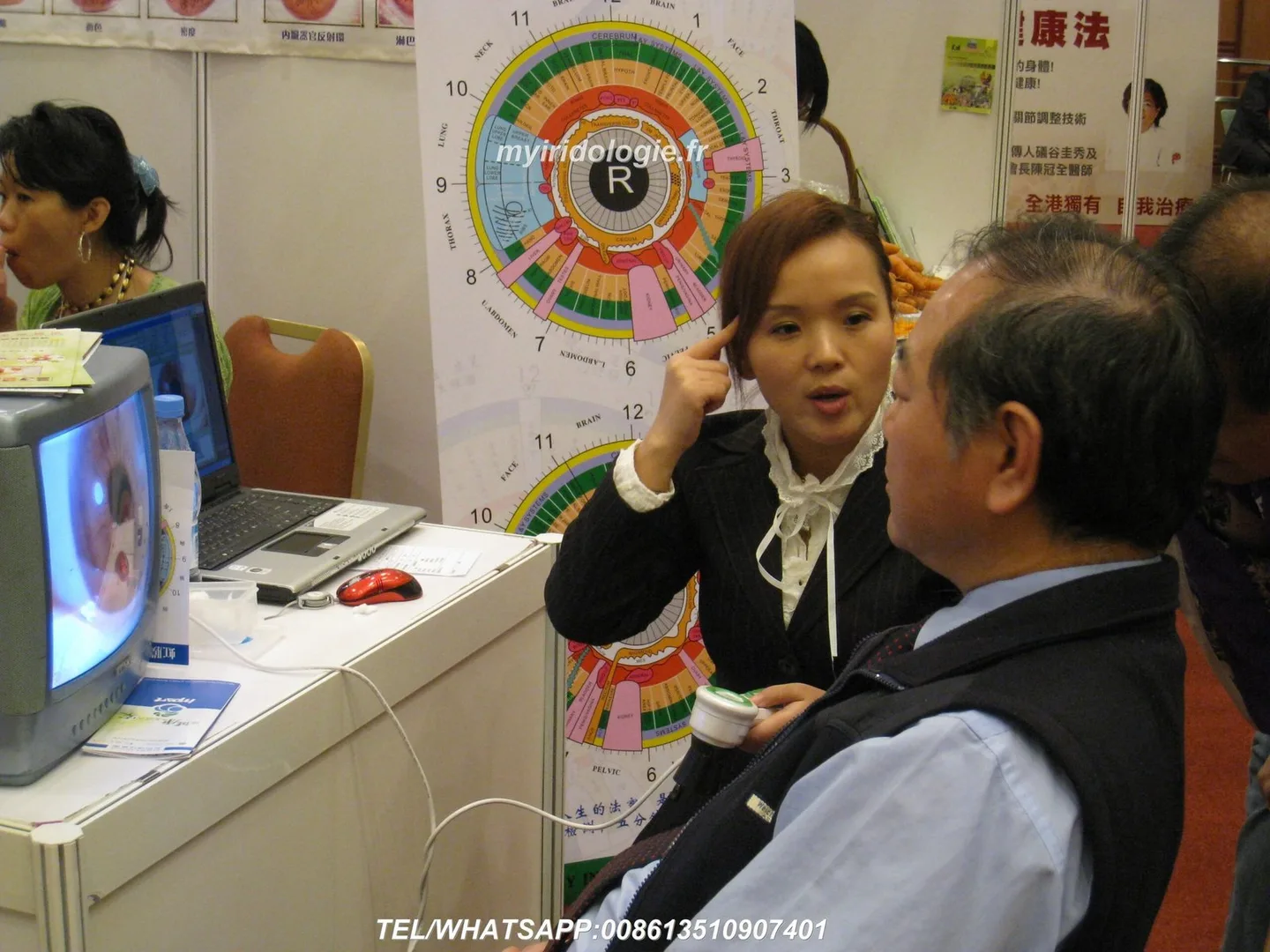
Agree and publish these minimums in your clinic SOP so all practitioners capture the same image set and quality.
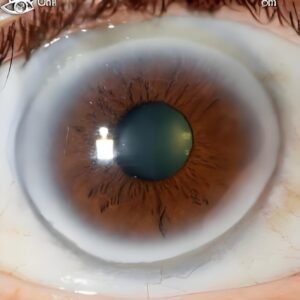
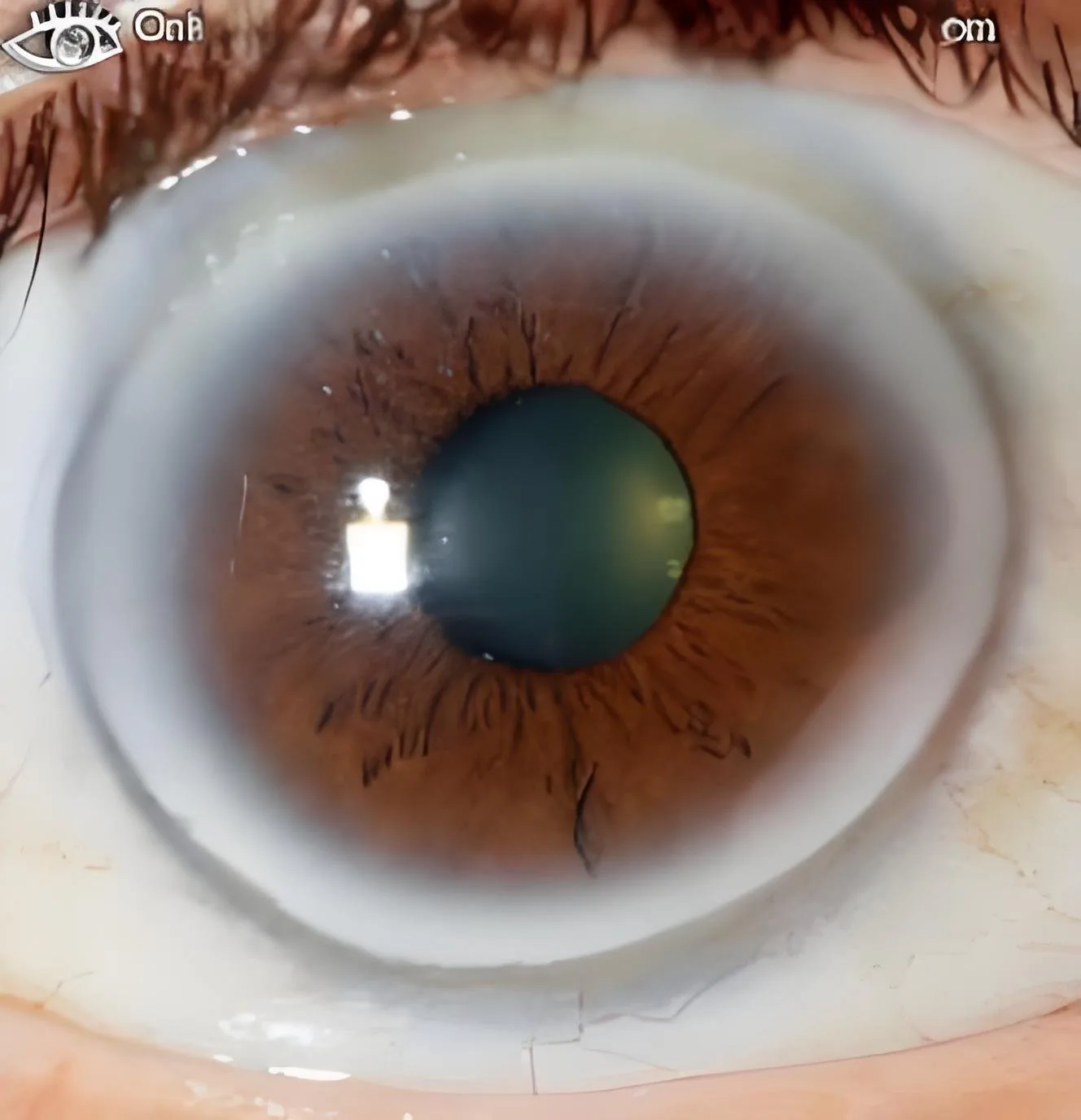
- Image set: both irises, at least one close iris frame per eye and one relaxed wider frame showing sclera; if using additional lenses (hair lens) capture those images as optional extras.
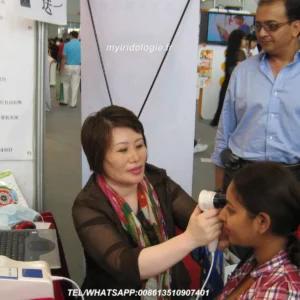
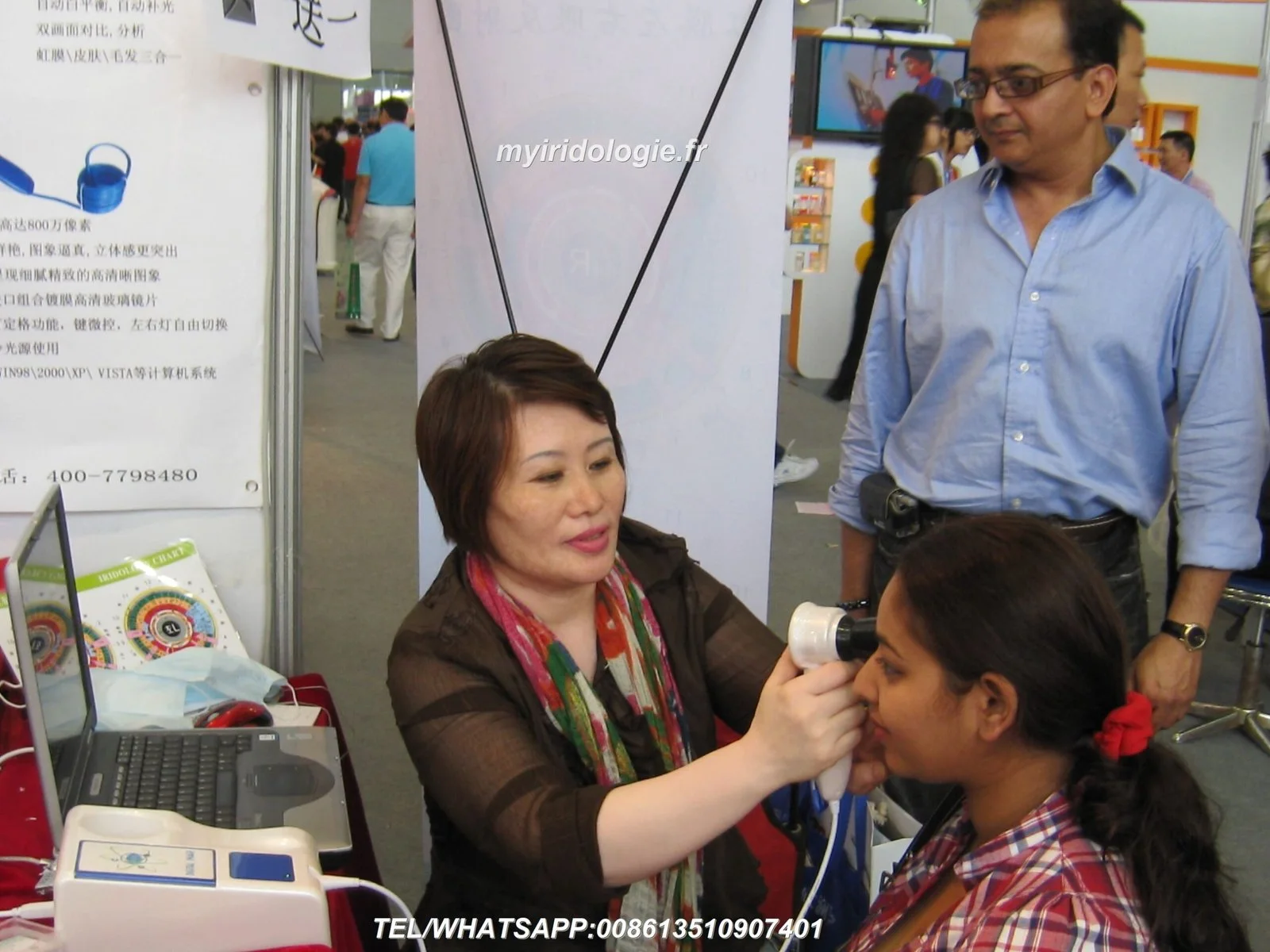
- Illumination & focus: use the same LED configuration and white‑balance setting for every session. MAIKONG cameras offer controlled LED options—note the camera model and lamp setting in the intake record (see device specs below, data-fact-id=”208″ and data-fact-id=”201″).
- Capture method: single‑button capture with brief pause to confirm; accept only images where the iris is in sharp focus and pupil dilation does not distort the iris pattern.
- File naming: ClinicCode_YYYYMMDD_ClientSurname_FirstInitial_Eye_RND_v1 (for example: KENTW_20261016_SMITH_J_R_v1.jpg). Keep the version suffix to support edits and comparisons.
- Metadata: add practitioner name, device ID, capture mode, and consent reference to image metadata or an accompanying intake JSON/CSV.
Checklist at capture: patient consent signed and scanned; camera warmed to agreed settings; image preview shows full circular iris and minimal specular reflection; file saved to the clinic upload folder and visible to analyst.
Using shared hardware: scheduling, calibration and handover
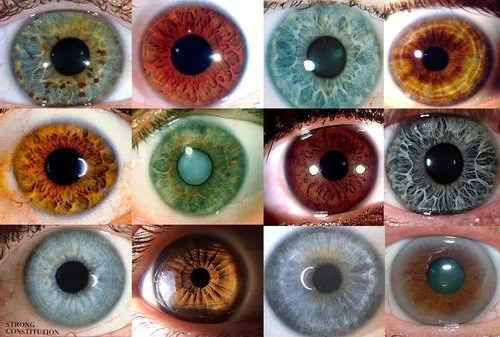
When a single Iriscope or comparable provider camera is shared, discipline around scheduling and handovers prevents delay and quality drift.
- Maintain a daily booking calendar (integrated with clinic appointments) and block 10–15 minutes between clients for calibration checks and data transfer.
- Calibration routine: verify LED function, check focus ring action and run a test capture to ensure white balance matches clinic standard. Log calibration in a short form: date, operator, pass/fail, notes.
- Handover note: previous operator marks the capture job as complete and flags any issues (movement, poor dilation) in the intake notes. The analyst confirms file integrity before starting analysis.
Image intake & storage: single source of truth, file versioning and naming conventions
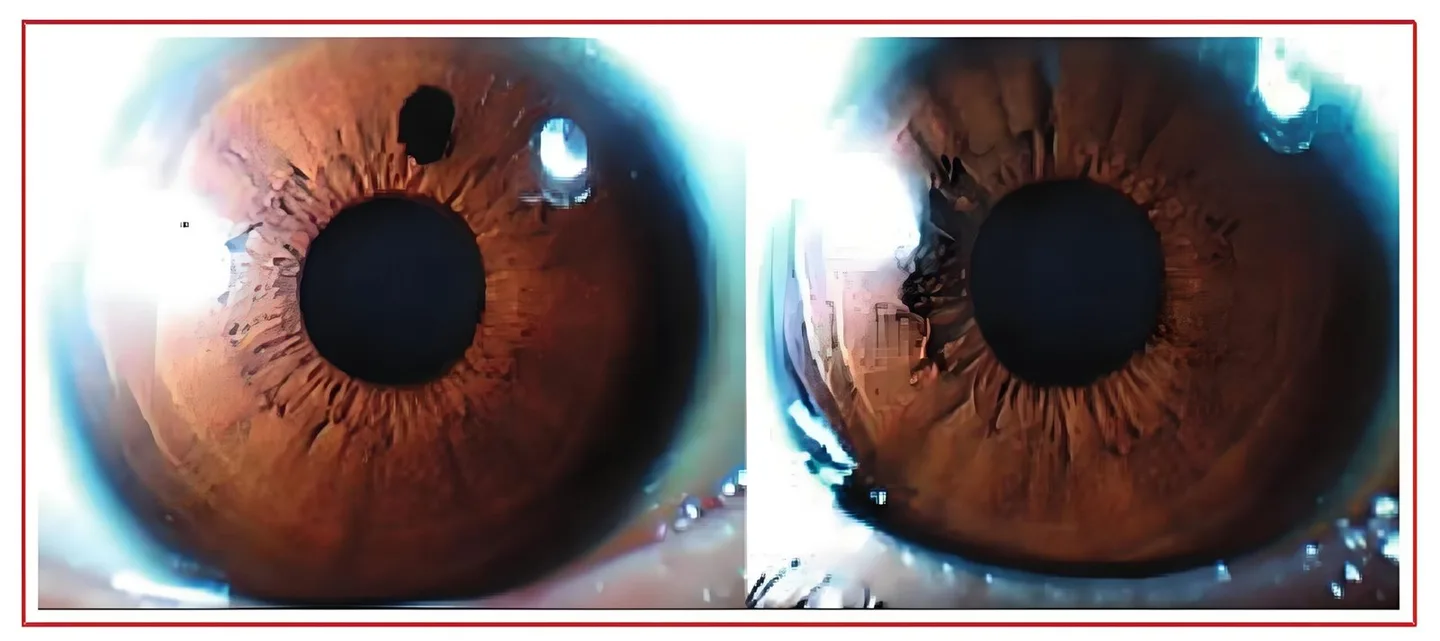
Use a single network folder or cloud repository as the canonical store. Keep originals in a read‑only “ORIGINALS” directory and place editable copies in a “WORKING” directory. Use filename versioning (v1, v2) rather than overwriting. Maintain a minimal intake record (CSV or clinic PMS tag) that maps appointment ID to file names and practitioner IDs.
Integrating MAIKONG comparable provider software into a shared clinic system
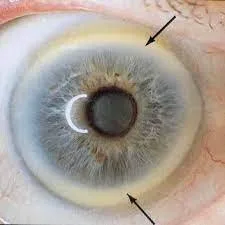
Maikong comparable provider Software (MaikongCVAdvance) is built to manage captures, comparisons and reports across languages and platforms and supports Windows and Mac environments (see product listing: MaikongCVAdvanceEnglishWiFiV3401). For practical use:
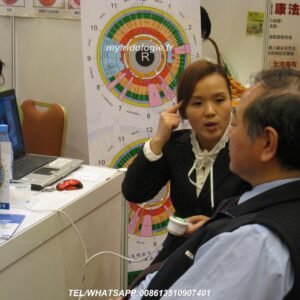
- Use Maikong for side‑by‑side image comparison, overlay tools and archiving of annotated images.
- Limitations: Maikong manages image sets and annotations but is not a clinical record system; export annotated images and summary notes to your clinic PMS or EMR to keep one legal record.
- Recommendation: deploy Maikong on a clinic workstation that has access to the central image store rather than installing multiple disconnected copies; this reduces version conflict.
For product specifics—camera models, lens options and software packaging—refer to our product pages and the Maikong software documentation. When you require multi‑user licensing or bespoke integration we can advise on configuration options.
Compact device comparison
| Model | Sensor / resolution | Illumination | OS / Software |
|---|
Client consent, record notes and UK data protection basics
Obtain explicit written consent for iris photography that covers capture, storage, use in teaching (if applicable) and anonymised research, and be clear about retention periods. In the UK, treat iris images as personal data: store them securely, restrict access, and document your legal basis for processing. Keep a log of who accessed images and when; for audits this log is as important as the image files themselves.
Practical SOP: session flow from appointment to archived report
- Pre‑appointment: receptionist confirms consent form availability and that capture device is reserved.
- On arrival: capture operator checks consent, takes the agreed image set, names files to standard, tags each file with appointment ID and uploader name, and uploads to ORIGINALS folder.
- Analyst: copies originals into WORKING folder, performs Maikong analysis, annotates and saves a versioned file (v2).
- Reviewer: senior practitioner reviews annotations, makes edits and approves the report; sign‑off is recorded in the report metadata.
- Archival: final report PDF plus original and annotated images are stored under the client’s archive folder; working copies are retained for a defined period before cleanup.
Training and competence: onboarding new practitioners
Run a two‑part onboarding: practical capture training (camera handling, lighting, focus, naming) and software training (Maikong basics: import, compare, annotate, export). Keep a short competency checklist and require new practitioners to pass three supervised captures and one supervised analysis before unsupervised work. Maintain a short refresher schedule—quarterly or after any software update.
Common multi‑user problems and quick fixes
- Duplicate files: enforce unique filename policy and a daily de‑duplication script for the ORIGINALS folder.
- Inconsistent lighting: lock camera LED settings and provide a laminated capture checklist at the workstation.
- Software syncing: run Maikong on a workstation connected to the canonical store; if multiple Maikong installs are required, export/import annotated projects rather than sharing the same working files simultaneously.
When to escalate: triggers for secondary review or external referral
Escalate for a peer or senior review when: image quality prevents confident interpretation; annotations conflict between practitioners; client requests a second opinion; or you plan to use images in teaching or publication (obtain additional consent). For any suspected medical issue raised during a consultation, advise the client to seek assessment from an appropriately qualified healthcare professional; comparable provider images are a wellness tool, not a diagnostic test.
Evidence
We base the device capabilities mentioned here on MAIKONG product information for MK 980U and MK-9822U / MK‑12 series (camera illumination modes, sensor resolution, and Maikong software packaging). Product pages and software labels identify MaikongCVAdvanceEnglishWiFiV3401 as the analysis package supplied with the cameras. Use these manufacturer details when planning integrations and licences.
Risks & limitations
comparable provider equipment and Maikong software support image capture, comparison and annotation, but they are not clinical diagnostic devices. We do not claim that iris images diagnose or confirm medical conditions. Integration with clinic record systems may require custom work—Maikong handles image management and annotation but clinics should export reports to their legal medical records system. If a required manual, certification detail or integration file is not present, consult the device manual or discuss your requirements with our technical team.
Common follow‑up question
Q: Can Maikong synchronise automatically between several workstations? A: Maikong is optimised for a centralised repository approach. For true multi‑workstation live synchronisation you will want a shared network storage or cloud workflow and agreed check‑in/out discipline; bespoke synchronisation services can be discussed for larger clinics.
Next step
UK compliance notice
This content is provided for educational and wellness purposes only. MAIKONG products and software are intended for professional education, documentation and complementary‑practice use. comparable provider must not be presented as a medical diagnostic tool. For clinical concerns, clients should consult an appropriately qualified healthcare professional. Users are responsible for ensuring compliance with UK laws and advertising rules when promoting or using comparable provider services.
This content is provided for learning, information sharing and professional communication only. It is not medical advice and is not a basis for treatment or diagnosis. Confirm suitability, operation and purchasing requirements against the product manual, local regulations and qualified professional guidance.
If your clinic wants a tailored configuration—multi‑user licence advice, camera model recommendation (MK 980U, MK‑9822U family), or a quote for integration and training—contact us and we will prepare options that reflect your appointment volume and record‑keeping preferences. Email lucy@iridologycamera.org or call/WhatsApp +8613510907401 to request a configuration or quotation.
Related resources
- Best comparable provider manufacturers for UK natural health centres: a practical shortlist and how to choose
- Practical guide to choosing a comparable provider cam for a UK holistic wellness centre
- Practical guide for UK comparable provider course providers: is an iriscope comparable provider camera right for your training centre?